

★★★★★Bitoey KK.
Again This game also keeping me alive from a bored office!
Brick Out is a HTML5 Arcade Game - Destroy all the bricks and collect any falling power-ups to move to the next level.
by unblocked games · 18 listings
2 images from the publisher · use the arrows or pick one · swipe or pick one

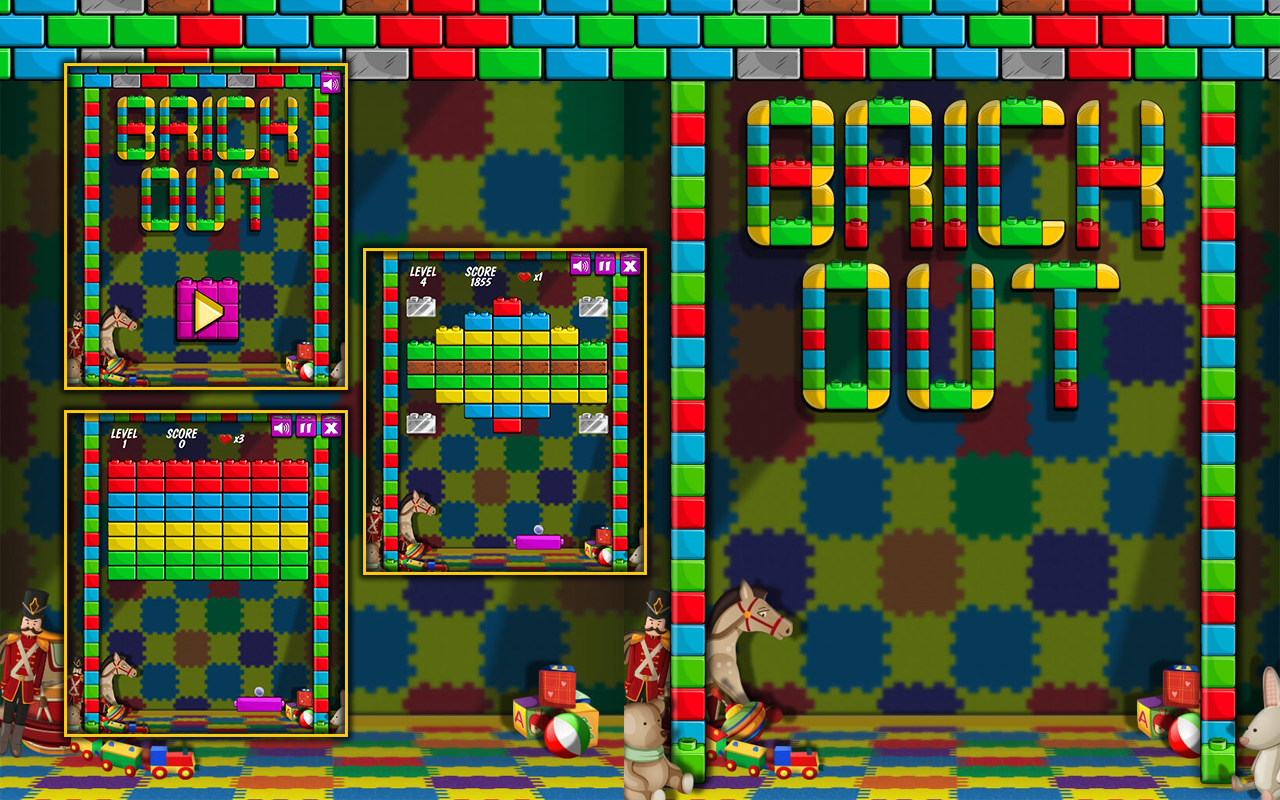
INTRODUCTION
Play Brick Out on your Google Chrome Browser with our simple & lightweight extension - No Internet required, no ADS, and 100% Free!
HOW TO PLAY?
See on the game
CONTACT
Please feel free to contact us at: https://www.w3technic.com/contact
PRIVACY POLICY
Read at: https://www.w3technic.com/privacy-policy
USER'S REVIEWS
....
WHAT'S NEW?
v1.0.0
- First release
Again This game also keeping me alive from a bored office!
This page shows the listing as it is today. Add it to Radar and get one email when it changes.

What it is, what to use instead, what it can access and how to fix it.
Brick Out Game is a Games extension by unblocked games with 811 users. Chrome Web Store users rate it 5.00 out of 5 from 7 ratings, which is still a small sample. By users it sits in the top 25% of Games extensions.
Brick Out Game asks for no special permissions, which keeps its access to your browsing small.
Permissions show what it could do, not what it does.
No new reviews were posted in the last 90 days, so there are no fresh complaint signals.
Still stuck? Contact the maker or try an alternative.
Track any extension on Radar: users, rating, permissions and store text, with one email when something moves.


