

★★★★★SERVIHOGAR VALENC-IA (NutriCosmetica)
muy bueno, funciona rápido, y casi no tiene errores
Let Convert webpage to PDF simplify your workflow! Our tool converts webpages, saves them as PDFs, and keeps their original look.
by Convert webpage to PDF · 1 listing
3 images from the publisher · use the arrows or pick one · swipe or pick one


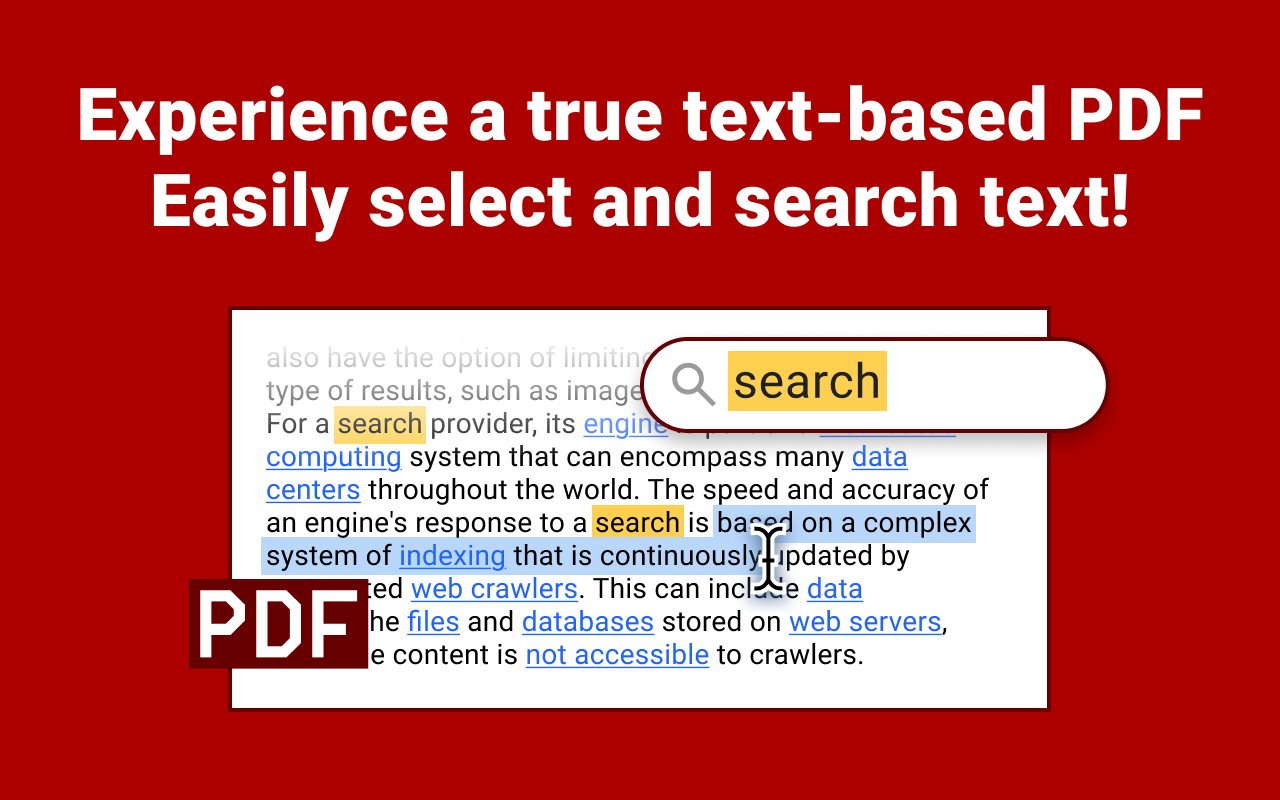
This simple yet powerful extension is perfect for users who need a reliable tool to convert webpage to pdf in Chrome.
Key features
1️⃣ One-click: Simply click to turn webpage into PDF. We make the process fast and efficient.
2️⃣ Retain original layout: Your files will maintain the original look of the page, preserving text, images, and layout.
3️⃣ Save webpage as PDF Chrome: This tool offers high-quality conversion for users who need to convert internet pages.
4️⃣ Whole page screenshots: Need to screenshot entire webpage? Now you don’t have to Google how to save a webpage as a pdf anymore!
FAQs
❓ How do I install?
To install our app, go to the Chrome Web Store and select Add to Chrome. It will be added to your browser, and you can start using it.
❓ How to convert a webpage to PDF in chrome format using your extension?
To convert a webpage to a PDF, click our extension icon and your file will be generated in seconds.
❓ How to save internet page as pdf?
Our extension provides a smooth way. You can save any internet page as PDF by following the simple steps.
❓ Can I use this extension to save entire webpages? Absolutely! Our Convert webpage to PDF tool became an excellent solution for saving internet pages.
❓ If I encounter a problem while using convert webpage to pdf, is there a customer support available?
Feel free to contact us directly via email or leave a ticket in the Chrome Web Store. We’ll be glad to help!
❓ I have some ideas and feedback for chrome screenshot. Can I share them with the developers?
Our team is always open to hearing from our users. Don't hesitate to send in your proposals, ideas, or reviews. We value what you have to say.
Additional benefits
⚡ No software needed: This converter works directly in Chrome.
⚡ Reliable formatting: Whether you’re converting a blog post or a detailed research, the extension ensures accurate styling.
⚡ Perfect for whole page screenshots: If you’re tired of piecing together screenshots, this extension can save the entire page as a PDF with one click.
⚡Save to your device or cloud: You can save it directly to your device or then upload it to your Cloud.
Convert webpage to PDF is the ultimate Chrome extension to start downloading, archiving and sharing PDFs instantly! Happy downloading, archiving and sharing documents instantly!
muy bueno, funciona rápido, y casi no tiene errores
foi muito que transformou na hora e m pdf
Perfeito, me atende sem restrições até o momento!
1 star because they recently introduced a limit of just 5 free downloads per month. What a joke! There are plenty of alternatives from other developers that offer the exact same PDF conversion functionality without such restrictions. Goodbye!
It is not a free app. You will only know this when you first try it. You can't find this information in the app description.
önce yıldız ekletiyor ücretsizmiş gibi . sonra 5-6 sayfa kaydından sonra pro filigranı ekliyor.
This page shows the listing as it is today. Add it to Radar and get one email when it changes.

What it is, what to use instead, what it can access and how to fix it.
Convert webpage to PDF is a Tools extension by Convert webpage to PDF with 30K users. Chrome Web Store users rate it 4.52 out of 5 from 408 ratings. By users it sits in the top 1% of Tools extensions.
Convert webpage to PDF asks for 6 permissions and access to 1 site pattern. 2 of them give wide access.
Permissions show what it could do, not what it does. See the full permission list.
downloadsManage your downloadsdebuggerTake full control of pages through the debuggerhttps://*.convert-webpage-to-pdf.com/*downloadsdebuggercontextMenusactiveTabscriptingstorageSensitive marks access that reaches your data or other sites. The access level is a 0 to 100 score of all of it: under 25 is Low, 60 and up is High.
1 star1 star because they recently introduced a limit of just 5 free downloads per month. What a joke! There are plenty of alternatives from other developers that offer the exact same PDF conversion functio…
1 starIt is not a free app. You will only know this when you first try it. You can't find this information in the app description.
Still stuck? Contact the maker or try an alternative.
Track any extension on Radar: users, rating, permissions and store text, with one email when something moves.


