
Skip to content
Ask Claude about any Chrome extension, answered with Ext Watch data. See how →
Just for Fun extension

CPS Test with Clicks Tracking

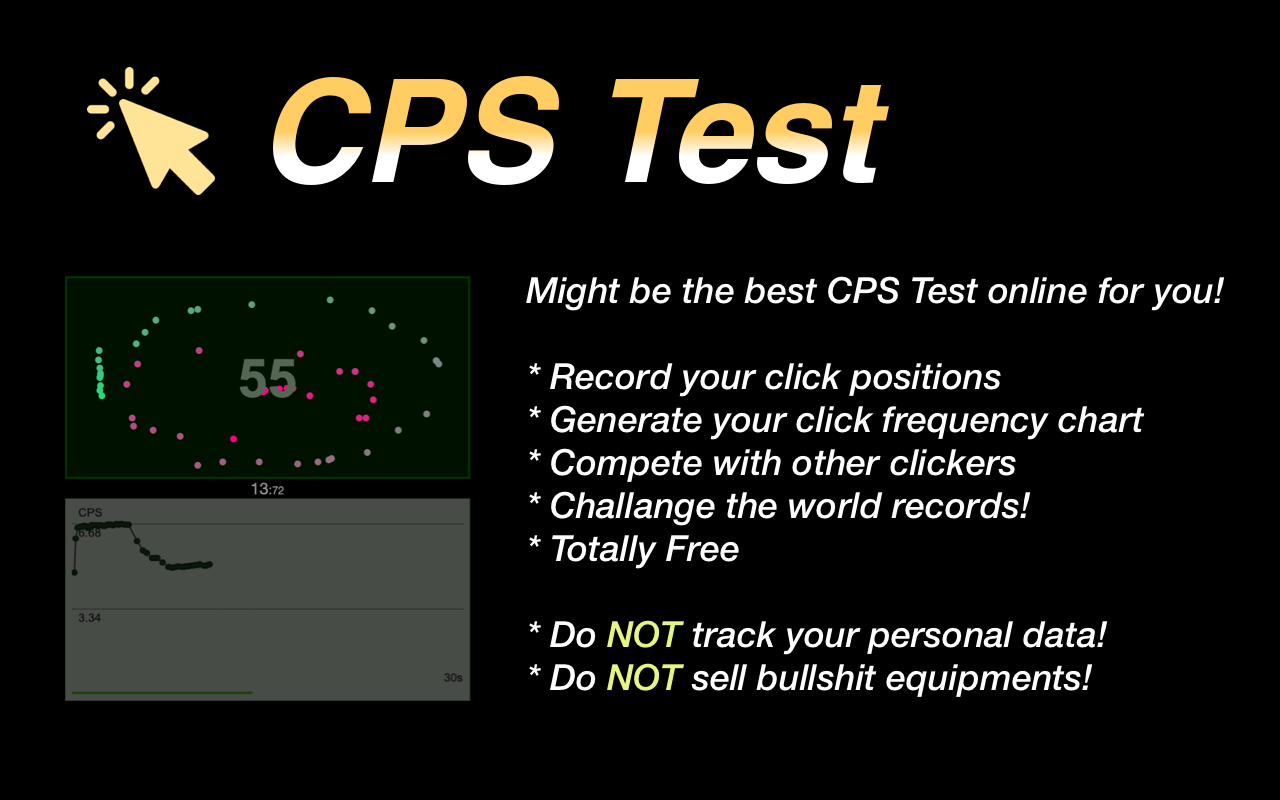
Test your Clicks Per Second in 8 different modes now! Also, get to know how fast you can click with a detailed click-tracking-map.

by Awesome Extensions · 19 listings·arealme.com

Add to RadarChrome Web Store Free plan tracks 1 extension · no card
extwatch.com/extensions/cps-test-with-clicks-tracking-pbnkockhobmklmokpgkmngoalckimhlg
CPS Test with Clicks TrackingAwesome Extensions · Just for FunLow access
Users
9,000+
#376 of 8,648 in category
Rating
4.00
16 ratings · median 4.44
Version
3.2
65.79 KiB · Manifest V3
Access
Low2/100
1 permission
From the store listing

Screenshots

2 images from the publisher · use the arrows or pick one · swipe or pick one
CPS Test with Clicks Tracking screenshot 1CPS Test with Clicks Tracking screenshot 2
1 / 2

Description

As written by the publisher on the store

CPS test stands for Click-Per-Second test. It can be a 1/3/5/10/15/30/60/100-second simple test. You need to click as many times as possible before time's up. Feel free to try as many times as you want. Make sure to get your best score (CPS - Click Per Second). According to our big data, the average CPS is 6.63, and the world record was said to 14.1 according to Google. People may get a bit higher score on mobile/tablet than desktop. Can you beat this?

Update: Jan 25, 2024

Fixed bugs and rebuilt with Manifest V3

Update: Aug 4, 2021

Fixed the dark-theme icon.

Last update: Aug 4, 2021 (Version 2.3 )

Test your CPS on the fly in the popup now!

Powered by https://www.arealme.com/click-speed-test/en/

Ratings and reviews

Split of the 12 written reviews we hold
Reviews on the store
4.0016 ratings on the store
12 written reviews we hold
5 ★58.3%7
4 ★0.0%0
3 ★16.7%2
2 ★8.3%1
1 ★16.7%2
QeeRay Gu

Best cps test. I love the realtime chart and cps updates!

Qianyun Xiao

This is an awesome extension to test your cps speed. Small and fast!

Saku Tuominen

why is everyone flexing that they got like 20cps i got 485cps and the whole extention crashed i didnt even use auto clicker btw i got 6217cps when i tryed in a website

Joe Biby

Works. btw, I have a CPS of 8 with one finger and 13 with two!

Platior

I clicked so fast that the web page freeze

Chandrashish Majumder

why the world record is 15 cps while mine is 60 cps! and its a redirect only lol?!

Radar

Track CPS Test with Clicks Tracking on Radar

This page shows the listing as it is today. Add it to Radar and get one email when it changes.

  • Users and rating
  • Store text and screenshots
  • Permissions it asks for
Free plan tracks 1 extension · no card
Ext Watch Radar watchlist cards showing tracked extensions with users, rating, version and latest store change
Guide

CPS Test with Clicks Tracking, in plain words

What it is, what to use instead, what it can access and how to fix it.

At a glance

CPS Test with Clicks Tracking at a glance

CPS Test with Clicks Tracking is a Just for Fun extension by Awesome Extensions with 9,000 users. Chrome Web Store users rate it 4.00 out of 5 from 16 ratings, which is still a small sample. By users it sits in the top 5% of Just for Fun extensions.

By users
#376of 8,648 in Just for Fun
Rating
4.00category median 4.44
Access
Low2 of 100

CPS Test with Clicks Tracking alternatives

Closest by what they do · users as the store shows them
CPS Test with Clicks Tracking9K4.00 ★
Snake500K4.4 ★2048400K4.8 ★Auto Clicker300K3.2 ★Flappy Bird Offline200K3.9 ★Uncanny Cookie Clicker100K4.2 ★
Permissions

Is CPS Test with Clicks Tracking safe?

CPS Test with Clicks Tracking asks for 1 permission. None of them are on our list of wide-access permissions.

Permissions show what it could do, not what it does. See the full permission list.

2/ 100Low access
CPS Test with Clicks Tracking1 permission
  • contextMenusNot on our wide-access list

Every permission CPS Test with Clicks Tracking asks for

1 permission · none sensitive · Low access overall

Browser permissions · 1

  • Add items to the right-click menucontextMenus

Sensitive marks access that reaches your data or other sites. The access level is a 0 to 100 score of all of it: under 25 is Low, 60 and up is High.

Troubleshooting

CPS Test with Clicks Tracking not working?

What recent reviews say

Store reviews from the last 90 days

No new reviews were posted in the last 90 days, so there are no fresh complaint signals.

Common fixes

Try them in this order
  1. 1Update Chrome and the extension
  2. 2Turn it off and on in chrome://extensions
  3. 3Reload the page
  4. 4Turn other extensions off in case two clash

Still stuck? Contact the maker or try an alternative.

297,753 Chrome extensions in one place

Know when a listing changes

Track any extension on Radar: users, rating, permissions and store text, with one email when something moves.

No credit card neededFree ExplorerAsk Claude about any extension