

★★★★★Heri Heru
sangat berguna, memaksa halaman web jadi hitam, sangat nyaman apalagi pakai layar oled
Dark mode for every website. Take care of your eyes, use dark theme for night and daily browsing.
by Dark Reader Ltd · 2 listings·darkreader.org
4 images from the publisher · use the arrows or pick one · swipe or pick one

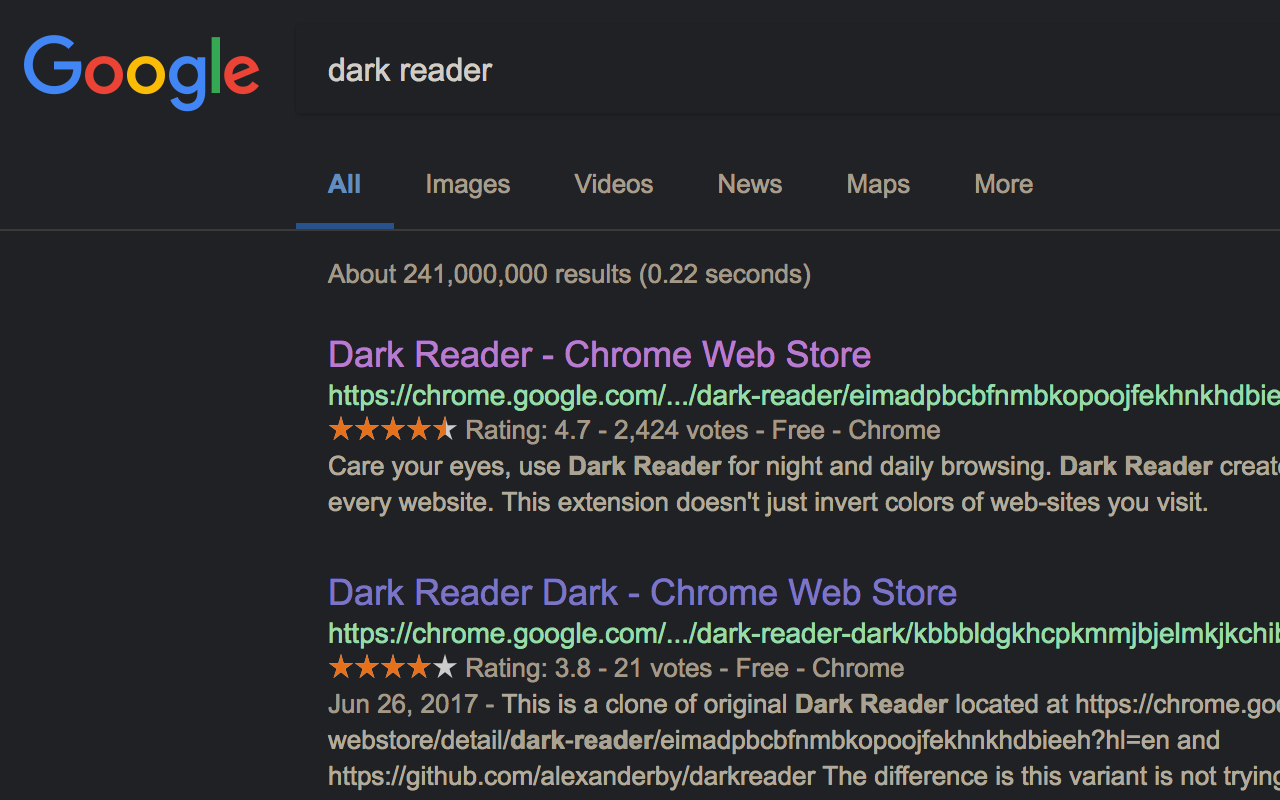


This eye-care extension enables night mode by creating dark themes for websites on the fly. Dark Reader inverts bright colors to make web pages high contrast and easier to read.
Adjust brightness, contrast, the sepia filter, font preferences. Enable dark mode on every web page or give websites a sepia tone. Enable or disable Dark Reader for specific websites, automatically sync with system dark mode, or detect already dark websites and leave them unchanged.
This is the original Dark Reader extension. Since 2014, we continuously evolve alongside modern web technologies to deliver fast and reliable dark mode support for people sensitive to bright light.
By installing the extension you agree to these terms of use https://darkreader.org/terms/
Please disable similar extensions to avoid conflicts. Enjoy browsing!
sangat berguna, memaksa halaman web jadi hitam, sangat nyaman apalagi pakai layar oled
Não conseguia utilizar o ChatGPT direito por conta do fundo, essa extensão salvou minha visão!
10月28日更新后,会使得浏览器出现“错误代码: STATUS_ACCESS_VIOLATION”,导致页面直接加载失败,之前一切正常,就是这次更新后出现的问题,评论区看到不少人也出现了这个问题,希望尽快修复!谢谢!!!
google docs has been hurting my damn eyes at midnight lol. thank you for this extension 10/10 would recommend
this should have a higher rating. this is a very ingenuitive app. Easy to use, great app!
時間設定しているのに勝手にダークモードになるようになった。 再設定してもブラウザを再起動するともとに戻る。
This page shows the listing as it is today. Add it to Radar and get one email when it changes.

What it is, what to use instead, what it can access and how to fix it.
Dark Reader is an Accessibility extension by Dark Reader Ltd with 7M users. Chrome Web Store users rate it 4.29 out of 5 from 13,295 ratings. By users it sits in the top 1% of Accessibility extensions.
Dark Reader asks for 4 permissions and access to every website. One of them gives wide access.
Permissions show what it could do, not what it does. See the full permission list.
<all_urls>Read and change data on every website*://*/*alarmsfontSettingsscriptingstorageSensitive marks access that reaches your data or other sites. The access level is a 0 to 100 score of all of it: under 25 is Low, 60 and up is High.
Themes in the 18 most recent low reviews. One review can raise more than one.
Still stuck? Contact the maker or try an alternative.
Track any extension on Radar: users, rating, permissions and store text, with one email when something moves.


