

★★★★★Sonia Y
Amazing extension, super helpful! Was skeptical of the timer function at first, but am pleasantly surprised by how much I like it.
Focus for Google Docs helps you enter the writing flow by decluttering Google Docs and adding a pomodoro timer.
by Joel Grayson · 2 listings
3 images from the publisher · use the arrows or pick one · swipe or pick one

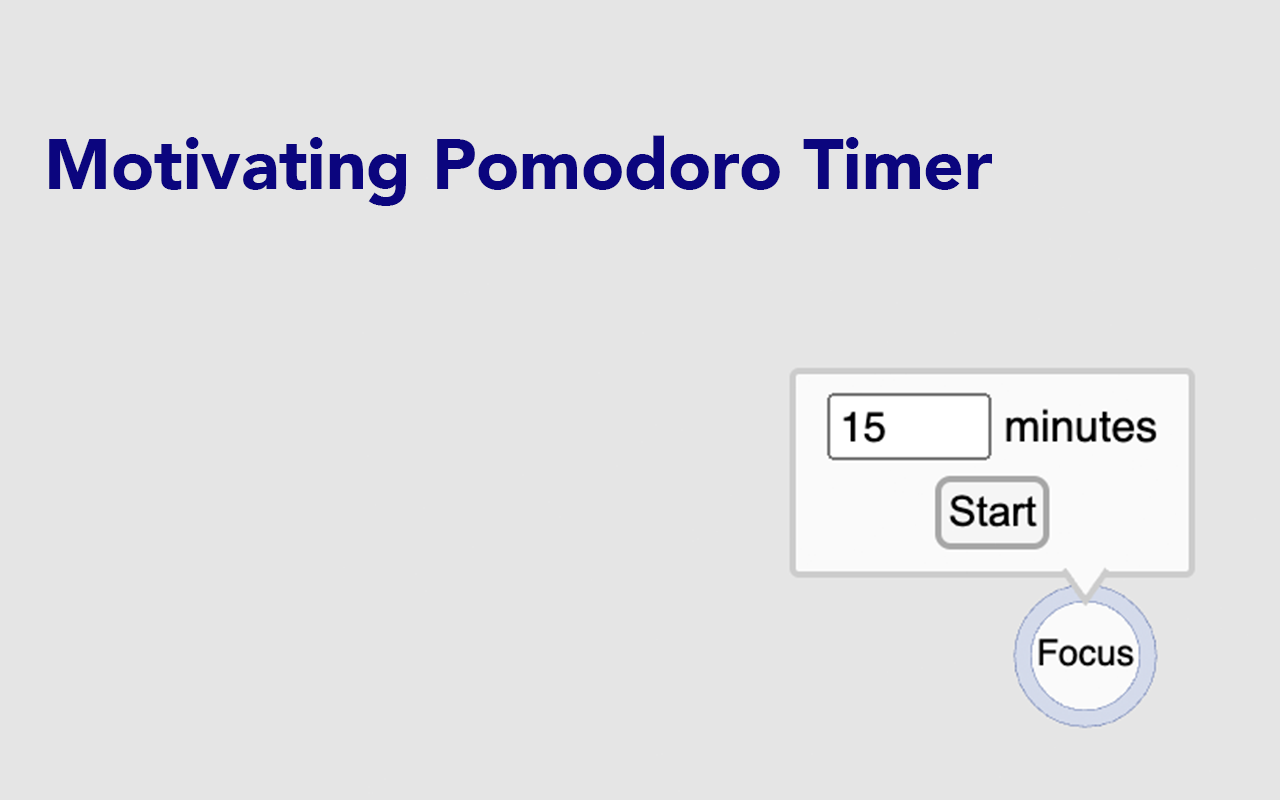

Clicking the extension icon opens a popup to modify the settings.
Amazing extension, super helpful! Was skeptical of the timer function at first, but am pleasantly surprised by how much I like it.
Amazing extension, it's helped me so much. Even collapsing the formatting options into a tiny bar in default Docs isn't enough, I need the page to be completely clear of clutter, which this does excellently. There is a slight inconvenience, being that every time I accidentally press escape, the distracting menus and stuff return and I'm not sure how to remove them again without exciting and re-entering focus mode -…
eeeeh yeah. i mean you cant exactly get the controls back afterwards. idk if this is just a glitch but ¯\_(T▽T)_/¯
Oh my GOSH finally. The other extension like this broke, and my OCD makes it so, so hard to write on anything but a blank, simple, calm screen. You're gonna help me finish my MSt thesis, THANK YOU. Please don't let this one glitch like the other.
This page shows the listing as it is today. Add it to Radar and get one email when it changes.

What it is, what to use instead, what it can access and how to fix it.
Focus for Google Docs is a Tools extension by Joel Grayson with 1,000 users. Chrome Web Store users rate it 4.73 out of 5 from 11 ratings, which is still a small sample. By users it sits in the top 5% of Tools extensions.
Focus for Google Docs asks for 3 permissions. One of them gives wide access.
Permissions show what it could do, not what it does. See the full permission list.
tabsSee the address and title of every open tabtabsbackgroundstorageSensitive marks access that reaches your data or other sites. The access level is a 0 to 100 score of all of it: under 25 is Low, 60 and up is High.
No new reviews were posted in the last 90 days, so there are no fresh complaint signals.
Still stuck? Contact the maker or try an alternative.
Track any extension on Radar: users, rating, permissions and store text, with one email when something moves.


