I just picked up a full size 15.6 Chromebook and while I love it, I hate that the Chrome browser takes up so much space at the top of a webpage. This is an easy fix. Let's hope that Google doesn't decide to do an update that this developer can't meet the conditions of. Great extension so far.
Full Screen Button
- 9,000+ users
- 4.6868 ratings
- #2,022in Tools
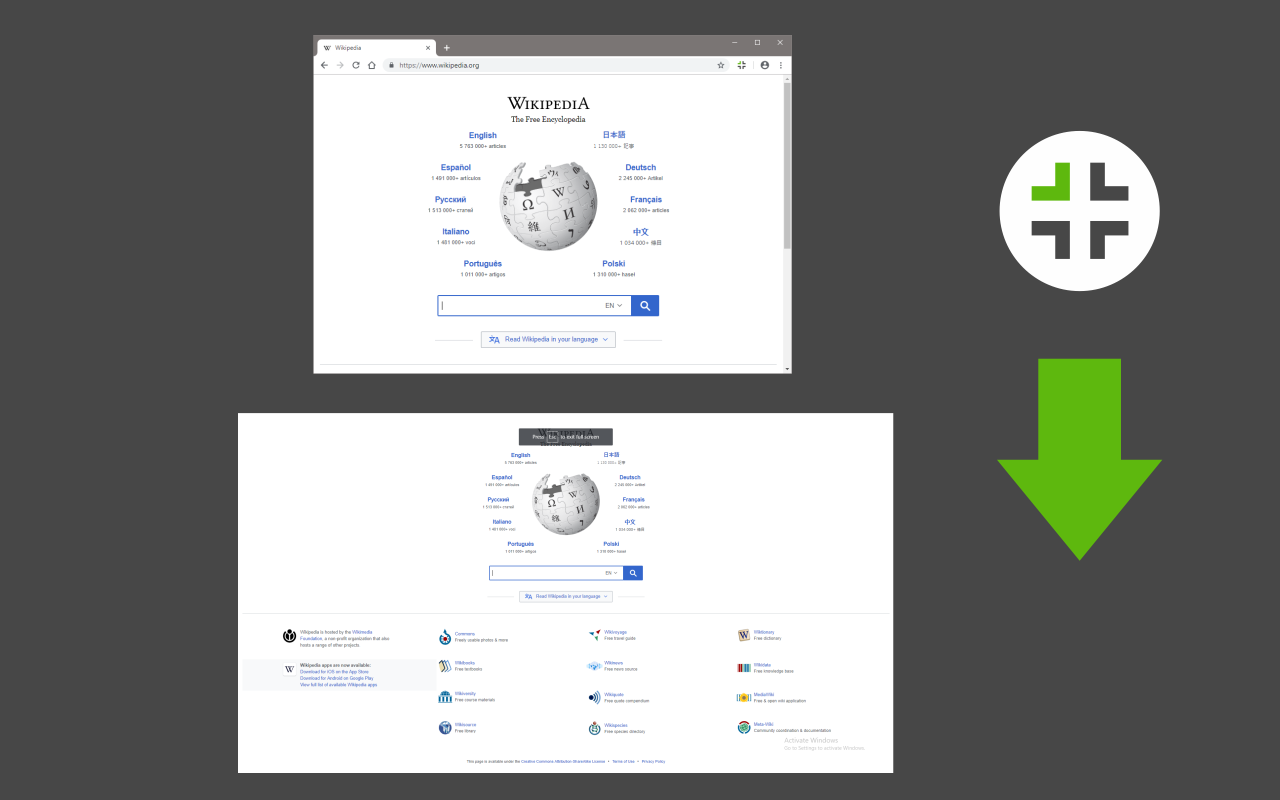
Easily switch to full-screen view from toolbar!
by Sevina · 19 listings
- Users
- 9,000+
- #2,022 of 117,884 in category
- Rating
- 4.68
- 68 ratings · median 4.59
- Version
- 0.1.4
- 31.97 KiB · Manifest V3
- Access
- Low16/100
- 3 permissions
Description
As written by the publisher on the storeFull Screen Button is a simple extension for your browser that helps you full-screen the current tab.
There is also an option which let you maximize the active "video" element (if it is playing) instead of the tab. Please note that, you can disable this setting from the option's page. You can also use the keyboard shortcuts to maximize the active tab (Ctrl+Shift+F).
If you have a feature request, or found a bug to report, please fill out the bug report form on the add-on's homepage (https://mybrowseraddon.com/fullscreen-button.html).
Ratings and reviews
Split of the 48 written reviews we hold48 written reviews we hold
起作用,此扩展不像其他扩展那样全屏后再退出全屏原窗口就最小化了,这个很好。 如果能增加更多图标选择(目前的图标确实不怎么样)或者可以增加自定义图标功能就更好了
It works everywhere except on chrome:// pages, including chats with Gemini. That's ok. The icon is beautiful and it seems to have a dark mode version, and when I exit full-screen, the Chrome window (in Windows) goes back to the Maximized state that I keep Chrome in. It's the only full screen button extension that does this. All of the others put Chrome to a non-Maximized state when exiting full-screen. So, combinin…
Nice but doesn't work with the Material Me New Tab extension which i use extensively
It used to work but now it automatically exits full screen view every time you click anything in the website you're on.
I have 2 problems with this addon, which makes me don't want to use it: - no way to change the default keyboard shortcut in Brave, the options page does not include this setting - switching back from fullscreen mode using just the keyboard can be only done by hitting the Escape button, the keyboard shortcut does not exits it. It should work like the F11 button, which toggles the fullscreen mode.

Track Full Screen Button on Radar
This page shows the listing as it is today. Add it to Radar and get one email when it changes.
- Users and rating
- Store text and screenshots
- Permissions it asks for

Full Screen Button, in plain words
What it is, what to use instead, what it can access and how to fix it.
Full Screen Button at a glance
Full Screen Button is a Tools extension by Sevina with 9,000 users. Chrome Web Store users rate it 4.68 out of 5 from 68 ratings. By users it sits in the top 5% of Tools extensions.
- By users
- #2,022of 117,884 in Tools
- Rating
- 4.68category median 4.59
- Access
- Low16 of 100
Full Screen Button alternatives
Closest by what they do · users as the store shows themIs Full Screen Button safe?
Full Screen Button asks for 3 permissions. None of them are on our list of wide-access permissions.
Permissions show what it could do, not what it does. See the full permission list.
storageNot on our wide-access listscriptingNot on our wide-access listactiveTabNot on our wide-access list
Every permission Full Screen Button asks for
3 permissions · none sensitive · Low access overallBrowser permissions · 3
- Save its own settings
storage - Run its code on pages it can access
scripting - Work on the tab you click it on
activeTab
Sensitive marks access that reaches your data or other sites. The access level is a 0 to 100 score of all of it: under 25 is Low, 60 and up is High.
Full Screen Button not working?
What recent reviews say
Store reviews from the last 90 days1 starIt used to work but now it automatically exits full screen view every time you click anything in the website you're on.
2 starsI have 2 problems with this addon, which makes me don't want to use it: - no way to change the default keyboard shortcut in Brave, the options page does not include this setting - switching back from …
Common fixes
Try them in this order- 1Update Chrome and the extension
- 2Turn it off and on in chrome://extensions
- 3Reload the page
- 4Turn other extensions off in case two clash
Still stuck? Contact the maker or try an alternative.
Know when a listing changes
Track any extension on Radar: users, rating, permissions and store text, with one email when something moves.