

★★★★★Evaristo Guerrero Alarcon
La aplicación esta muy bien, pero da error al guardar y al imprimir: Código numérico: 3568
Adds a download button to each Gmail message to download the original email.
by RecoveryTools Inc · 6 listings
5 images from the publisher · use the arrows or pick one · swipe or pick one



Overview: The Gmail Message Backup Tool allows users to access and save emails from their Gmail account. Emails can be stored in PDF or EML formats, allowing for data safety and long-term offline conservation. This tool offers an effective alternative to manual methods and provides selective backup.
The user must go through the time-consuming manual method, which takes a long time, to download emails. We take advantage of the tool for gmail message backups, which allows downloading of gmail emails, simplifying the whole process. The message can be stored offline for a long time due to the tool. This tool offers selective backup and data protection.
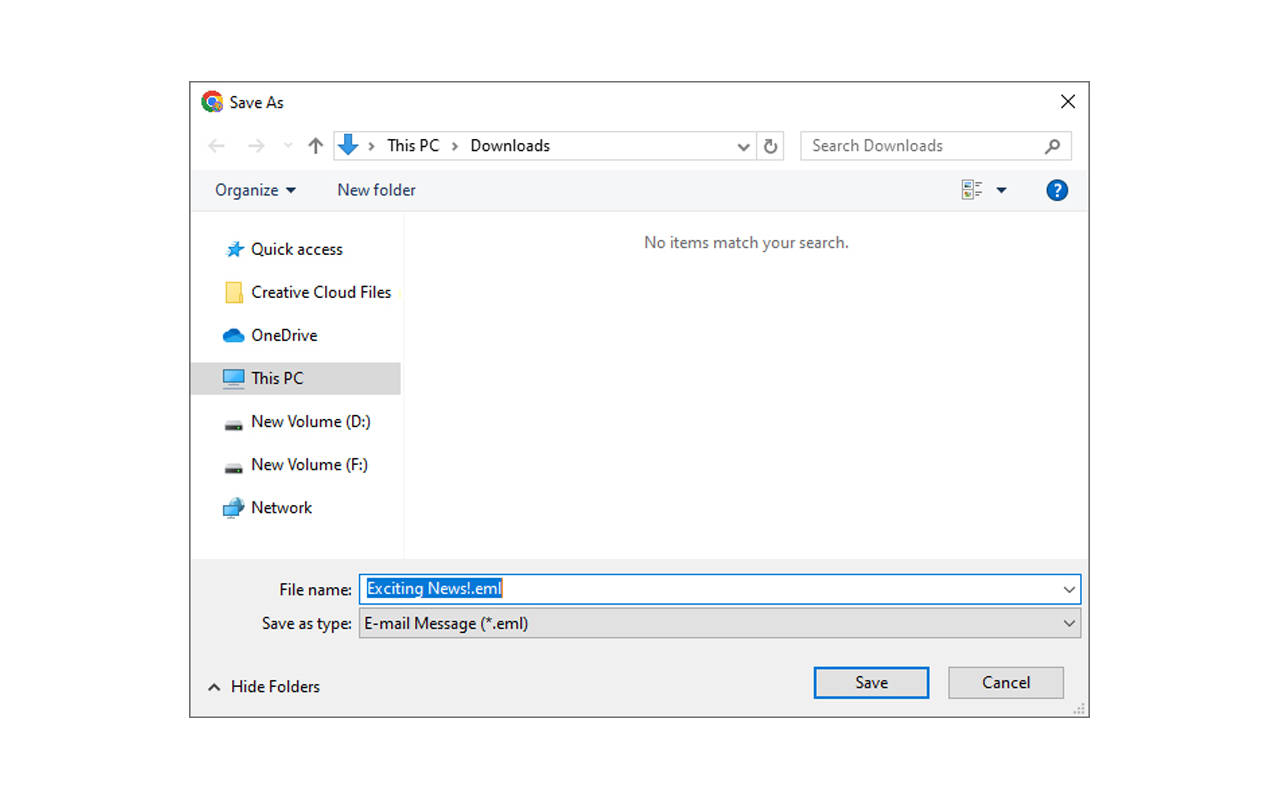
This tool provides the advanced feature to directly download the email in the system in the EML file format. You will find the downloading option in the inbox, social, and promotional folders as well as in the individual email folders, by using this automated method users can easily save all the emails in a few clicks.
You can migrate the messages along with the attachment, from a particular folder by clicking on the download option at the top right corner of the email. This will save your emails in the EML format as well as in PDF format.
La aplicación esta muy bien, pero da error al guardar y al imprimir: Código numérico: 3568
Funciona perfectamente bien. Agrega dos botoncitos a cada correo para descargarlos en PDF o en EML y guarda el mensaje en un PDF, completamente ordenado desde el mensaje más nuevo arriba a más antiguo abajo, sin ningún gráfico extra y muy sencillo, con el nombre del asunto del correo como nombre del archivo PDF.
The Gmail Message Backup Extension is an amazing tool that lives up to its promises. I recently started using it, and I must say that it has exceeded my expectations in all aspects. It is dependable, very functional, and simple to use. This plugin is a great option whether you need to backup a few emails or your complete Gmail account. To anyone searching for a stable email backup solution, I highly suggest it.
Gmail Message Backup Extension is the best software for anyone who needs to backup Gmail emails and protect their data for future purpose. It has truly exceeded all my expectations and delivered exactly the result I wanted with 100% accuracy. Easy-to-use interface, powerful features and excellent performance features make it a must-have solution for Gmail users. I recommend this plugin to anyone looking for a reliabl…
Doesn't work anymore, a GMail's "Temporary Error (500)" will always appear right after trying to download a message.
Not useful in multiple message download. It downloads in a column that keeps on expanding until messages are no longer visible. It's more efficient to just open each message, highlight which ones to print and save as PDF. That way the messages are properly aligned and shown to read the conversation instead of having the same repeated conversation in each message!!!
This page shows the listing as it is today. Add it to Radar and get one email when it changes.

What it is, what to use instead, what it can access and how to fix it.
Gmail Message Backup is a Tools extension by RecoveryTools Inc with 1,000 users. Chrome Web Store users rate it 3.75 out of 5 from 8 ratings, which is still a small sample. By users it sits in the top 5% of Tools extensions.
Gmail Message Backup asks for 1 permission and access to 2 site patterns. One of them gives wide access.
Permissions show what it could do, not what it does. See the full permission list.
downloadsManage your downloadshttps://mail.google.com/https://mail-attachment.googleusercontent.com/downloadsSensitive marks access that reaches your data or other sites. The access level is a 0 to 100 score of all of it: under 25 is Low, 60 and up is High.
No new reviews were posted in the last 90 days, so there are no fresh complaint signals.
Still stuck? Contact the maker or try an alternative.
Track any extension on Radar: users, rating, permissions and store text, with one email when something moves.


