

★★★★★Vinit Rawat
Helped me with my menial cropping and resizing task. very easy to use and very fast.
Easily resize, optimize, and convert images directly from your browser with our lightweight Image Resizer extension.
by BonusLyf · 2 listings·image-res.netlify.app
4 images from the publisher · use the arrows or pick one · swipe or pick one


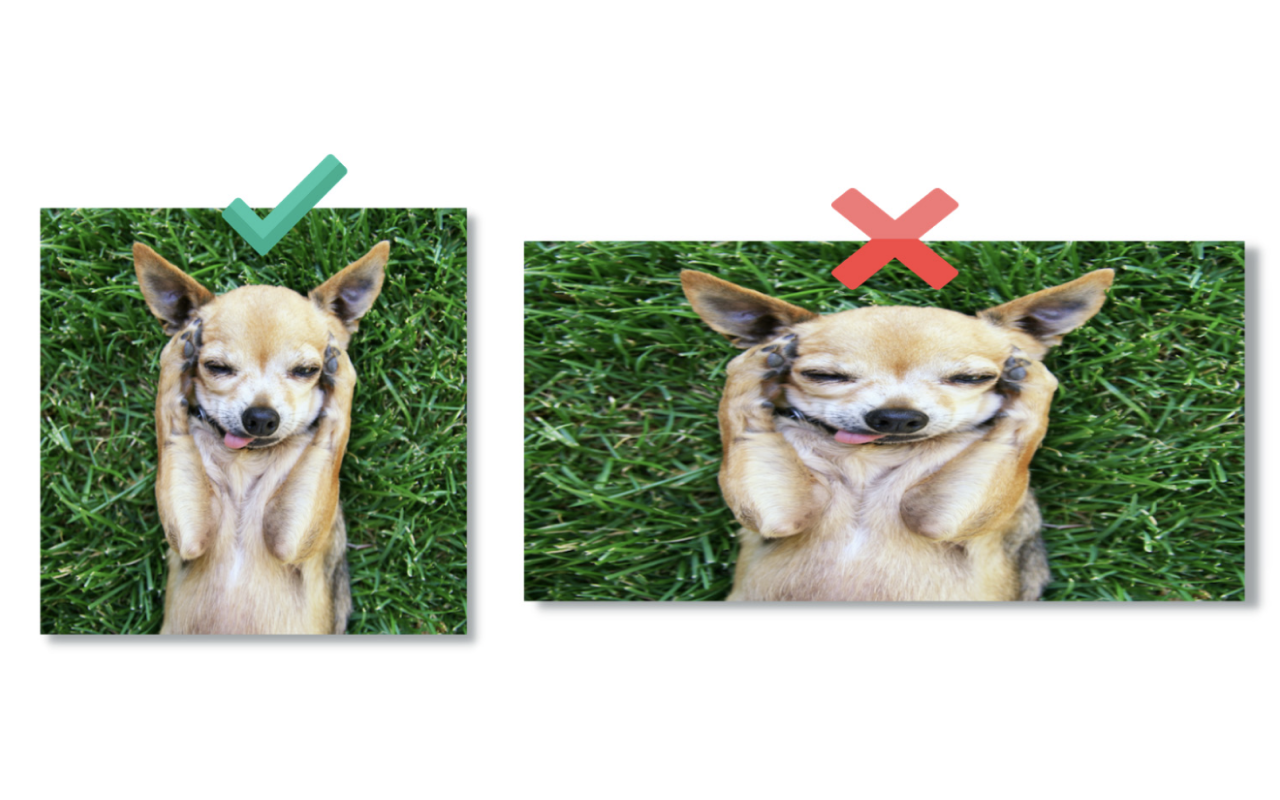
Image Resizer is a fast, easy-to-use Chrome extension that lets you resize images directly from your browser. Whether you need to adjust an image for social media, a website, or any other use, this tool makes the process effortless.
🚀 Why Choose Image Resizer?
✅ User-Friendly Interface – Simple and intuitive, perfect for beginners and professionals.
✅ No Internet Required – Works offline; no data is sent to external servers.
✅ Completely Free – No hidden fees or subscriptions.
📌 How to Use:
1️⃣ Click the Image Resizer icon in your Chrome toolbar.
2️⃣ Upload an image via drag-and-drop or file selection.
3️⃣ Enter the desired width and height, then click Resize.
4️⃣ Preview the resized image and download it instantly.
✨ Discover More – Quick Side Tool
Looking for more productivity tools? Check out Quick Side Tool – an all-in-one extension for PDF management, image optimization, and more!
📩 Support & Feedback
Need help or have suggestions? Contact us at amanry3000@gmail.com.
🔗 Get started today and resize your images with ease!
Helped me with my menial cropping and resizing task. very easy to use and very fast.
I found this image resizer very help-full, Thanks A-man.. :)
This is great tool to resizing for supported formats (JPG and PNG) for Web images. Thanks a lot!!!
Such a great and simple extension for image resizeing
This page shows the listing as it is today. Add it to Radar and get one email when it changes.

What it is, what to use instead, what it can access and how to fix it.
Image Resizer - Resize & Optimize Images is a Tools extension by BonusLyf with 652 users. Chrome Web Store users rate it 4.75 out of 5 from 4 ratings, which is still a small sample. By users it sits in the top 10% of Tools extensions.
Image Resizer asks for no special permissions, which keeps its access to your browsing small.
Permissions show what it could do, not what it does.
No new reviews were posted in the last 90 days, so there are no fresh complaint signals.
Still stuck? Contact the maker or try an alternative.
Track any extension on Radar: users, rating, permissions and store text, with one email when something moves.


