

★★★★★suresh Byalla
Good for Dsa and Want any videos exacts notes
Leeco AI is your all-in-one Chrome extension for automating job search & mastering tech interviews—with an AI mentor at every step.
by Preplaced · 1 listing
5 images from the publisher · use the arrows or pick one · swipe or pick one


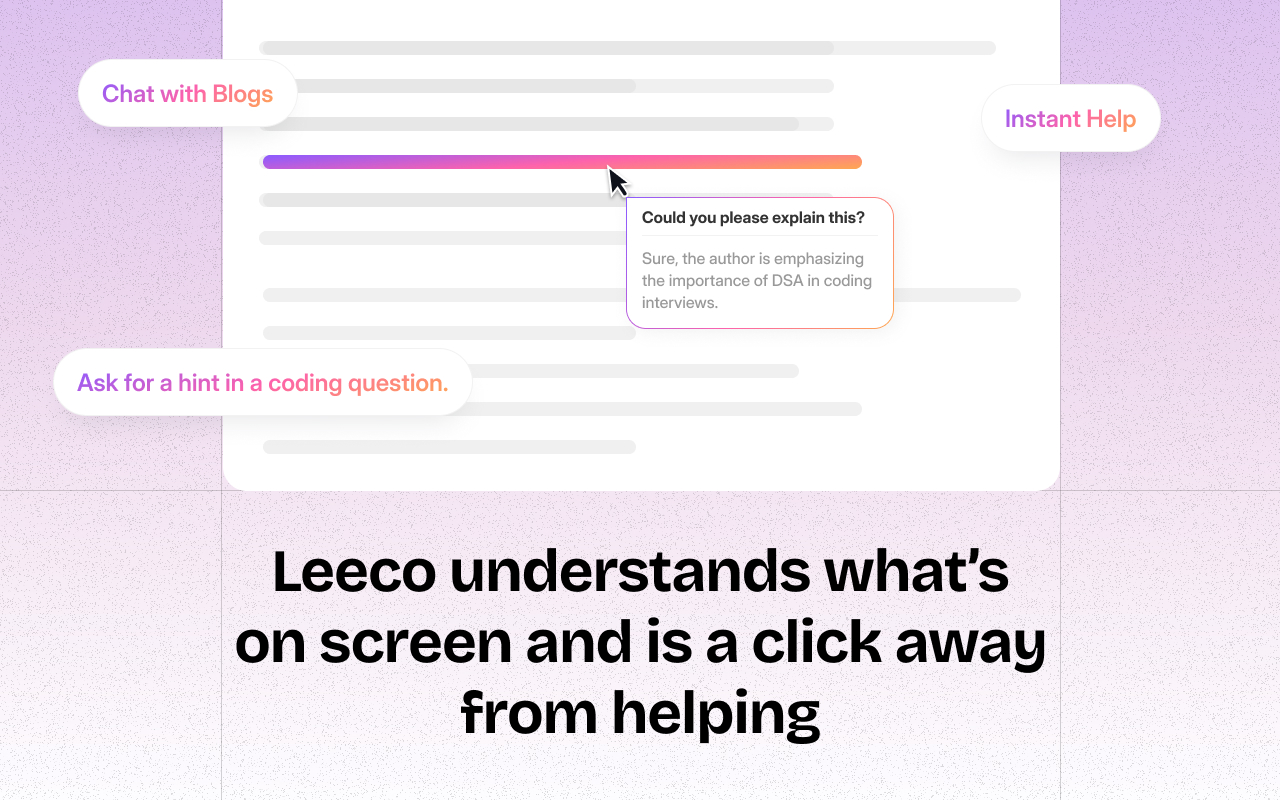


If you ever find yourself:
1️⃣ Applying to dozens of jobs on LinkedIn and getting exhausted by repetitive forms?
2️⃣ Practising a problem on LeetCode and getting stuck — unsure how to approach or debug it?
3️⃣ Watching a YouTube video to learn a new concept, but a question pops up mid-way?
4️⃣ Reading a blog or article, and one sentence just doesn’t make sense — and you wish you could ask someone?
✅ Auto-apply to relevant LinkedIn jobs on your behalf
✅ Debug LeetCode problems in real time
✅ Simulate mock interviews with AI feedback
✅ Highlight anything — YouTube, docs, blogs — and ask follow-ups
✅ Track your DSA progress with personalized insights
✅ Stay focused and move faster, without switching tabs or manual work
🎯 Who It’s For
Have any feedback or questions for us? We are all ears.
📩 Contact us at hello@leeco.ai
Good for Dsa and Want any videos exacts notes
Very nice extension for clarifying doubts in leet code and practising DSA or system designs.
Amazing Extension, helps me to code whenever I am stuck and need assistance.
This is a very nice extension to use for learning across any platform.
I had cancelled my subscription on the 19th Oct 2026 and inspite of that , they have deducted the annual subscription amount on 20th Oct 2026. Even after acknowledging the cancellation , deducting further payments is not correct. Very disappointing, will report this as fraudulent.
I was initially charged only ₹1 for the trial. However, without any prior information, reminder, or notification, my subscription was automatically renewed and the payment was deducted from my account. I immediately contacted your support team by email and requested a cancellation and refund, but I have not received any response. The cancel button on your website was also not working, which prevented me from stoppin…
This page shows the listing as it is today. Add it to Radar and get one email when it changes.

What it is, what to use instead, what it can access and how to fix it.
Leeco AI – Auto-Apply Jobs on LinkedIn & Upskill for Job Interviews is an Education extension by Preplaced with 30K users. Chrome Web Store users rate it 3.97 out of 5 from 689 ratings. By users it sits in the top 5% of Education extensions.
Leeco AI asks for 4 permissions and access to every website. 2 of them give wide access.
Permissions show what it could do, not what it does. See the full permission list.
<all_urls>Read and change data on every websitetabsSee the address and title of every open tab<all_urls>tabssidePanelactiveTabstorageSensitive marks access that reaches your data or other sites. The access level is a 0 to 100 score of all of it: under 25 is Low, 60 and up is High.
1 starI had cancelled my subscription on the 19th Oct 2026 and inspite of that , they have deducted the annual subscription amount on 20th Oct 2026. Even after acknowledging the cancellation , deducting fu…
1 starworst company, and waste of money !!
Still stuck? Contact the maker or try an alternative.
Track any extension on Radar: users, rating, permissions and store text, with one email when something moves.


