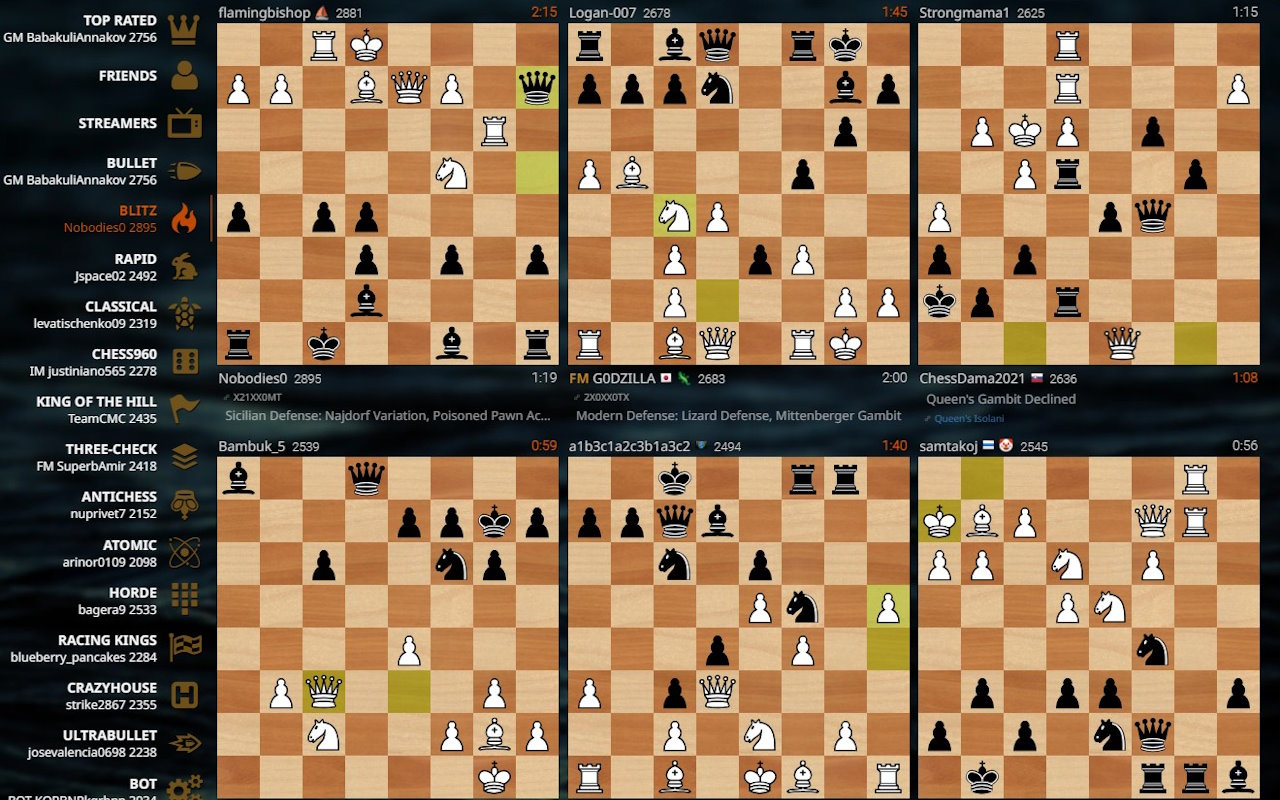
great so much different to normal lichess
LiChess Tools, by Siderite
- 10K+ users
- 4.77133 ratings
- #1,424in Tools
Turbocharge lichess.org with a ton of features
by Siderite · 2 listings·siderite.dev
- Users
- 10K+
- #1,424 of 121,283 in category
- Rating
- 4.77
- 133 ratings · median 4.59
- Version
- 2.5.13
- 2.25 MiB · Manifest V3
- Access
- Low15/100
- No permissions + 5 site patterns
Description
As written by the publisher on the storeThis extension adds a lot of extra functionality to the https://lichess.org web site.
Main features
- Extended Interactive Lessons allow you to play ALL variations
- Explorer Practice allows you to play against the moves in Opening Explorer, essentially helping you train against any rating bracket on the Internet or a specific opponent
- local computer analysis chart when no server one exists, even when not logged in
- Enhanced PGN Import in Analysis board allows you to merge multiple PGNs into a single one (lichess limitations strip down the comments, but I am working on a solution). This helps you quickly collect a player's repertoire and maybe save it as a study Interactive Lesson, simulating their play. Then you can export the current analysis moves into separate lines as well, or just copy a single branch as a PGN.
- See evaluation of possible moves of the selected piece in analysis
- Automatic detection of interesting/brilliant/good/best moves
- a PGN editor supporting a lot of operations and accepting tens of megabytes of text
- Mobile device features (for browsers that support extensions on mobile, like Kiwi), including drawing arrows and circles on mobile, scroll/zoom lock while playing, etc.
- Change the friends box into a menu or a button, live update Friends page,
- Sound and voice notifications where players you follow start playing (with mutable option per player)
- TV enhancements: Current games section for players you follow and streamers, menu to go to previously opened games, previous two games in player TV just like in category TV
- Ctrl-right/left to play a random move from the available ones in the list. This also works for moves coming from transposing positions
- Extra context menus for Analysis/Study move list. One allows you to copy the current branch as a PGN. Another will use add comments with the computer evaluation to the terminating moves in all branches
- Show player country flags and game opening names
- Custom piece sets, sound themes and board images
There are many more. Here is a comprehensive list, in the order of implementation:
- randomly play one of the next moves with Ctrl-RightArrow
- configurable probability to play a move by putting prc:<number> in the move comment, where number is a percentage between 1 and 100
- highlights for the last move of variations in the analysis/study board
- also showing which of the last moves that have not ended in mate have no comment
- highlights the transpositions to the current move in the analysis/study board
- also an option to show all transpositions in the PGN
- play multiple variations in Interactive lesson mode in the same chapter! (using the prc: notations if present)
- automatically open/hide/convert to menu the Friends box at page load
- sound alert when one of your friends starts playing a game (for various time controls)
- changing the shortcut for playing the next best computer move from Space to Ctrl-Space
- a minimum chess engine level (if it is idle in a lower state, it runs until it gets to that level)
- sticky Interactive lesson Preview mode (remains in Preview when switching between chapters)
- use keyboard shortcuts (i, m, b, Alt-i, Alt-m, Alt-b) for inaccuracies, mistakes and blunders in analysis
- show player country flags next to their names (if they have their country specified in the profile)
- import multiple PGNs in analysis mode and merge them into one
- show the order of arrows and circles in analysis/study
- add an item in the Watch menu to go to last watched game (and from there to the previously watched game and so on)
- show opening name in TV game and mini games
- opening explorer button to quickly switch between you and the selected user
- show history section (last two games) for user TV
- copy branches from analysis/study to clipboard
- TV games have a link to the game in the title and can be bookmarked during the game
- languages supported: English, Romanian
- extension options in the Preferences menu in LiChess
- next moves from transpositions are now available in the analysis move list
- study move list context menu item to automatically go to the last move of every variation and add a comment with the computer evaluation
- option to save preferences in incognito mode, too (you have to set it from Preferences first!)
- buttons to change chapter names from the Event or Black/White PGN tags in the chapter edit form
- custom styles for study comments
- study chapter navigation controls (including random chapter)
- auto save and button to reload PGNs in Analysis mode (recover from accidental reloads)
- enhanced Friends list now shows live online status and TV links, plus allows the option to "mute" playing alerts for each player
- hide score tally crosstable during play
- select move from variations, computer list or explorer by pressing . (dot), Ctrl-. and Shift-. respectively, then a digit key
- global enable/disable extension switch
- for the currently selected chapter, the ability to selectively remove just the comments, glyphs or drawn shapes
- mobile device settings (use Kiwi browser on mobiles, it allows extensions)
- custom user CSS themes (you can create PRs for them or ask me to include them, but you are maintaining them!)
- delete all PGN tags in bulk or pick individual ones from the current chapter
- practice with Explorer (computer makes moves based on what masters, lichess or a specific player played in that position)
- additional glyphs on board
- drawing of arrows and circles on mobile (for analysis, study, games, puzzles, TV)
- collapsable preference categories
- extra computer analysis metrics on charts and eval gauge
- the many preferences now can be filtered by advanced or basic and the categories can be collapsed
- a friends tab in the Current Games section, to see just the games of the people you follow
- a menu entry to go directly to the last visited study
- notification on unread timeline posts and comments from the blogs, forums or people you follow
- showing evaluation on Explorer moves from local computer analysis/lichess/chessdb/winning stats
- scroll lock on mobiles while playing
- finding interesting moves and allowing cycling through interesting/good/brilliant moves just like with blunders
- quiet mode on all tabs and manual button for setting quiet mode
- explorer gambits shows which move to make to play a gambit
- persist last study settings when creating new studies
- button to create chapter after the selected one
- PGN textarea in studies, similar to Analysis
- Move list options: indented variations shows all variations as tree branches, not inline
- Move list options: bookmarks allows tagging variations with a label, collapse/expand them, link to them, split chapter by them, open another window with just the analysis tools (move list, explorer, computer eval)
- Option to not see cloud values in computer evaluation
- Context menu on bookmarked positions to get the URL of the position
- Move list options: Expanded move list and Hide left side in Analysis
- a streamers tab in the Current Games section, to see just the games of streamers
- search Wiki in analysis by position, not move order
- practice with whatever computer engine you selected, ignoring cloud and with your specific custom engine level
- TV options:
- show history section (last two games) for user TV
- TV games have a link to the game in the title and can be bookmarked during the game
- a friends tab in the Current Games section, to see just the games of the people you follow
- a streamers tab in the Current Games section, to see just the games of streamers
- show pawn structures in analysis, TV games and mini-games
- save different Explorer settings and toggle between them
- click on Explorer sum row to get a random move, weighted on move probabilities
- custom mini-game size
- play again from where you entered Preview mode in Interactive Lessons and collapsible Interactive Lesson chapter controls
- use Stockfish on Brave browser
- learn from your mistakes in Study chapters
- pin studies and broadcasts to home page
- community forum
- PGN editor (merge, split, normalize, count, search)
- play lag chart
- freeze board in analysis
- download all studies of a player
- larger coordinates, outside coordinates in Analysis
- Profile date interval label and detailed Puzzle statistics tab
- #readgame URL to read games in analysis/study
- restore position in the move list in study chapters on page refresh
- move assistant shows evaluation on selected piece destinations
- warning when playing against a suspicious opponent (disconnect rate)
- better board image export
- board editor mirror position button
- more decimals in computer eval
- unselect piece after a few seconds
- study flairs
- hide/show lobby page elements
- Explorer resize
- Custom sound options (just disable move sounds, keep the rest)
- Back to current position in correspondence
- Hide chat during play
- Broadcast OBS support
- Hide header shortcut
- Next move behavior for variations (like Chessbase)
- Save blog while editing it
- Option to switch to Analysis when your game ends
- Screen not locking when watching TV
- Active tab icon
- Fast interactive lesson moves
- Paste images in chat/forum
- URL/image detection and unlimited text size in the team/study chat
- one click moves (in Analysis/Study)
- show common teams of you and your opponent
- expand variations that are collapsed by default
- popup video support in studies
- team chat message notifications
- daily chess quote
- copy puzzle PGN
- game list options: filters, selection, open directly in analysis
- link to current Analysis board
- show player rating deviation
- game custom time alerts
- persist last blog view
- puzzle timer
- show puzzle total points per session
- extra piece sets
- a followers page
- quick actions: flip board, request server analysis, chat emojis, toggle comment reading
- started puzzle history
- bot list filters
- color computer engine evaluations
- read move comments aloud
- reorder variations
- study subchapters
- quick report and block option
- position info context menu
- local evaluation persistent cache
- bulk delete of imported games
- K-MAPS analysis of the position
- show latest games in challenge menu
- custom chat buttons when playing
- estimate rating based on game accuracy
- bulk removal of imported games
- show latest 5 challenges when no active ones
- random challenge button
- improved best move arrow
- evaluate all branch moves
- highlight next moves in Explorer
- Ctrl-C to copy current position
- extra lobby counters
- sortable and expandable study topics
- Bulk edit study chapter PGN tags
- Quick LiChess Tools toggle in the user menu
- Auto whisper and prepend move buttons in game chat
- Find position in puzzles (and puzzles from your games)
- Download local engine analysis
- commands! type /help to get a list
- URLs:
- extension page: https://siderite.dev/LiChessTools/
- GitHub page: https://github.com/Siderite/lichessTools
- I am taking suggestions for other features, bug reports, styling help or any other kind. Please rate, review and spread the word!
Ratings and reviews
Split of the 82 written reviews we hold82 written reviews we hold
This is amazing This extension fixed the exact problem I was having with transferring my Lichess study lines to Chessable. I needed to copy specific variation from a chapter along with all their comments, annotations, and arrows, and it fixed the problem!!! The only downside for me is that it slows down my device a bit, so I’ll probably only enable it when I’m working on my Chessable course. Also, if you have any…
Track LiChess Tools, by Siderite on Radar
This page shows the listing as it is today. Add it to Radar and get one email when it changes.
- Users and rating
- Store text and screenshots
- Permissions it asks for

LiChess Tools, by Siderite, in plain words
What it is, what to use instead, what it can access and how to fix it.
LiChess Tools, by Siderite at a glance
LiChess Tools, by Siderite is a Tools extension by Siderite with 10K users. Chrome Web Store users rate it 4.77 out of 5 from 133 ratings. By users it sits in the top 5% of Tools extensions.
- By users
- #1,424of 121,283 in Tools
- Rating
- 4.77category median 4.59
- Access
- Low15 of 100
LiChess Tools, by Siderite alternatives
Closest by what they do · users as the store shows themIs LiChess Tools, by Siderite safe?
LiChess Tools, by Siderite asks for 0 permissions and access to 5 site patterns. None of them are on our list of wide-access permissions.
Permissions show what it could do, not what it does. See the full permission list.
Every permission LiChess Tools, by Siderite asks for
No permissions + 5 site patterns · none sensitive · Low access overallSites
- Read and change data on matching sites
*://lichess.org/* - Read and change data on matching sites
*://lichess.dev/* - Read and change data on matching sites
*://testy.lichess.dev/* - Read and change data on matching sites
*://*.lichessladders.com/* - Read and change data on matching sites
*://api.chess-insights.app/*
Sensitive marks access that reaches your data or other sites. The access level is a 0 to 100 score of all of it: under 25 is Low, 60 and up is High.
LiChess Tools, by Siderite not working?
What recent reviews say
Store reviews from the last 90 daysNo new reviews were posted in the last 90 days, so there are no fresh complaint signals.
Common fixes
Try them in this order- 1Update Chrome and the extension
- 2Turn it off and on in chrome://extensions
- 3Reload the page
- 4Turn other extensions off in case two clash
Still stuck? Contact the maker or try an alternative.
Know when a listing changes
Track any extension on Radar: users, rating, permissions and store text, with one email when something moves.