

★★★★★Chris Murugu
Yes it's not perfect, does what is expected though. 4 stars 👍
by Fast Simple Apps · 8 listings·background-meet.dllplayer.com
3 images from the publisher · use the arrows or pick one · swipe or pick one

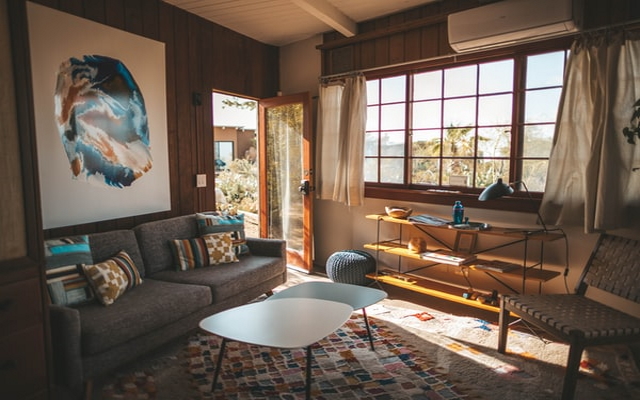

Want to use a different background when you're in an online video call using Google Meet or hangouts meet?
Amaze the other participants in this video call when you show up with the most trendy backgrounds during your Google Meet call or google hangouts meet call.
Please Note if you are having issues with changing your background, its due to the following issues.
1) SWITCH OFF the Web Camera inside the Google Meet Call and Switch it back on for the Virtual background to work. This solves over 90% of the issues of the extension virtual backgrounds not working for users/individuals.
- Host permissions are needed because our extension needs to insert in the background image when you're on the Google Meet website. Please note we do NOT capture any personal data and the only reason we need host permissions is to insert the background image during your Google Meet/Hangout call.
To begin using this software for google meet app, here is what you need to do.
Install the software
Go to Google Meet and enter your video call.
If you have any feedback/suggestions for our virtual backgrounds extension for google video conference, please contact us.
Please note you can also use the push to talk functionality inside Google Meet after installing this extension. Simply configure the settings and you can "automatically mute" yourself inside Google Meet, press the "space bar" to talk to ensure no hot microphone issues.
Disclaimer: Please note this extension is NOT made by Google and is made by an independent development team. All copyrights belong to their respective owners. Google doesn’t endorse or sponsor this Chrome extension. Virtual Backgrounds for Google Meet is not owned by,it is not licensed by and is not a subsidiary of Google Inc.
Yes it's not perfect, does what is expected though. 4 stars 👍
I GAVE A FOUR RATING BECAUSE WHEN IT`S THE PRESSING THE REMOTE CONTROL IT NEEDS 75.37M IT`S MAKIN` MEH TIRED IT`S TOOOOOOO MUCH
Every time I would try to connect it says "unprotected connection" and there are only 4 countries to choose from.
Malisima. Solo abre el menu de Google. no aporta nada
I couldn't get it to work, no matter what. I'm using Linux Mint.
What a app! I am running 32 bit windows and there the apply visual effects option is not working.... But after adding the extension also , the same problem is happening.. In a youtube video , i have seen that there they have done in the same way and there is working but my is not working.. Pls make the feature.......
This page shows the listing as it is today. Add it to Radar and get one email when it changes.

What it is, what to use instead, what it can access and how to fix it.
Virtual Backgrounds for Google Meet™ is a Workflow & Planning extension by Fast Simple Apps with 60K users. Chrome Web Store users rate it 3.43 out of 5 from 564 ratings. By users it sits in the top 5% of Workflow & Planning extensions.
Virtual Backgrounds for Google Meet™ asks for no special permissions, which keeps its access to your browsing small.
Permissions show what it could do, not what it does.
No new reviews were posted in the last 90 days, so there are no fresh complaint signals.
Still stuck? Contact the maker or try an alternative.
Track any extension on Radar: users, rating, permissions and store text, with one email when something moves.


