

★★★★★Ilya Chepurnoy
The description of what it does is unclear. And I can't even understand what it is doing in my Chrome: I do not remember innstalling this
Web Data Assistant allows to control custom data from a Web page.
by Web Data Assistant · 1 listing
1 image from the publisher
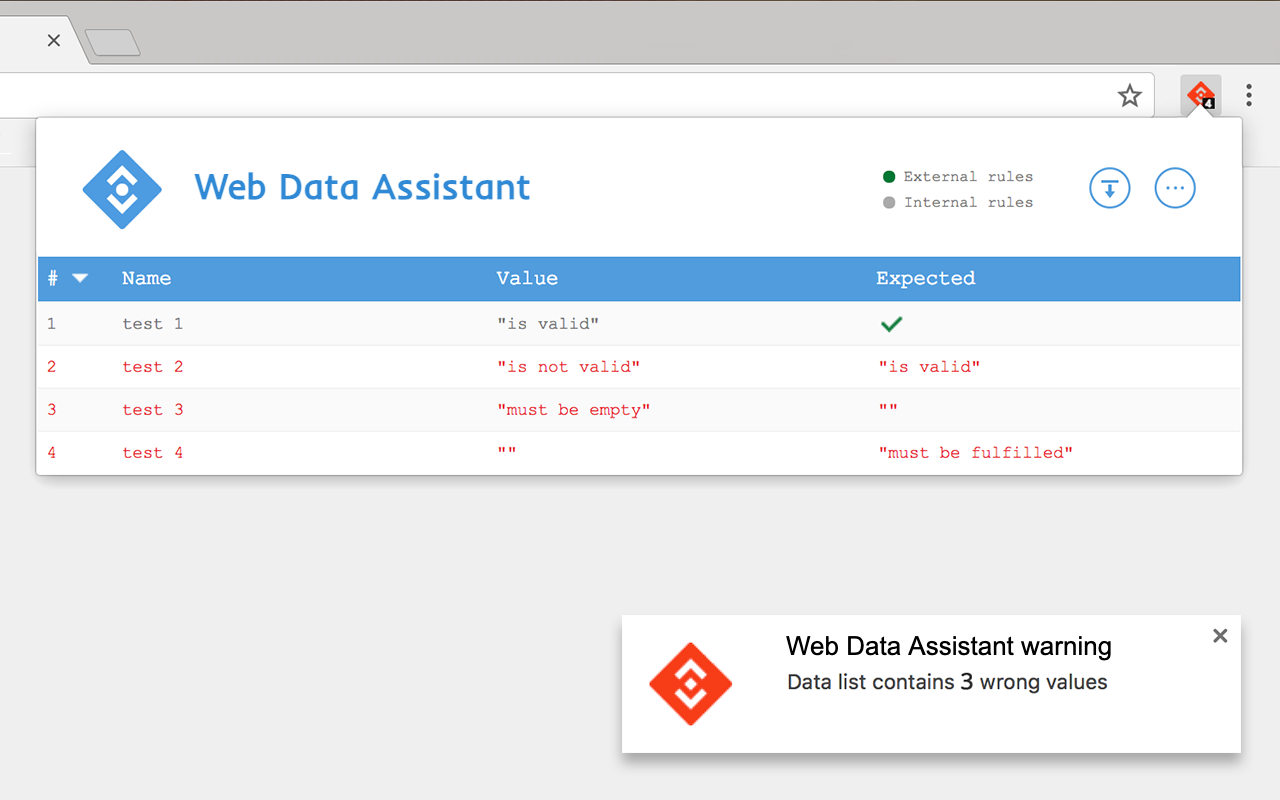
Web Data Assistant helps to verify data implementations with automated check of a custom JavaScript dataset without diffusing information into everyone's browser console, and to share data valorization status with no effort to collaborators (developers, analytics teams, project managers, and any third party contributors).
Create custom check rules to display data values and compare them with expected ones, you can also set them right from the extension to avoid deployment dependency. This helper works asynchronously and checks data list updates when data are added, modified or deleted.
All settings and rules are synced with your browser profile.
The description of what it does is unclear. And I can't even understand what it is doing in my Chrome: I do not remember innstalling this
This tool is horrible, takes away the basics that I used the previous version for, which is to view which tags are installed.
Los planos de las naves espaciales son más fáciles de entender que esto.
No comprendo su funcionamiento ni encuentro un tutorial para aprender
This tool is the worst thing I ever saw! Rollback everything!
The change from Tag Assistant is horibble. The tool is no longer useful. Please give us back the old features from Tag assistant, especially making tags easily visible.
This page shows the listing as it is today. Add it to Radar and get one email when it changes.

What it is, what to use instead, what it can access and how to fix it.
Web Data Assistant is a Developer Tools extension by Web Data Assistant with 70K users. Chrome Web Store users rate it 3.45 out of 5 from 64 ratings. By users it sits in the top 1% of Developer Tools extensions.
Web Data Assistant asks for 6 permissions and access to every website. 3 of them give wide access.
Permissions show what it could do, not what it does. See the full permission list.
<all_urls>Read and change data on every websitetabsSee the address and title of every open tabwebRequestWatch the web traffic your browser sendshttp://*/*file://*/*tabswebRequestactiveTabscriptingstoragealarmsSensitive marks access that reaches your data or other sites. The access level is a 0 to 100 score of all of it: under 25 is Low, 60 and up is High.
No new reviews were posted in the last 90 days, so there are no fresh complaint signals.
Still stuck? Contact the maker or try an alternative.
Track any extension on Radar: users, rating, permissions and store text, with one email when something moves.


