

★★★★★Julio Cesar Valdez Morales
Good Morning. ay speake xml most xmls.,Edhitions forex This most BERY GOOD., How Entherprice, Molls Persons And Big Molls City in Country That Page is very good
Create and edit XLS spreadsheets with an editor online
by RedcoolMedia · 16 listings·redcoolmedia.net
4 images from the publisher · use the arrows or pick one · swipe or pick one


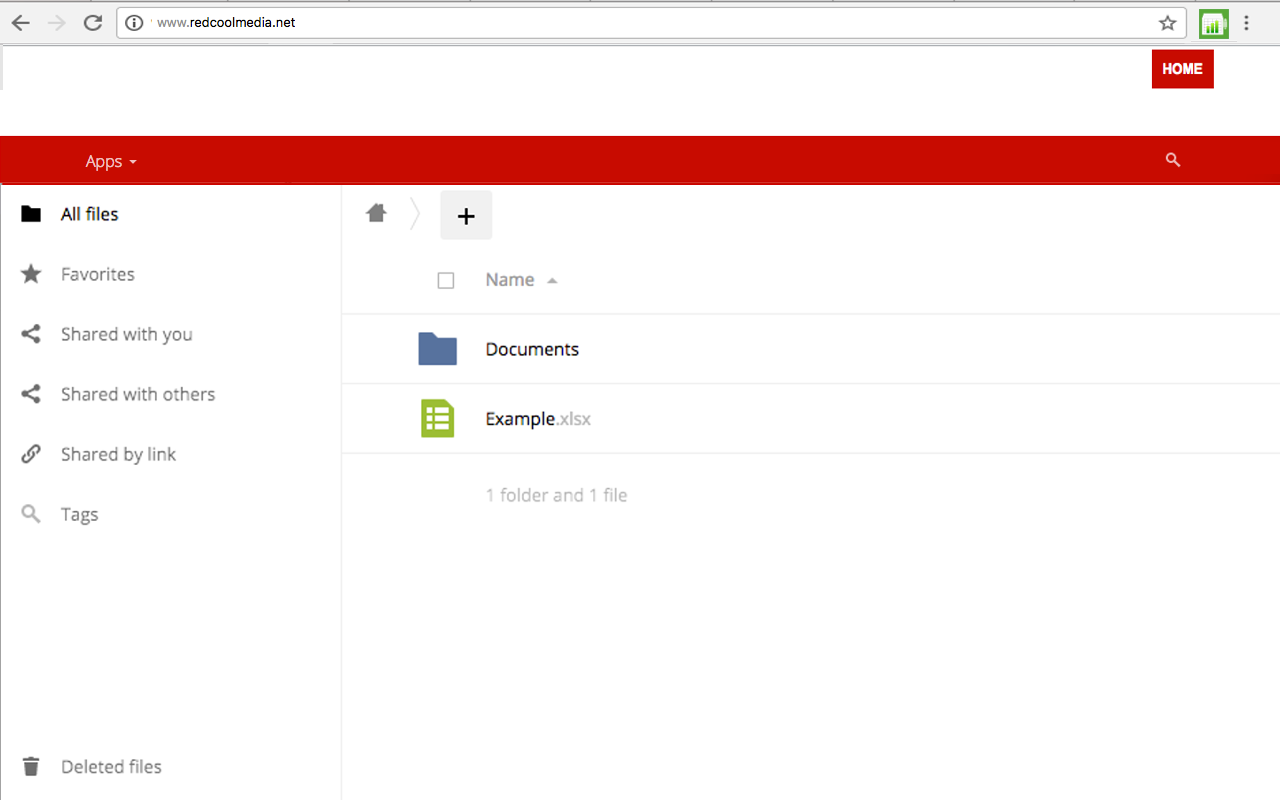
XlsWork is a XLS and XLSX editor that lets you edit your spreadsheets directly on the web browser. It is an spreadsheet editor from which you can perform various editing operations like in any desktop editor, print the edited spreadsheets keeping all the formatting details or download them onto your computer hard disk drive as XLSX, ODS, CSV, or PDF file. Moreover, it scans and collects the webpages you browse in the Internet. These webpages are uploaded to our servers in order to know if they contain XLS or XLSX files that can be edited using our extension integrated with our online app.
Good Morning. ay speake xml most xmls.,Edhitions forex This most BERY GOOD., How Entherprice, Molls Persons And Big Molls City in Country That Page is very good
it was ok when i logged out could not find my work
It was all good and dandy but once I got locked out of an account could not find it again. not cool.
Muito complicado, sem boa comunicação com usuário, depois de muita enrolada, ainda se tem que esperar 30 segundos! Fiz só dois testes, mas, não tenho paciência para ver como isso funciona! Se funciona!
se eu quiser um online tem o google planilhas que é muito melhor, este não aceita csv
Can only edit spreadsheets you create in the app. Can't open a file on your chromebook or any cloud storage site
This page shows the listing as it is today. Add it to Radar and get one email when it changes.

What it is, what to use instead, what it can access and how to fix it.
XlsWork XLS editor for spreadsheets is a Workflow & Planning extension by RedcoolMedia with 10K users. Chrome Web Store users rate it 3.64 out of 5 from 33 ratings. By users it sits in the top 5% of Workflow & Planning extensions.
XlsWork XLS editor for spreadsheets asks for 2 permissions. One of them gives wide access.
Permissions show what it could do, not what it does. See the full permission list.
tabsSee the address and title of every open tabtabsstorageSensitive marks access that reaches your data or other sites. The access level is a 0 to 100 score of all of it: under 25 is Low, 60 and up is High.
No new reviews were posted in the last 90 days, so there are no fresh complaint signals.
Still stuck? Contact the maker or try an alternative.
Track any extension on Radar: users, rating, permissions and store text, with one email when something moves.


