
The short answer
The Chrome Web Store API is a publishing tool for your own extensions. It uploads a new package, submits it for review and reports its status. It doesn't return user counts, ratings, reviews or rankings for other listings, so market research needs a different source.
- The official API covers your own items only.
- Upload, publish and status checks are the core jobs.
- No endpoint returns other listings' users or ratings.
- Review text has no public API at all.
Search "chrome web store api" and you'll find two kinds of people. One wants to ship releases without clicking. The other wants numbers about the whole store. Only the first group gets what it came for.
What the Chrome Web Store API actually does
Google's docs (Use the Chrome Web Store API) describe it as a way to manage your own items from code. You authorise with an OAuth client on your developer account, then call a small set of endpoints.
| Job | Supported | Notes |
|---|---|---|
| Upload a new zip for an existing item | Yes | Replaces the draft package |
| Submit that draft for review and publish | Yes | Review still happens on Google's side |
| Check an item's current status | Yes | Your items only |
| Read another listing's users or rating | No | Not exposed |
| Read review text for any listing | No | No public endpoint |
That's the whole map. It's a release pipe, and a good one, built for the developer who's tired of zipping folders by hand and clicking through the same dashboard screens every Friday afternoon.
What it can't tell you
Say you want to know how many people use a rival tool, or whether its rating slid this month. The API has nothing for you.
Those numbers live only on the public listing page, which you can read in a browser like anyone else but can't query in bulk through any official Google endpoint.
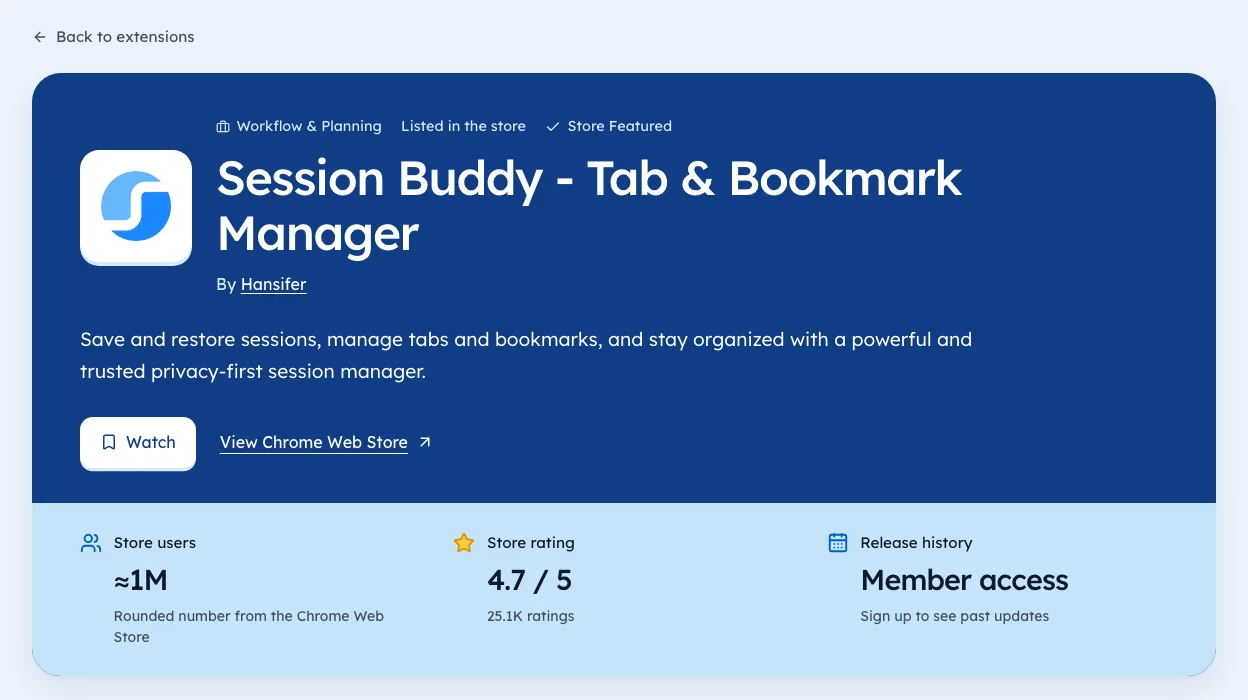
The store shows users as rounded buckets like "10,000+", and a lifetime average rating with a count.
Reviews are harder still. The store's robots.txt disallows /detail/*/reviews for every crawler. There's no public review API either, so any tool claiming "every review of every extension" should tell you where it got them.
You can check these figures on the Developer Tools category page, each with the day we saw it.
Where market data comes from instead
The honest route is slow. Dull, too. You fetch the public listing pages politely, respect robots.txt, store each day's numbers, and wait for history to build.
That's what we do at Ext Watch (how we measure), and yes, we're biased toward that approach. As of 3 Oct 2026 our crawl held 61,820 extensions, about 21% of the IDs in the store sitemap.
Our own day-by-day history started on 2 Oct 2026, so we don't call anything "rising" yet.
Three things you can get from public pages:
- Users, as the store's rounded bucket.
- Rating and rating count, lifetime.
- Version, size, permissions and the publisher's website link.
Trends need repeated snapshots. One snapshot is a photo, not a film.
Which tool for which job
| You want to | Use |
|---|---|
| Ship a new version from CI | The official API |
| See your own install stats | The developer dashboard |
| Compare rivals' users and ratings | Public listing data over time |
| Read what users complain about | The store page in your browser |
Want store data inside an AI assistant instead? See Chrome Web Store MCP.
The API is narrow on purpose. Use it for shipping, and look elsewhere for the second group's questions.
Questions people ask
Is there a Chrome Web Store API?
Yes. Google documents one for developers to upload and publish their own extensions. It needs an OAuth client tied to your developer account.
Can you get extension user counts from the Chrome Web Store API?
No. The API doesn't expose user counts or ratings for other listings. Those numbers only appear on the public listing pages.
Is there an API for Chrome Web Store reviews?
Not a public one. The store's robots.txt also blocks the reviews pages for crawlers.
Where these numbers come from
- developer.chrome.comChrome for Developers: Use the Chrome Web Store APIAccessed 3 Oct 2026
- chromewebstore.google.comChrome Web Store robots.txtAccessed 3 Oct 2026
Part of our guide: Chrome Web Store Stats Explained, One Field at a Time. More in Chrome Web Store data.


1,182 new extensions in the last 30 days in Developer Tools. See them all.
Users, ratings and changes over time for every listing we track. Updated 3 Oct 2026 from our Chrome Web Store crawl