
Chrome Web Store stats are the public numbers on every extension listing. Each field answers one narrow question, and the table below says which. Before you pick a niche, run the market research method on them.
Chrome Web Store stats, one table
| Field | What it tells you | What it doesn't |
|---|---|---|
| Users | Rough active installs | Paying customers, growth |
| Rating | Average stars, lifetime | Recent sentiment |
| Rating count | How many people rated | How many wrote text |
| Updated | Last version date | Whether it still works |
| Version | Release number | Size of the change |
| Permissions | Data access requested | Whether it misuses it |
Rating is lifetime. A 4.5 built over six years can hide a bad last month. That's the most common misread we see.
Users
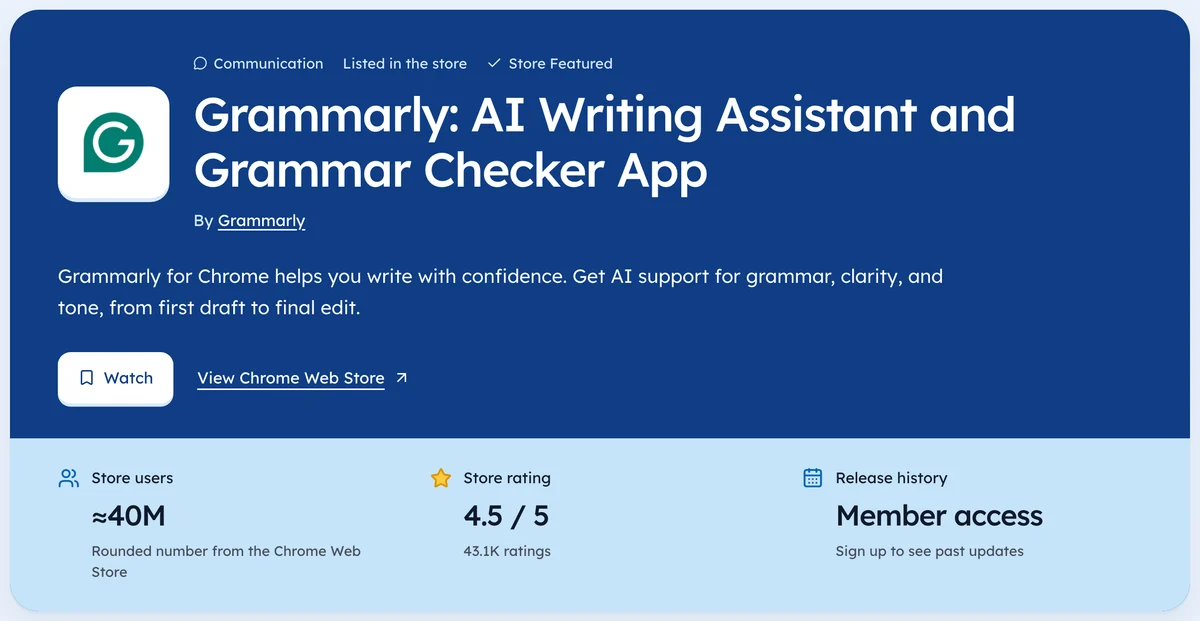
Big counts show as buckets. In our crawl on 3 Oct 2026, 1,818 extensions had a rounded count. Small ones are close to exact. The median across 52,997 crawled extensions showing a count was 857.
The Tools category page lists the same extensions with users and ratings.
Ratings
The listing shows stars to one decimal.
Rating count is a plain integer, so it's the best number to track over time. 20,791 of the 61,820 extensions we've crawled have no ratings at all, which tells you how quiet most of the store is.
Look up any crawled listing on Ext Watch's extension pages.
Updated and version
The updated date shows when the last version went live, which is useful, but it can't tell you whether that version fixed a crash, changed one word in a menu, or added new permissions.
A long gap can mean "done and stable" or "nobody's home." Check the support link and recent ratings before calling a tool abandoned.
In our crawl, 21,401 extensions with a known date hadn't updated in over a year.
Permissions
Permissions show what an extension can read or change: tabs, browsing history, every site you visit. A spike in permissions between versions is worth noticing. It can mean a new feature, or a new owner with new plans.
Every guide in this series
This page is the hub for our guides on store data. Each one goes deeper on a single step:
- How Many Chrome Extensions Are There? A Dated Count
- Chrome Web Store API
- Top Chrome extensions 2026
- Chrome Extension Statistics 2026
- Chrome Extension Stats
- Chrome Web Store Analytics
- Chrome Extension Trends This Month
- Popular Browser Extensions by Category, With Dated Counts
- Chrome Extension Market Size
- Best Chrome Extensions 2026, Ranked by Ratings Not Hype
What's missing from the listing
- Revenue and pricing, unless the developer wrote them in the description.
- Install history.
- Uninstall rates.
- Where users came from.
The developer sees some of this in their own dashboard. The public doesn't.
Read together, they tell a story. One field tells a rumour.
Questions people ask
Where do you find Chrome Web Store stats for an extension?
On its public listing page. Historical stats need a tracker that recorded earlier readings.
Does the store show downloads?
No. It shows users, which reflects active installs.
Can you see a Chrome extension's revenue on the store?
No. Payments run through each developer's own provider, not Google.
Where these numbers come from
- chromewebstore.google.comChrome Web Store robots.txtAccessed 3 Oct 2026


4,821 new extensions in the last 30 days in Tools. See them all.
Users, ratings and changes over time for every listing we track. Updated 3 Oct 2026 from our Chrome Web Store crawl