
The short answer
For users, yes. For developers, nearly: Google asks for a one-time registration fee, then hosts and lists your extension without a monthly charge. So is the Chrome Web Store free? Close. Your real costs come later, from servers, payment fees and the hours spent on review and support.
- Users install for free. Developers pay a one-time registration fee.
- No monthly listing or hosting fee for the extension itself.
- The store doesn't run checkout, so payment fees are yours.
- ExtensionPay charges 5% per charge on top of Stripe.
Is the Chrome Web Store free? Close to it. Publishing an extension is one of the cheapest ways to put software in front of millions of browsers.
The listing barely costs anything. Running a business on top of it is a different bill.
Is the Chrome Web Store free? The short breakdown
Google's registration page says you register as a developer and pay a one-time registration fee. The exact amount shows in the dashboard when you sign up, so check it there. It's the cost side of our Chrome extension development guide.
| Cost | Who pays | How often |
|---|---|---|
| Installing an extension | Nobody | Never |
| Developer registration | You | Once |
| Hosting the extension file | Never billed to you | |
| Updates and review | Nobody, in money | Each release, in time |
| Payment processing | You, to your provider | Every sale |
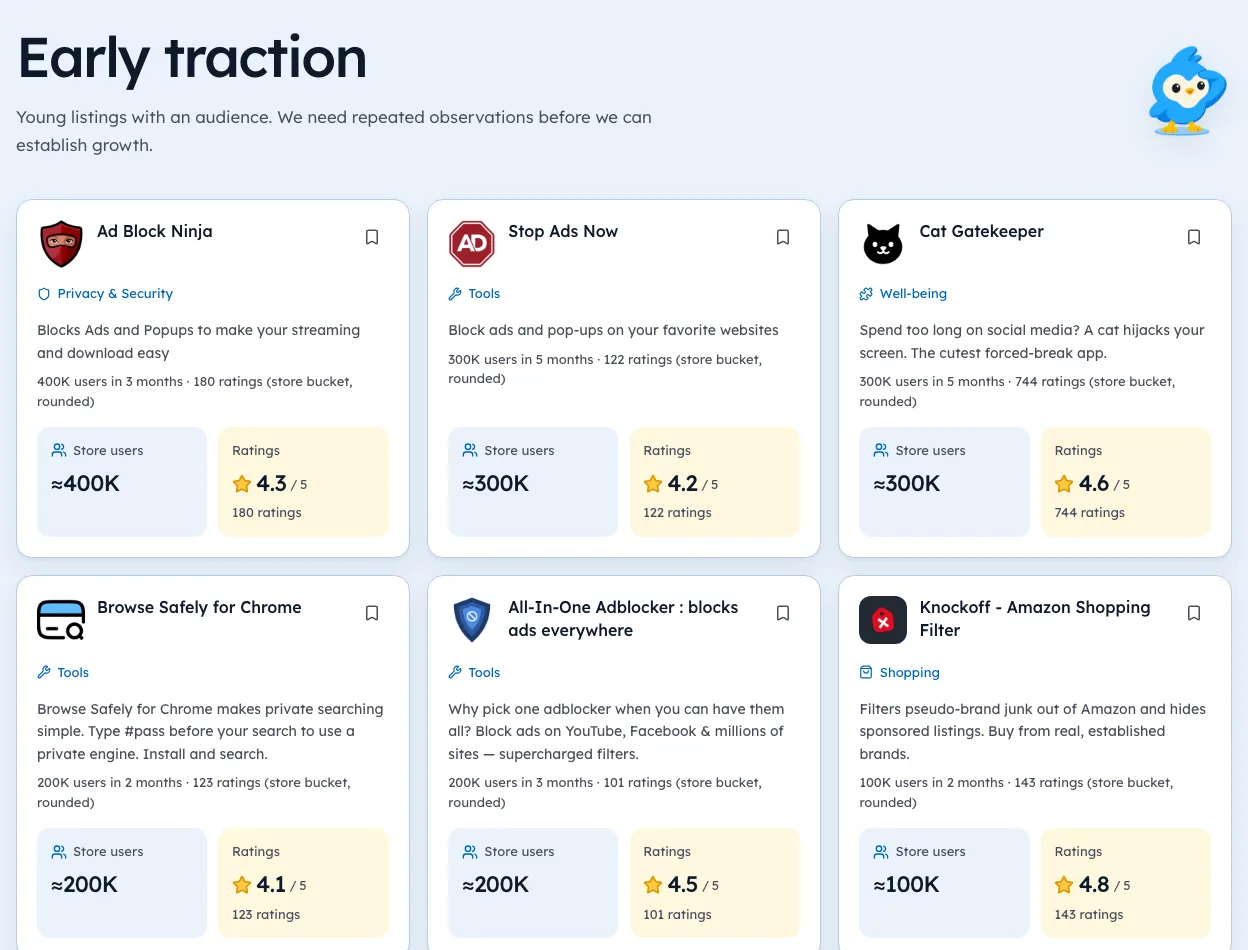
The listing is close to free. That's why the store is crowded: in our crawl alone we counted 65,655 extensions from 52,335 publisher IDs (observed 3 Oct 2026), out of 370,013 IDs in the store's sitemap.
Where the real money goes
ExtensionPay states a 5% fee per transaction with no monthly charge, paid into your Stripe account, so Stripe's fee applies too. A direct Stripe setup skips the 5% but costs build time.
Then there's the rest:
- A server and database, once you add login or sync.
- Email for receipts and password resets.
- A domain and a simple website with your pricing, privacy and terms pages.
- Your hours on review notes and support replies.
Budget for time first, money second. Review delays and support tickets cost more than hosting at small scale.
The Developer Tools category page shows the dated counts behind this section.
Costs by stage
Costs change as an extension grows. Here's how the bill tends to look at each stage. Amounts depend on your choices, so the table shows what you pay for, not prices.
| Stage | What you pay for |
|---|---|
| Idea to first listing | Registration fee, a domain if you want one |
| First users | Maybe nothing more, if it runs fully in the browser |
| Adding login or sync | A server, a database, email sending |
| Charging money | Payment provider fees on each sale |
| Adding AI features | API calls, which grow with use |
| Teams and companies | Support tools, more server, maybe legal review |
A tool that runs entirely in the browser can stay close to free for a long time. The moment you store user data on a server, you have a monthly bill and a privacy policy to keep accurate.
A note on AI costs
AI features change the maths. Each use calls a model, and each call costs money. Heavy users can cost many times more than light ones.
- Set limits on free use from day one.
- Track cost per user each month, not just the total.
- Price above your heaviest users, or use credits so cost and price move together.
Our guide to monetization models covers which pricing shape fits running costs best.
The time costs most builders miss
Money is only half the bill. Time is the other half, and it's easy to forget.
- Review waitsEach update goes through review, which our guide to review timing covers.
- Chrome changesAPIs change, and fixes come with no warning or pay.
- SupportEvery user who writes in needs a reply.
- Store paperworkPrivacy fields, permission notes and listing updates.
Put a rough number of hours per month next to each. At small scale, those hours often cost more than every server bill combined.
Free to install, paid to use
Many extensions that look free charge on their own site. That's how the store works now, since Google stopped handling payments. If you're comparing tools, check each one's website before calling it free. Our extension search shows what we found on each listing, with the date we looked.
Free to publish, free to install, but not free to grow
Three different "free" questions get mixed up. Here they are side by side.
| Question | Answer |
|---|---|
| Free to install? | Yes, for users |
| Free to publish? | Almost, after a one-time fee |
| Free to run and grow? | Only while it stays in the browser |
The third is where planning matters. A tool that needs a server, an AI model or a support inbox has real monthly costs, however small the store fee.
Ways to keep costs near zero
If you want to stay close to free for as long as possible, a few choices help.
- Run in the browserStore settings with
chrome.storage, not a server. - Skip accountsuntil users ask to sync across devices.
- Use free tiersfor hosting and databases while you're small.
- Avoid per-use AI callsin the free version.
- Write a help pageto cut support email.
Many popular extensions run this way for years. Only a small share of listings in our 3 Oct 2026 crawl showed any payment path at all: 641 out of 65,655.
When paying for tools is worth it
Some spending saves more time than it costs. Common examples:
- A payment provider that handles tax and receipts.
- Error tracking, so you hear about bugs before reviews do.
- A transactional email service for sign-in links and receipts.
- A domain and simple site with privacy and terms pages.
Add each one when you need it, not before. Our guide to building a Chrome extension SaaS shows how the pieces fit together once you charge. You can see how many tools in your category already charge on our categories pages.
Free for users still means a choice
Free to install isn't free to use. Lots of paid tools are free to install and charge on their website. In our crawl (observed 3 Oct 2026), 24,082 extensions listed a website, and that's often where pricing lives. Our listing-only check found paid evidence on just 641, which says more about where the money hides than about who charges.
We're biased toward that kind of checking, since it's what our product does. Registration details are in the developer account guide. It's still the honest way to read a market.
The listing is the cheap part. Plan for the bill that comes after it.
Questions people ask
How much does it cost to publish on the Chrome Web Store?
Google charges a one-time developer registration fee, shown when you register in the developer dashboard. There's no recurring listing fee.
Does Google take a cut of extension sales?
The store doesn't handle sales today, so there's no store cut. Your payment provider takes its own fee instead.
Is it free to update an extension?
Yes. Updates go through review but cost nothing.
Is there a fee to publish more than one extension?
No. The one-time registration covers your developer account, and you can publish multiple items under it within Google's limits.
Do I need a company to publish on the Chrome Web Store?
No. Individuals can register. Some payment providers and tax rules may need more details once you start charging.
What changed
- Refreshed publisher and website counts to our 3 Oct 2026 crawl and added a cost sheet by stage, AI cost notes and the time costs most builders miss.
Where these numbers come from
- developer.chrome.comRegister your developer accountAccessed 3 Oct 2026
- extensionpay.comExtensionPayAccessed 3 Oct 2026
- techradar.comTechRadar: Google kills off paid-for Chrome extensionsAccessed 3 Oct 2026
Part of our guide: Chrome Extension Development Guide for Founders: 5 Steps. More in Build and launch.


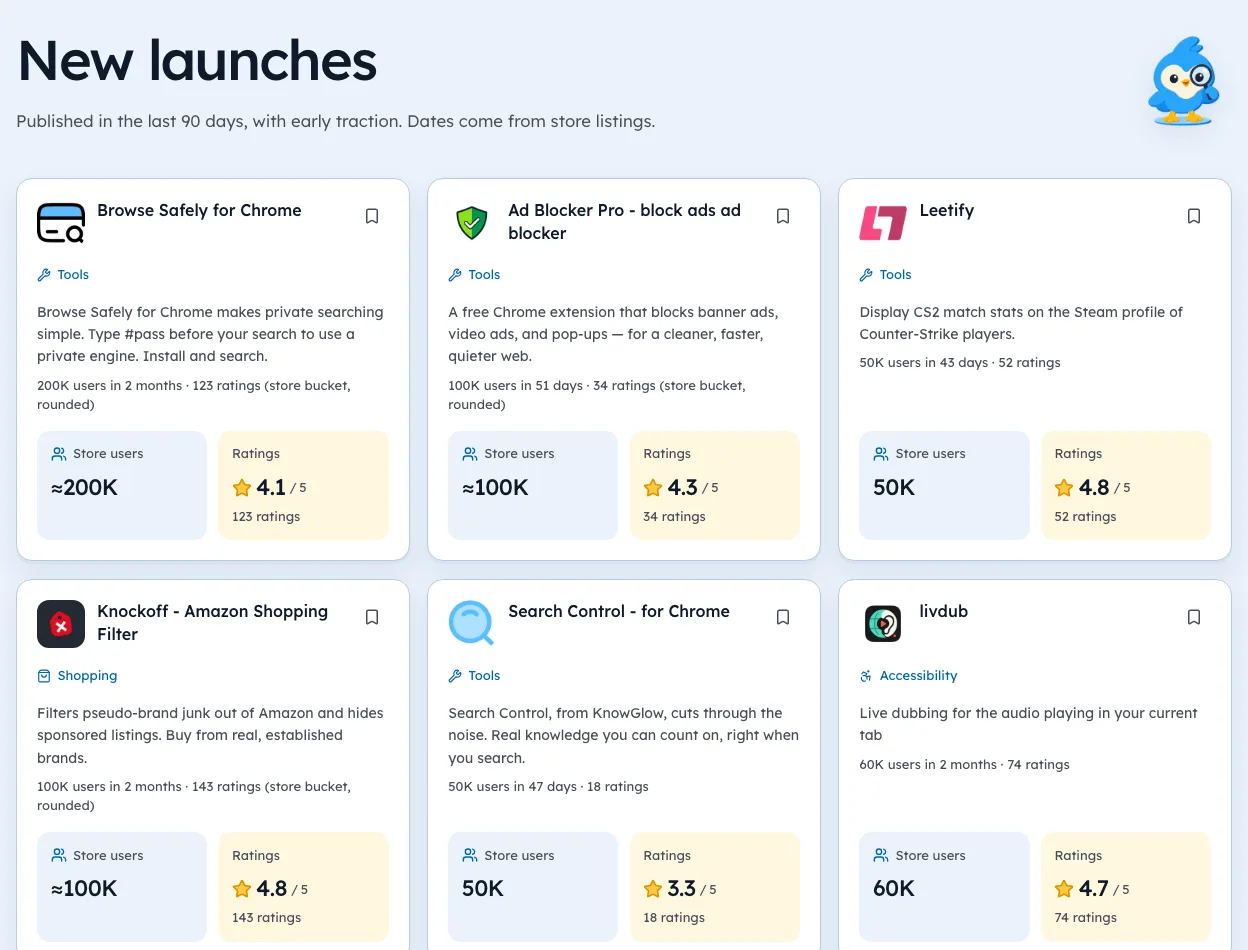
1,182 new extensions in the last 30 days in Developer Tools. See them all.
Start from a niche with proven demand instead of a blank page. Updated 3 Oct 2026 from our Chrome Web Store crawl