The short answer
Google's documentation says most Chrome Web Store reviews finish within a few days, but some take a few weeks. If yours has been pending for more than three weeks, Google asks you to contact developer support. Broad permissions, new accounts and big code changes drive most of the gap.
- Typical: a few days, per Google.
- Slow cases: up to a few weeks.
- Past three weeks, contact developer support.
- Broad permissions and new accounts take longest.
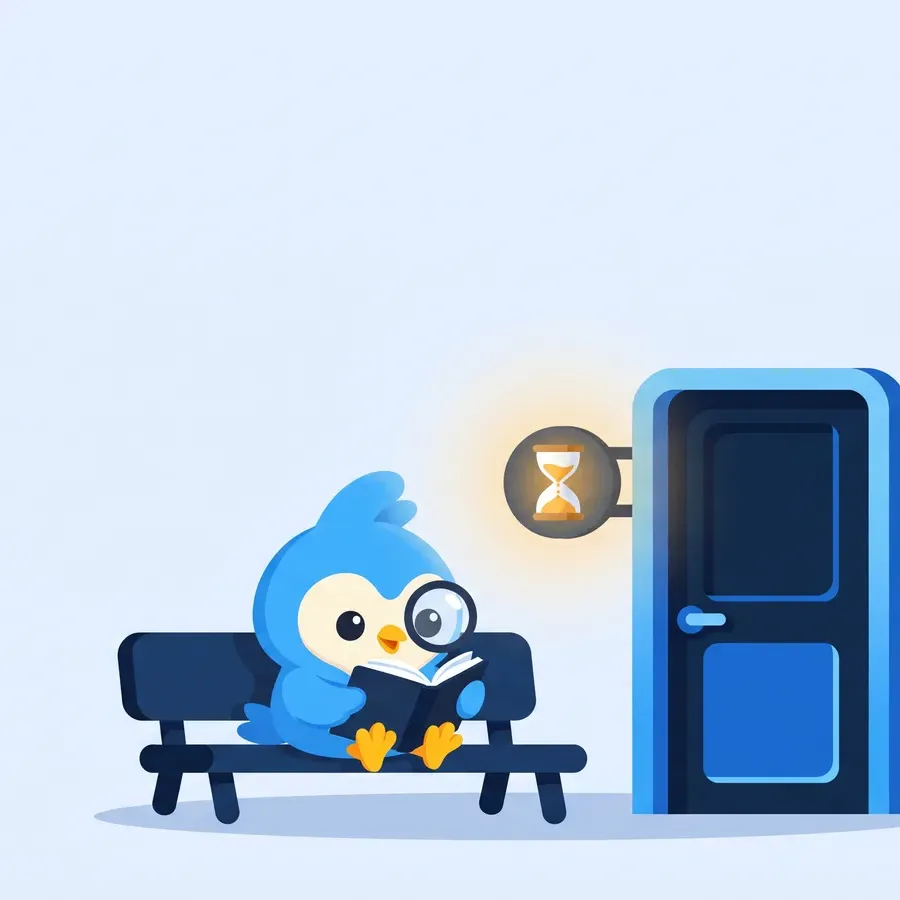
Waiting on review is a lot like watching a kettle. How long does Chrome Web Store review take? It feels slower when you stare, and it really is slower when you've filled it to the top.
How long does Chrome Web Store review take, by case
Google doesn't publish exact hours. In its review docs it does publish is a range and a list of things that stretch it. Here's that turned into a planning table. Once you're through, Chrome Web Store SEO decides who finds you.
| Your situation | What to plan for | Why |
|---|---|---|
| Small update, same permissions | A few days | Little new to check |
| First extension on a new account | Toward the slow end | Google says new developers get closer review |
| Asking for all-sites access | Toward the slow end | Broad host permissions trigger a deeper look |
| Large rewrite or big code jump | Toward the slow end | Significant changes get more scrutiny |
| Pending past three weeks | Contact support | Google's stated point to ask for help |
The "slow end" means a few weeks. If you're already waiting, see what to do while it's pending. Never promise a launch date that needs a fast review.
Ways to keep it short
- Trim permissions to what each feature needs.
- Keep code readable. Google's policies say extension logic must be easy to work out from the submitted code. The table above lists every trigger Google names.
- Ship smaller updates more often instead of one huge one.
- Use deferred publishing so review can finish before your launch day.
Submit a week before you need it live, then publish on the day.
The Tools category page lists the same extensions with users and ratings.
The Chrome Web Store review process in five steps
Timing makes more sense once you know what happens in the queue. Google's own docs describe the flow, and it looks like this.
- You upload a packagein the developer dashboard and fill in the listing, privacy fields and permission justifications.
- You submit itThe item shows as pending review. Our page on what to do while it's pending covers the wait.
- Google checks the code and listingagainst its program policies.
- You get a verdict by emailApproved, or rejected with the policy it broke.
- It publishes, straight away or when you click publish if you turned on deferred publishing.
Updates go through the same review as a new item. A one-line fix can still wait in the queue.
What review checks, in plain words
Reviewers aren't grading your design. They're asking whether the extension does what the listing says and nothing it shouldn't.
| Area | What they look for |
|---|---|
| Permissions | Each one is used by a feature you describe |
| Code | Logic can be read from the submitted package, with no hidden remote code |
| Listing | Name, summary and screenshots match what the tool does |
| Privacy | Data use is declared and matches the privacy fields |
| Single purpose | The extension has one clear job |
The single purpose rule trips up a lot of first-time builders. A tab manager that also changes your new tab page and blocks ads is three products in one box. Split them, or cut the extras.
How common big permissions are
Broad access is one of the named reasons for a longer review. It's also common. In our crawl observed 3 Oct 2026, 11,272 of 65,655 extensions with store data asked for access to all sites.
| Permission | Extensions asking for it |
|---|---|
| storage | 48,219 |
| activeTab | 22,097 |
| scripting | 20,910 |
| tabs | 18,120 |
activeTab is the quiet win here. It gives access to the current tab only after the user clicks, which is often all a tool needs. Swapping all-sites access for it can shorten review and makes the install prompt less scary.
If you get rejected
The email names the policy. Your live listing stays as it was.
- Read the named policy in full, not just the email summary.
- Fix that one issue. Don't bundle new features into the resubmission.
- Rewrite the justification field so each permission names the feature that uses it.
- Resubmit, or use the Appeal button in the dashboard if you think the call was wrong.
Google says support usually replies to appeals within three days. Keep your note short: what the policy says, what your code does, and where in the package a reviewer can see it.
How often extensions ship updates
Every update is a new trip through review, so the update rhythm of a niche tells you how often rivals accept that wait. Here's how the whole store looked on 3 Oct 2026.
| Last update | Extensions |
|---|---|
| Within 30 days | 19,443 |
| 30 to 90 days | 8,061 |
| 90 to 180 days | 8,164 |
| 180 days to a year | 8,526 |
| Over a year | 21,431 |
About one in three listings had an update in the past month. Another third hadn't shipped in over a year. Review time clearly doesn't stop active teams from shipping often, as long as each update is small.
A pre-submit checklist
Most slow reviews start with something you could have caught before clicking submit. Run through this list each time.
- Every permission has a feature. Write them as pairs. Delete any permission with no feature next to it.
- Host access is as narrow as it can be. List the sites by name if your tool only works on a few.
- No remote code. Everything the extension runs ships in the package.
- Readable build output. Bundling is fine. Obfuscation isn't.
- Privacy fields match the code. If you collect anything, say what and why.
- Screenshots show the real tool, at the size the store expects.
- The summary names one job.
Tick all seven and you've removed the triggers you control. The rest is queue time.
Planning launch dates around review
Since nobody outside Google knows the exact wait, plan with a buffer you can live with. Here's a simple way to set a date.
| Kind of release | Submit this far ahead |
|---|---|
| Small fix, same permissions | 3 to 5 days |
| New feature, same permissions | About a week |
| New permissions or host access | Two weeks or more |
| First ever submission | Two to three weeks |
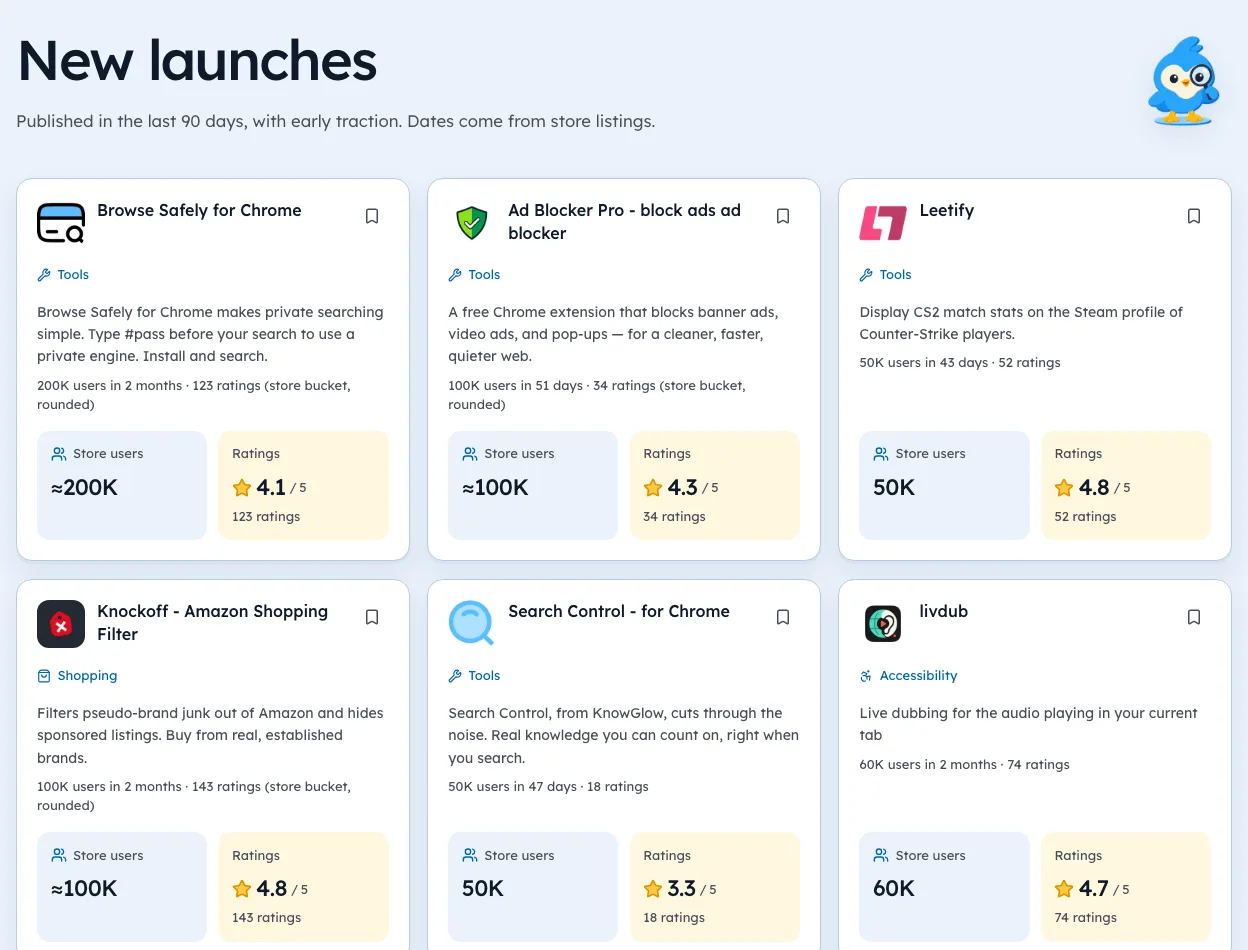
Use deferred publishing for anything with a fixed date. You get the approval early and choose the moment it goes live. The New launches page shows how many young listings went live in the past 90 days, so you can see how crowded launch weeks get.
For a first extension
A first submission feels like the slowest, partly because everything is new and partly because Google gives new accounts a closer look. Our guide to setting up a developer account covers the steps before this one.
Keep the first version small. One job, few permissions, a clean listing. You can add features in later updates once you have a track record. That also gives you a reason to ship regular updates, which keeps the listing looking cared for.
Why you can't see this from the store
Outside the dashboard, nobody can see a pending review. What anyone can see is the version change once it's live.
We're biased, as the makers of Ext Watch. Our tracker records the date we first see each new version, which tells you when a rival's update landed. It can't tell you how long they waited for it.
Fill the kettle less, and it boils sooner.
Questions people ask
Why is my extension stuck in pending review?
Usually one of the triggers above. If it passes three weeks, Google says to contact developer support.
Is review faster for updates?
Often, if the permissions and code barely change. Google gives no guarantee.
How long should I wait before contacting Chrome Web Store support?
Google asks you to wait three weeks, then contact developer support with your item ID.
Does every update get reviewed?
Yes. Google reviews new items and every update, and it re-checks published items from time to time.
Can I pay for faster review?
No. Google doesn't offer a paid fast lane.
Does a rejection take my live extension down?
No. A rejected update leaves your current live version as it was. Users notice nothing.
What changed
- Merged our separate review process guide into this page, added the five steps, rejection and appeal advice, and update counts from our 3 Oct 2026 crawl.
Where these numbers come from
- developer.chrome.comChrome Web Store review processAccessed 3 Oct 2026
- developer.chrome.comChrome Web Store program policiesAccessed 3 Oct 2026
Part of our guide: Chrome Web Store SEO: titles, descriptions, screenshots. More in Growth and ranking.


4,821 new extensions in the last 30 days in Tools. See them all.
Extensions gaining users fastest, and what they changed. Updated 3 Oct 2026 from our Chrome Web Store crawl