
The short answer
The servers founders need fall into five kinds: files and notes, code and repos, browser control, your business data, and outside market data. When choosing an MCP server 2026 setup, pick by the question you ask most often, and start with read-only servers so a wrong guess can't change anything.
- Sort servers by the job, not the brand.
- Five kinds cover a solo founder's week.
- Read-only first; write access later.
- Check every server's data dates.
Browse any MCP server 2026 directory and there's something for nearly everything. Scrolling it feels like a hardware store aisle. You came in for one screw and you're holding a pressure washer.
New to the term? Start with what an MCP server is.
The five kinds of MCP server 2026 founders meet
| Kind | Question it answers | Main risk |
|---|---|---|
| Files and notes | "What did I decide last week?" | Reads private folders |
| Code and repos | "Where is this bug coming from?" | Write access to your code |
| Browser control | "What does this page show now?" | Acts as you on live sites |
| Your business data | "How many signups yesterday?" | Exposes customer records |
| Outside market data | "Who else serves this niche?" | Stale or undated numbers |
That's the whole shopping list. Short. Five kinds cover a solo founder's week, and most days you'll touch two.
Start read-only
A read-only server can mislead you. It can't delete your repo. That's a much smaller blast radius while you learn how your assistant picks tools.
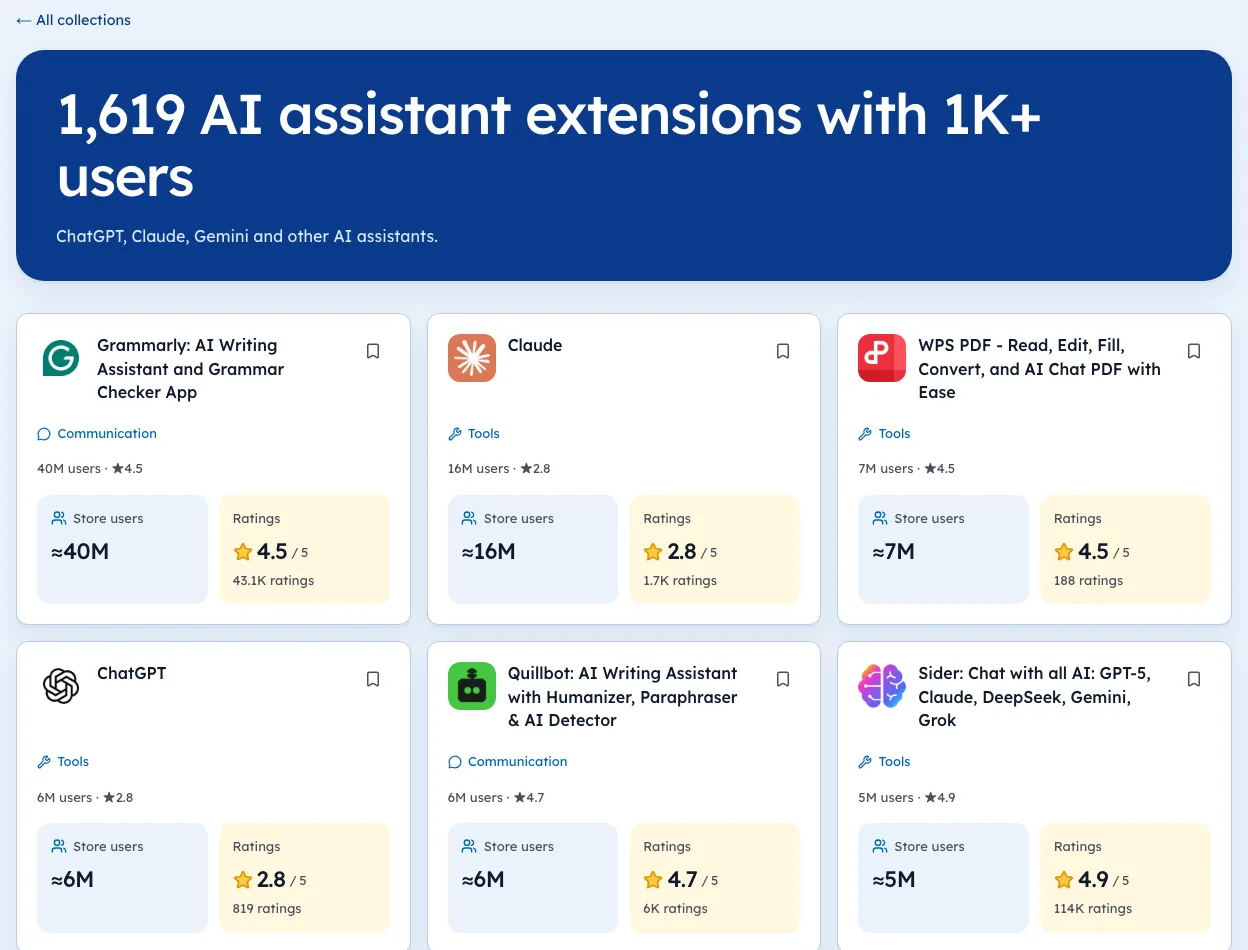
You can check these figures yourself on the Developer Tools category page.
Files, code and browser
These are the ones the protocol's own example list leans on, and they're mature. Two notes from using them:
- Scope file access to one folder, not your home directory.
- Give code servers a branch, not main.
Browser control is powerful and a little scary, since it acts with your real logins on live sites and a confused model can click a button you'd never have pressed yourself. Keep it for testing your own app.
Business and market data
Your own data is where the time savings show up, because the questions you ask every morning about signups, refunds and failed payments stop needing four separate dashboards and a spreadsheet.
Signups, refunds and support tickets answered in one sentence beat four dashboards.
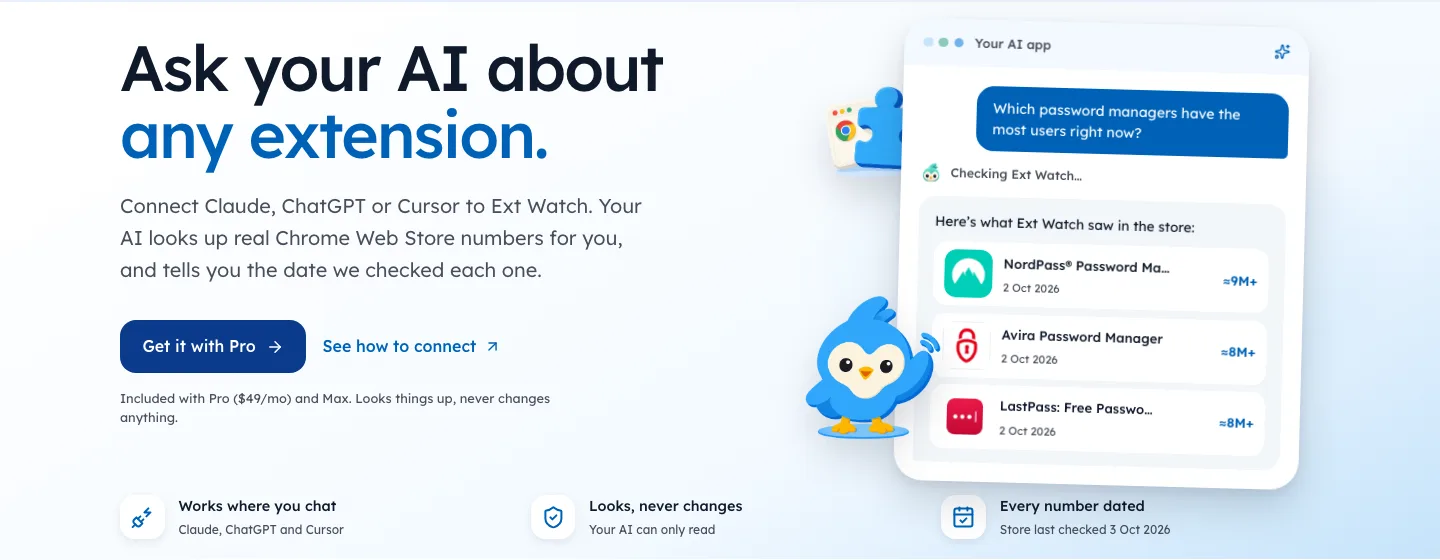
Market data is where truth gets slippery. An assistant will happily repeat any number a tool hands it. So the server has to carry dates and say "unknown" out loud.
We're biased, since we're building a store-data server for Chrome extensions. Our crawl held store data for 65,655 extensions on 3 Oct 2026, out of 370,013 IDs in the store's sitemap, and our own history began on 2 Oct 2026.
A server built on it has to say that plainly.
The design notes are in Chrome Web Store MCP, and a prompt to pair with it is in asking Claude what extension to build.
How to vet a server before installing
A server runs with whatever access you give it. A few minutes of checking saves a lot of trouble.
| Check | What to look for |
|---|---|
| Publisher | A known company or a well-kept open-source repo |
| Tool list | Each tool's name and what it does |
| Read or write | Whether any tool can change data |
| Data sent | Where your questions and results go |
| Updates | Recent releases, open issues being answered |
The tool list matters most. A server that only reads is far safer than one that can send email, push code or delete files. The protocol's specification describes how tools are declared, so a good server's list is easy to read.
Real questions for each kind
The best way to pick is to start from questions you actually ask. Here are examples for each kind.
- Files and notes: "Summarise what I wrote about pricing last month."
- Code: "Which function throws this error, and where is it called?"
- Browser: "Open our signup page and tell me if the form submits."
- Business data: "How many trials started yesterday, and how many converted?"
- Market data: "Which tab managers with 10,000+ users haven't updated in a year?"
If you can't write three questions for a kind, skip it for now.
Approval settings
Most clients let you approve each tool call or allow some automatically. Set this deliberately.
- Read tools you trustallow automatically.
- Write toolsalways ask.
- Anything newask until you've seen it behave for a week.
This costs a few clicks and prevents the one bad call that matters.
A monthly cleanup
Servers pile up. Once a month, open your client's server list and run through it.
- Remove any server you didn't use in the past month.
- Update the ones you keep.
- Re-check write access on each.
- Spot-check one market-data answer against the source.
For our own server, that spot check is simple: ask it about one extension, then open the store listing and compare. Every number it returns should carry the date we saw it, which our MCP page explains. The Developer Tools category page is a good place to try such a question.
A sample week with three servers
Here's how a small setup looks in use, for a solo founder running one extension.
| Day | Question | Server kind |
|---|---|---|
| Monday | "How many trials started last week?" | Business data |
| Tuesday | "Why does the options page throw on save?" | Code |
| Wednesday | "Which rivals shipped updates this month?" | Market data |
| Thursday | "Summarise feedback notes from user calls" | Files |
| Friday | "Draft this week's changelog from merged work" | Code |
Five questions, three or four servers. Each answer would take ten minutes by hand. With servers, it's a sentence and a check.
Signs a server isn't worth keeping
Not every server earns its place. Remove one if you notice these.
- You rarely call itUnused tools still crowd the menu.
- Answers need heavy checkingevery time.
- It's slowenough that you open the dashboard instead.
- It asks for more accessthan its job needs.
Swapping a weak server for nothing is often an improvement. The model makes fewer wrong picks with a shorter list.
Market data servers and dates
Outside data is where dates matter most. A good market-data server should say when each number was seen, what it couldn't see, and when the answer is unknown.
Ask any such server one question you can check by hand, then compare. Our guide to AI market research without invented facts covers the checks in more detail. You can try a question about any category on our categories pages and compare the answer with the listing.
A sane starter kit
- One code server, on a branch.
- One server for your own product data, read-only.
- One market-data server you've spot-checked.
You'll leave the store with the screw you came for. The pressure washer can wait.
Questions people ask
What are the best MCP servers in 2026?
The best one answers a question you ask weekly. For founders that's usually code, analytics, and market data.
Are MCP servers safe?
A server can do whatever its tools allow. Prefer read-only tools, check who publishes it, and approve calls you don't recognise.
How many MCP servers should you install?
Start with two or three. Each extra tool list gives the model more to choose from, and more ways to pick wrong.
How do I check if an MCP server is trustworthy?
Look at who publishes it, read its tool list, check whether tools can write or only read, and test it on a question you can verify by hand.
Do MCP servers work with tools other than Claude?
Yes. MCP is an open protocol, and several AI clients and editors support it. Check your client's docs for setup.
What changed
- Updated our crawl figures to 3 Oct 2026 and added how to vet a server, permission settings, real questions per kind and a monthly cleanup routine.
Where these numbers come from
- modelcontextprotocol.ioModel Context Protocol: introductionAccessed 3 Oct 2026
- modelcontextprotocol.ioModel Context Protocol: example serversAccessed 3 Oct 2026
Part of our guide: What Is MCP Server? A Plain Guide for Extension Builders. More in AI and MCP.


1,182 new extensions in the last 30 days in Developer Tools. See them all.
Ask Claude about store data directly, or browse the openings yourself. Updated 3 Oct 2026 from our Chrome Web Store crawl