The short answer
The ideas that work for one person are narrow tools that solve one paid task, need little support and don't depend on a big partner's goodwill. Browser extensions fit well because they live where people work. For micro SaaS ideas for solopreneurs, choose a niche you understand, with proven users and weak current tools.
- Solo means support load matters as much as demand.
- Avoid ideas that depend on one platform's permission.
- Pick work tasks you know from experience.
- Workflow & Planning had 2,528 extensions with 10,000+ users in our crawl.
Micro SaaS ideas for solopreneurs need an extra filter, because running a product alone changes which ideas are good. A great idea that floods your inbox with support tickets is a bad idea for one person.
So the filter for solopreneurs has an extra step: what will this cost you every week after launch?
The four solo filters
| Filter | Good sign | Bad sign |
|---|---|---|
| Support load | Users are pros who know the task | Beginners who need hand-holding |
| Platform risk | Works on open web pages | Depends on one site's private API |
| Willingness to pay | Saves time in a paid job | A hobby or student tool |
| Upkeep | Pages it touches rarely change | Breaks every time a big site redesigns |
If the label is new, our micro SaaS explainer covers it in a few minutes.
Platform risk is the quiet killer. If your tool scrapes one social network and that network changes its layout, you spend your weekend fixing it.
Where solo-friendly demand sits
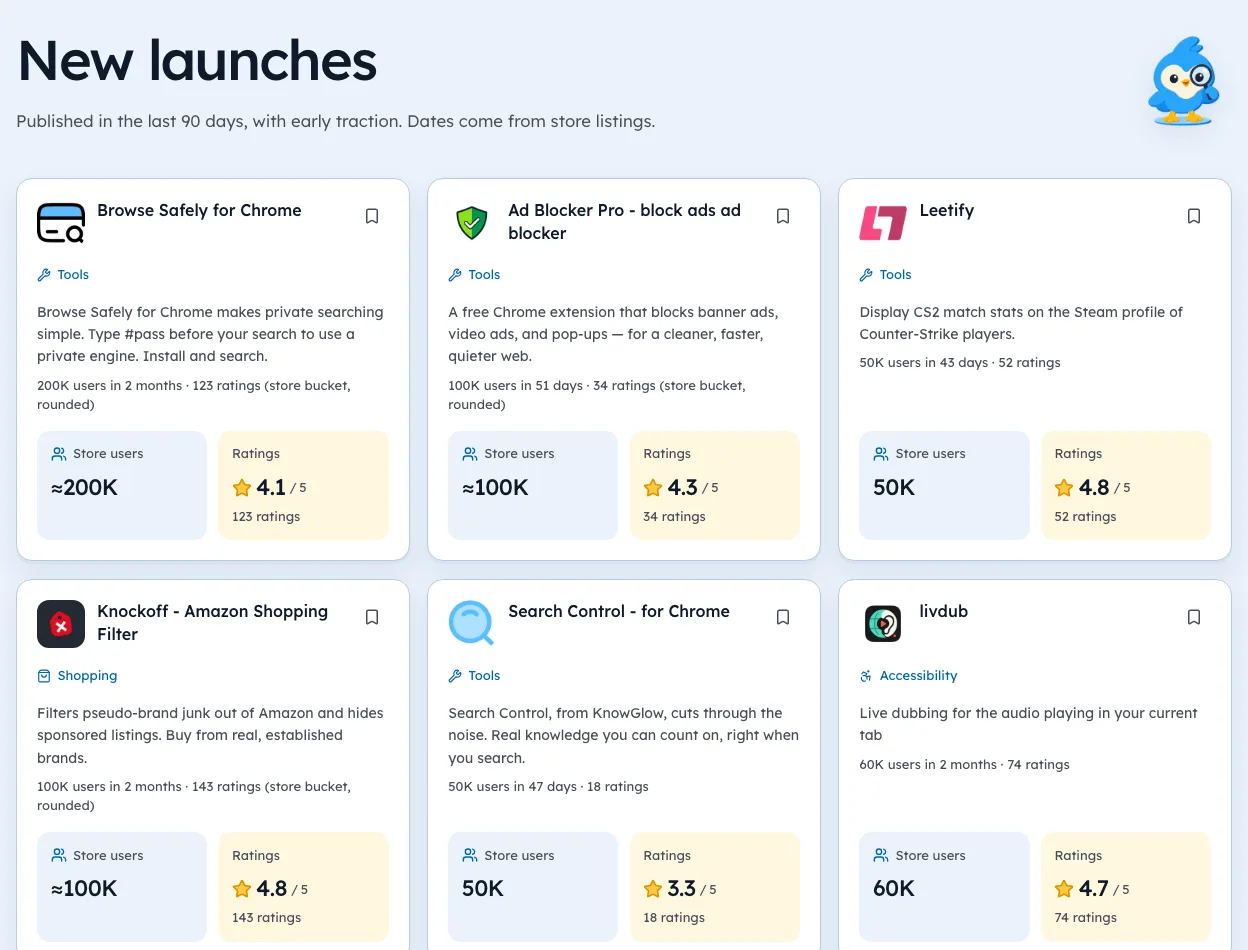
In our crawl of the Chrome Web Store, the "Workflow & Planning" category held 13,868 extensions, and 2,542 of them had 10,000+ users, observed 3 Oct 2026. That's the biggest pool of popular work tools we track.
Those users are planning, organising and tracking things at work. They tend to know what they want, which keeps support lighter.
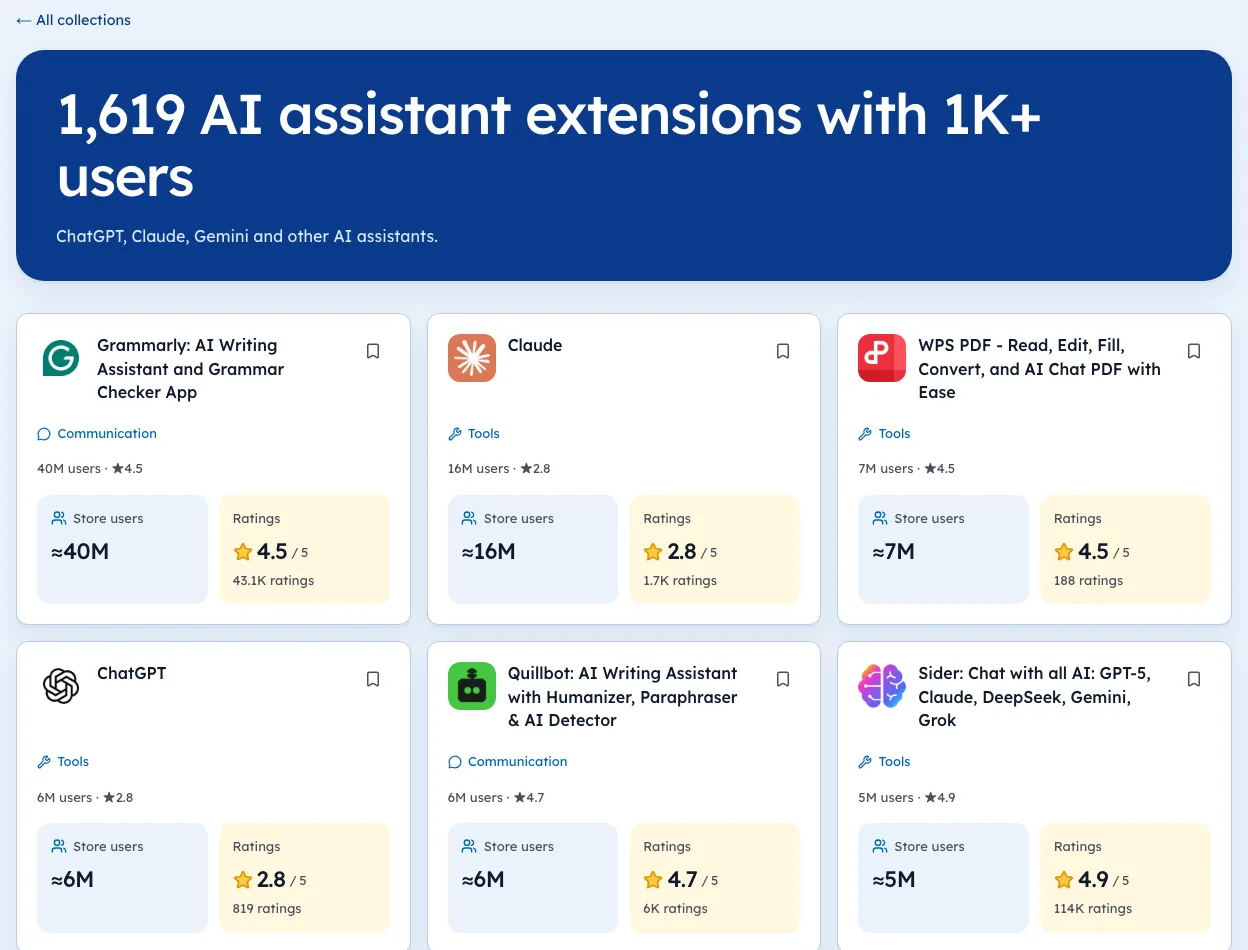
To test this on real listings, start with the focus and site blockers page.
Micro SaaS ideas for solopreneurs that suit one person
- Templates and snippets for one profession, like recruiters or support agents.
- Small data cleaners, such as formatting exported tables before they hit a spreadsheet.
- Checkers that flag mistakes in a form before submit.
- Tiny reporting tools that pull numbers from a dashboard into a weekly summary.
Each one does one thing. If you can't explain it in one sentence, it's too big for one person.
Ideas to skip when you're alone
- Anything that needs a sales call to close.
- Tools that handle payments or passwords for users.
- Clones of tools from huge companies that ship weekly.
- Products whose value depends on a big user network.
Checking your shortlist
For each idea, find three existing tools. Note users, rating count, last listing update and whether the maker's own site sells a plan. If you can't find a plan, mark pricing as unknown.
For where payers sit, read micro SaaS ideas that make money. For a technical angle, try micro SaaS ideas for developers.
We're biased, since Ext Watch automates the first three columns with dates attached. The pricing check is still worth doing yourself.
A weekly time budget
A solo product has to fit around the rest of your life. Before you build, write down what a normal week will cost.
| Task | Hours a week, early | Hours a week, steady |
|---|---|---|
| Support email | 2 to 4 | 1 to 2 |
| Bug fixes and updates | 3 to 6 | 1 to 3 |
| Marketing | 4 to 8 | 2 to 4 |
| Admin and billing | 1 | under 1 |
If the steady column adds up to more than you can spare, the idea is too big. Cut features until it fits.
Designing for low support
Support load isn't luck. Much of it comes from choices you make while building.
- A welcome page that shows the one thing to do first.
- Plain error messages that say what to try, not just "something went wrong".
- Few settings, with good defaults.
- A short help page answering the five questions people ask most.
- No account for the free version, so there are no password resets to handle.
Every one of these saves emails. Over a year, that's weeks of your time.
Niche examples with real numbers
Here are some niches we track, with numbers from our 3 Oct 2026 crawl. Smaller niches with high ratings often suit a solo builder, because the users are focused and know what they want.
| Niche | Extensions | With 10k+ users | Avg rating |
|---|---|---|---|
| Email finders | 138 | 37 | 4.59 |
| Ad library tools | 144 | 18 | 4.49 |
| LinkedIn lead tools | 271 | 17 | 4.41 |
| Etsy seller tools | 78 | 13 | 4.13 |
| Maps lead scrapers | 57 | 5 | 4.45 |
A high average rating means users are happy, so you need a clear angle. A lower one, like Etsy seller tools, can mean room for a better product. Our niche pages show every listing in each group.
A simple pricing start
You don't need a pricing strategy on day one. You need one price and a way to take it.
- One paid plan, monthly or one-time, based on your costs.
- A free versionthat does the core job, with a limit.
- A payment providerthat handles tax and receipts for you.
- Revisit the priceafter your first 20 paying users.
Our guide to monetization models helps you pick between monthly and one-time.
A one-page plan for a solo product
Before building, write a single page. If you can't fill it in, the idea needs more thought.
| Line | Your answer |
|---|---|
| Who pays | One type of person or business |
| The job | One sentence |
| Where it lives | The site or app they use daily |
| Price | One number to start |
| Hours a week | From the time budget above |
| First 20 users | Where you'll find them |
The last line is the one most solo founders skip. Knowing where your first 20 users are matters more than any feature.
Finding your first users alone
Without a team, you need channels that don't take hours a day.
- Communitieswhere your buyers already ask questions.
- A search pagefor each problem your tool solves.
- Direct messagesto people who complained about rival tools in public.
- A short demo videothat shows the job done in under a minute.
Pick two and do them weekly. Our guide to Chrome extension marketing lays out a routine that fits around other work.
When to stop
Solo products need clear stop rules, so a weak idea doesn't eat a year.
- No paying user after three months of real effort.
- Support takes more time than the product earns.
- The platform it depends on keeps breaking it.
Stopping isn't failure. It frees time for the next idea on your list. Our Openings list is a good source for that list, with niches where leaders have gone quiet.
One small step
Take your current idea and score it against the four solo filters. Be honest about support load.
A good solo product is one you can still run on a quiet Sunday.
Questions people ask
What is the easiest SaaS to build alone?
A tool that does one task inside a page people already use. Browser extensions are a common way to do that.
Can one person run a micro SaaS?
Yes, if the product is narrow and support is light. Pick buyers who know what they want.
How much time does a solo micro SaaS take?
Building is the short part. Support, updates and marketing take most of the hours after launch.
What price should a solo micro SaaS start at?
High enough that a sale is worth the support. Many solo tools start with one paid plan and adjust after the first 20 customers.
Should a solopreneur build a Chrome extension or a web app?
An extension if the job happens on pages people already use. A web app if the job needs its own space, like a dashboard or editor.
What changed
- Refreshed category counts to our 3 Oct 2026 crawl and added a weekly time budget, support-light design, niche examples with real numbers and a simple pricing start.
Where these numbers come from
- chromewebstore.google.comChrome Web StoreAccessed 3 Oct 2026
Part of our guide: What Is Micro SaaS? A Plain Guide With Real Examples. More in Extension ideas.

446 extensions tracked in Focus and site blockers. See them all.
Real demand, weak competition, with the numbers behind each one. Updated 3 Oct 2026 from our Chrome Web Store crawl