
The short answer
Marketing an extension from zero starts with the listing, then the communities where your users already ask for help, then search content. Reaching 10,000 users is harder than it sounds: in our crawl of 65,655 extensions, 7,967, about 12%, had 10,000 or more users as of 3 Oct 2026.
- 10,000+ users: 7,967 of 65,655 crawled extensions (3 Oct 2026).
- Half of crawled extensions had under 760 users (3 Oct 2026).
- Fix the listing before spending time on traffic.
- Go where users already describe the problem.
Chrome extension marketing is like opening a shop on a street with 60,000 other shops. Foot traffic exists. It just doesn't walk past your door on its own.
Chrome extension marketing: how far 10K users really is
| Users (store bucket) | Extensions | Share |
|---|---|---|
| Under 1K | 31,324 | 48% |
| 1K+ | 16,727 | 25% |
| 10K+ | 6,149 | 9% |
| 100K+ | 1,472 | 2% |
| 1M+ | 346 | 0.5% |
Observed 3 Oct 2026, 65,655 extensions with store data. Rounded store buckets. Another 9,637 showed no readable user count.
10K puts you in roughly the top eighth of listings with a count. That's a real goal, not a default. The listing work behind it is covered in Chrome Web Store SEO.
Stage 1: the listing (0 to 100 users)
Your listing is your shop window. Before any traffic, get these right.
- Name with the job in it. "Tab saver for research" beats a clever word nobody searches.
- First line answers what it does. Search snippets show it.
- Screenshots of the actual result, not the settings page. A Featured badge helps later.
- A short permissions story. People read install warnings.
For current numbers, open the Tools category page.
Stage 2: communities (100 to 2K users)
Go where people already describe the problem. A subreddit, a Slack group for the job, a forum thread from last month.
Answer the question first. Mention your extension only where it actually solves it, and say you made it. Communities forgive makers who are honest and help first.
Stage 3: search (2K to 10K users)
Write one page for each problem your tool solves, in the words people type. There's no public search volume for the store itself, so use Google autocomplete and your reviews for the phrasing.
One good how-to page that solves the problem without your tool will outsell five ads.
Launch week: one burst, done well
A launch won't carry an extension to 10,000 users. It does give you the first few hundred, plus the first reviews, which help everything after.
| Day | Job |
|---|---|
| A week before | Submit the update with deferred publishing on |
| Launch day, morning | Publish, then install it yourself in a clean profile |
| Launch day | Post in two or three places your users already read |
| Days 2 to 3 | Reply to every comment and bug report |
| Day 7 | Write down users, rating count and where traffic came from |
Pick places by audience, not size. A small forum for recruiters beats a huge general board if you built a recruiting tool. Our guide to review timing explains why you submit a week early.
Stage 4: reviews that keep working
Ratings are the slowest number on a listing and the hardest to fake. They also feed ranking, per Google's discovery docs.
- Ask at a moment of success, right after the tool saves someone time, never on first open.
- Make leaving feedback easy for unhappy users through a support link, so problems reach you before they reach a one-star review.
- Reply to bad reviews with a fix or a clear answer. Future users read replies.
Never offer anything in return for a rating. Google's policies treat incentivised reviews as spam.
In our 3 Oct 2026 crawl, 23,727 of 65,655 extensions had no ratings at all. Even a handful of honest reviews puts you ahead of a third of the store.
Stage 5: partners and integrations
Past a few thousand users, other people's audiences matter more than yours. Look for tools your users already pay for, and ask whether a small integration makes sense.
- Newsletters in your niche often run short tool picks. Pitch the problem you solve, not the product.
- Complementary tools can link to you from their help docs if you save their users a step.
- YouTube tutorials for the job your tool helps with. A creator showing it in passing can outlast any ad.
Keep a simple sheet with each contact, the date and what happened. Most pitches go nowhere. The two that work make the sheet worth it.
A weekly marketing routine
Big pushes fade. A small routine compounds. Here's a version that fits in about two hours a week.
- Mondaycheck users, rating count and new reviews. Write them down with the date.
- Tuesdayanswer two community questions about your problem, without linking unless asked.
- Wednesdayimprove one thing on the listing, like a screenshot or the first line.
- Thursdaywrite or update one search page for a problem you solve.
- Fridayreply to every review and support email from the week.
Track only the numbers you can read every week. Our guide to store ratings explains why rating count moves before the user bucket does.
What to measure at each stage
Each stage has one number that tells you whether it's working. Watching the wrong one wastes weeks.
| Stage | Watch this | Ignore for now |
|---|---|---|
| Listing | Share of store visitors who install | Total users |
| Communities | Installs in the days after a post | Upvotes |
| Search | Visits to each how-to page | Domain authority |
| Reviews | New ratings per week | Your average, until you have 20+ |
| Partners | Installs per partner | Number of pitches sent |
The store dashboard shows listing views and installs. For anything outside the store, add a simple source tag to links you share so you can tell channels apart.
Marketing mistakes that cost the most
- Launching before the listing is clear. Every visitor who bounces is gone for good.
- Posting the same message everywhere. Each community has its own norms. Read the rules first.
- Chasing a big launch day instead of a steady weekly routine.
- Buying installs. It breaks policy, and the gap between users and ratings gives it away.
- Ignoring bad reviews. Future users read them, and your reply.
Most of these are free to fix. Start with the first.
Where to see what worked for others
We're biased, since we build Ext Watch, but it helps to look at listings in your space that already reached the numbers you want. Our niche pages list every extension in a group with its users and rating, so you can study the names, screenshots and first lines of the ones that made it. The Tools category page does the same for the biggest category in the store.
Channels by type of tool
Where you find users depends on who they are. Here's a rough guide.
| Type of tool | Channels that tend to work |
|---|---|
| Work tools for one profession | Professional communities, newsletters, direct outreach |
| Developer tools | Developer forums, open-source repos, docs |
| Student tools | Student communities, short tutorial videos |
| Shopping tools | Deal communities, comparison posts |
| AI helpers | Demo videos, search pages for each task |
Pick the one or two that match your users. Trying every channel at once spreads effort too thin to learn anything.
A marketing log
Keep a simple log of what you did and what happened. It turns guesses into lessons.
| Date | What we did | Installs that week | Notes |
|---|---|---|---|
After two months, sort by installs. The top rows show what's worth repeating. Our guide to store analytics covers how to tag links so you know which post brought which installs.
Watching the climbers
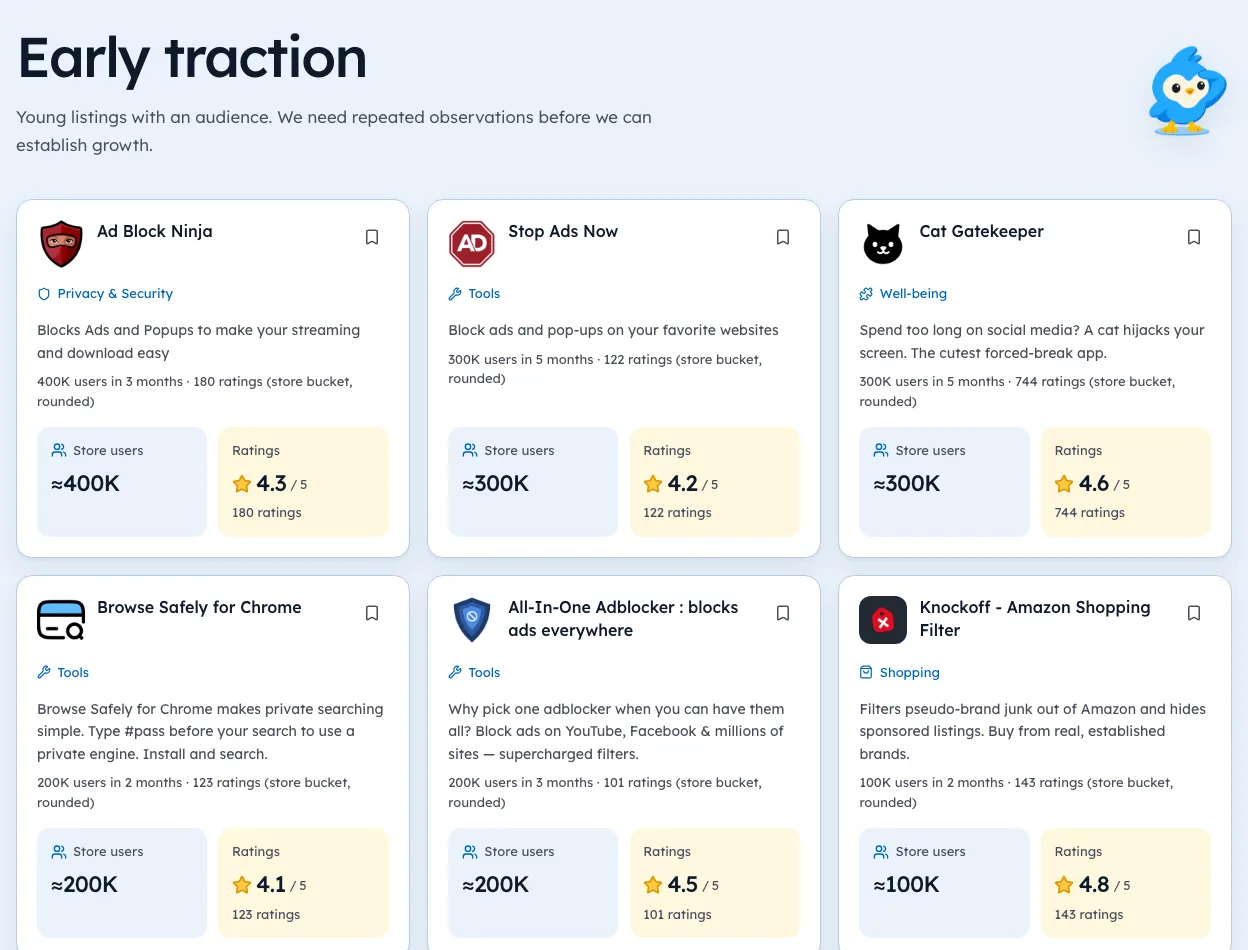
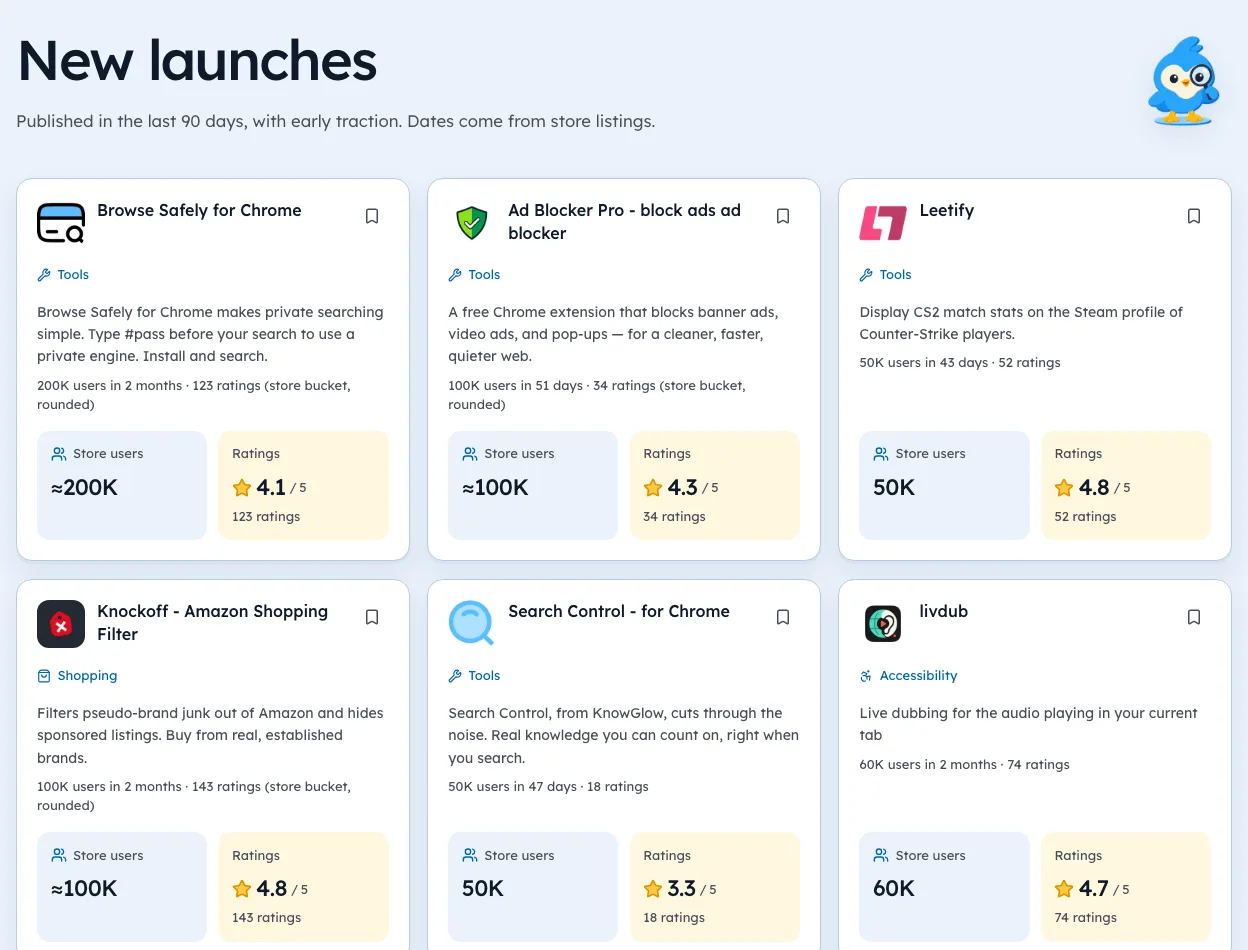
We're biased, since we build Ext Watch. Our New launches view shows young extensions with their user bucket and age, dated. We started our own history on 2 Oct 2026, so we don't call anything "rising" until we've measured it over time.
The street is busy. Put something in the window worth stopping for.
Questions people ask
How do I promote my Chrome extension for free?
Listing first, then honest answers in communities, then search pages for each problem.
How long does it take to get 10,000 users?
We don't have measured growth curves yet. Our tracking began 2 Oct 2026.
What is the best way to market a Chrome extension?
Start with a clear listing, then answer questions in communities where your users already gather, then write one page for each problem your tool solves. Never buy installs.
Does Product Hunt work for Chrome extensions?
It can bring a burst of early users and feedback. Treat it as one launch-week channel, not a plan, and have your listing ready before you post.
Should I run ads for a Chrome extension?
Only once the listing converts and you know what a user is worth to you. Before that, ads mostly pay to learn your listing isn't clear.
What changed
- Refreshed figures to our 3 Oct 2026 crawl of 65,655 extensions and added stages for launch week, reviews and partnerships, plus a weekly routine.
Where these numbers come from
- developer.chrome.comChrome Web Store program policiesAccessed 3 Oct 2026
Part of our guide: Chrome Web Store SEO: titles, descriptions, screenshots. More in Growth and ranking.


4,821 new extensions in the last 30 days in Tools. See them all.
Extensions gaining users fastest, and what they changed. Updated 3 Oct 2026 from our Chrome Web Store crawl