The short answer
To monetize a Chrome extension without ruining your reviews, charge for something new rather than locking what people already use. Keep the free tier honest, announce the change inside the tool before it happens, and give existing users a grace period. Reviews punish surprise far more than they punish price.
- Paywalling an old feature is the fastest route to angry reviews.
- Ratings come from a small slice of users, so a few loud ones move the average.
- Grammarly had 43,131 ratings against 40M users on 2 Oct 2026.
- Announce early, inside the tool, in plain words.
Think of your free users as neighbours who've borrowed your ladder for two years, used it on every gutter on the street, and told their friends where it lives. Start charging for the ladder overnight and the street hears about it. That's the risk when you monetize a Chrome extension late.
Why a small group sets your rating
Ratings are rare compared with users. Here's how few people rate, even on loved tools.
| Extension | Users (bucket) | Ratings | Ratings per 1,000 users |
|---|---|---|---|
| "Grammarly" | 40M | 43,131 | about 1 |
| "Loom" | 8M | 10,228 | about 1.3 |
| "Mailtrack" | 3M | 11,808 | about 3.9 |
| "Momentum" | 2M | 13,744 | about 6.9 |
| "Streak CRM" | 700K | 6,543 | about 9.3 |
Store counts from our crawl, observed 2 Oct 2026.
So the angry ones count. A few hundred angry users can shift a small extension's average for months.
How to monetize a Chrome extension: the safe order of moves
- Ship the paid feature firstSomething that didn't exist before: exports, team sharing, bigger limits.
- Tell people in the toolA small note a few weeks ahead, in plain words, with the date.
- Grandfather early userswhere you can, even for a few months.
- Keep the free tier usefulIf the free version stops doing its main job, expect reviews to say so.
- Answer reviewsDeveloper replies show on the listing, and calm ones read well to the next visitor.
For the wider picture of what pays, see how Chrome extensions make money, and freemium, one-time or subscription helps you pick the shape.
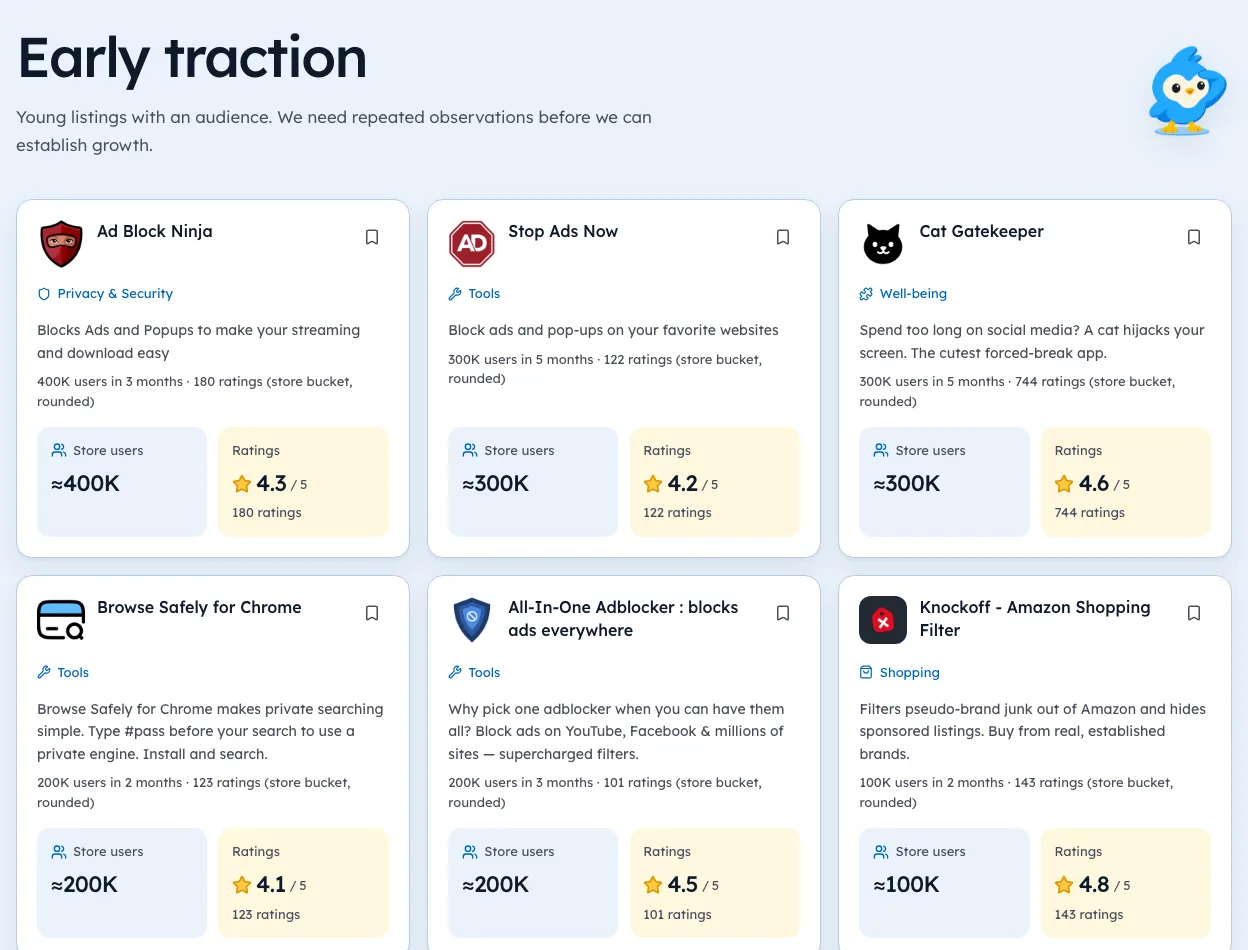
The PDF tools page shows the dated counts behind this section.
Where the payment goes
The store doesn't process payments any more (see TechRadar's report on the deprecation). Our paywall guide shows how to gate a feature. Small makers often use ExtensionPay, Gumroad or Lemon Squeezy. In our crawl, those three appeared in 147, 125 and 93 manifests respectively on 2 Oct 2026.
Write your refund policy before your first sale. It saves a hard email later. Careful buyers look for it before they pay, often in the footer, often before they've even tried the paid features, because nobody likes guessing how a refund will go.
Every guide in this series
This page is the hub for our guides on pricing. Each one goes deeper on a single step:
Things that tend to backfire
- Nag screens on every click.
- Removing a setting and selling it back.
- Hiding the price until after sign-up.
- Changing what an extension does without saying so, which also runs into the store's program policies.
Today, write one line telling users what's new. Then keep lending the ladder.
Questions people ask
Will adding a paid plan lower my rating?
It can, mainly when old features get locked. New paid features with fair notice tend to cause far less noise.
Should I monetize from day one?
Many makers wait until people use the tool daily. Charging earlier is fine if the value is clear.
Can I ask happy users to rate?
Yes, politely and without rewards. Paying or rewarding for ratings breaks store policy.
Where these numbers come from
- techradar.comTechRadar: Google kills off paid-for Chrome extensionsAccessed 3 Oct 2026
- developer.chrome.comChrome Web Store program policiesAccessed 3 Oct 2026


1,297 extensions tracked in PDF tools. See them all.
Compare paid extensions in your niche before you set a price. Updated 3 Oct 2026 from our Chrome Web Store crawl