The short answer
The top paid Chrome extensions, by store users, include Grammarly, Loom, LastPass, 1Password, vidIQ, Mailtrack, Momentum, TubeBuddy, Keywords Everywhere and Streak. Almost none show a price on their store listing. They charge on their own websites through subscriptions, credits or paid accounts, and they're free to install.
- Paid extensions install for free. The charge comes later, on the website.
- Ten big examples below, with store numbers dated 3 Oct 2026.
- Their listings carry no payment host in the manifest and no price in the summary.
- Filtering the store for \"paid\" finds almost none of them.
The top paid Chrome extensions are like cars in a showroom with no prices on the windscreens. You have to ask.
The Chrome Web Store works the same way, only there's nobody to ask. You go to the website.
Ten top paid Chrome extensions, by users
All user and rating numbers are from our own crawl on 3 October 2026. Users are the store's rounded figures, and Google's metrics page says the Users stat counts installations only.
| Extension | Users | Rating | How it charges |
|---|---|---|---|
| Grammarly | 40,000,000 | 4.49 from 43,131 | Paid plans on its site |
| Loom | 8,000,000 | 4.57 from 10,228 | Paid workspace plans |
| LastPass | 8,000,000 | 4.24 from 28,477 | Free tier plus paid plans |
| 1Password | 7,000,000 | 3.06 from 3,376 | Subscription after a trial |
| vidIQ | 4,000,000 | 4.50 from 11,276 | Paid creator plans |
| Mailtrack | 3,000,000 | 4.42 from 11,808 | Paid tracking plans |
| Momentum | 2,000,000 | 4.49 from 13,744 | Momentum Plus, $39.95/year |
| TubeBuddy | 1,000,000 | 4.46 from 8,542 | Paid creator plans |
| Keywords Everywhere | 1,000,000 | 4.51 from 5,694 | Usage credits |
| Streak CRM for Gmail | 700,000 | 4.49 from 6,543 | Paid CRM plans on its site |
The Momentum price is from momentumdash.com/plus, checked 3 October 2026. For the rest we've named the model rather than a price, because plans change often and we haven't stored a dated quote for each yet.
Check their pricing pages before you quote them. For how to check a niche before you build, see our guide to making money with Chrome extensions.
Why the store hides this
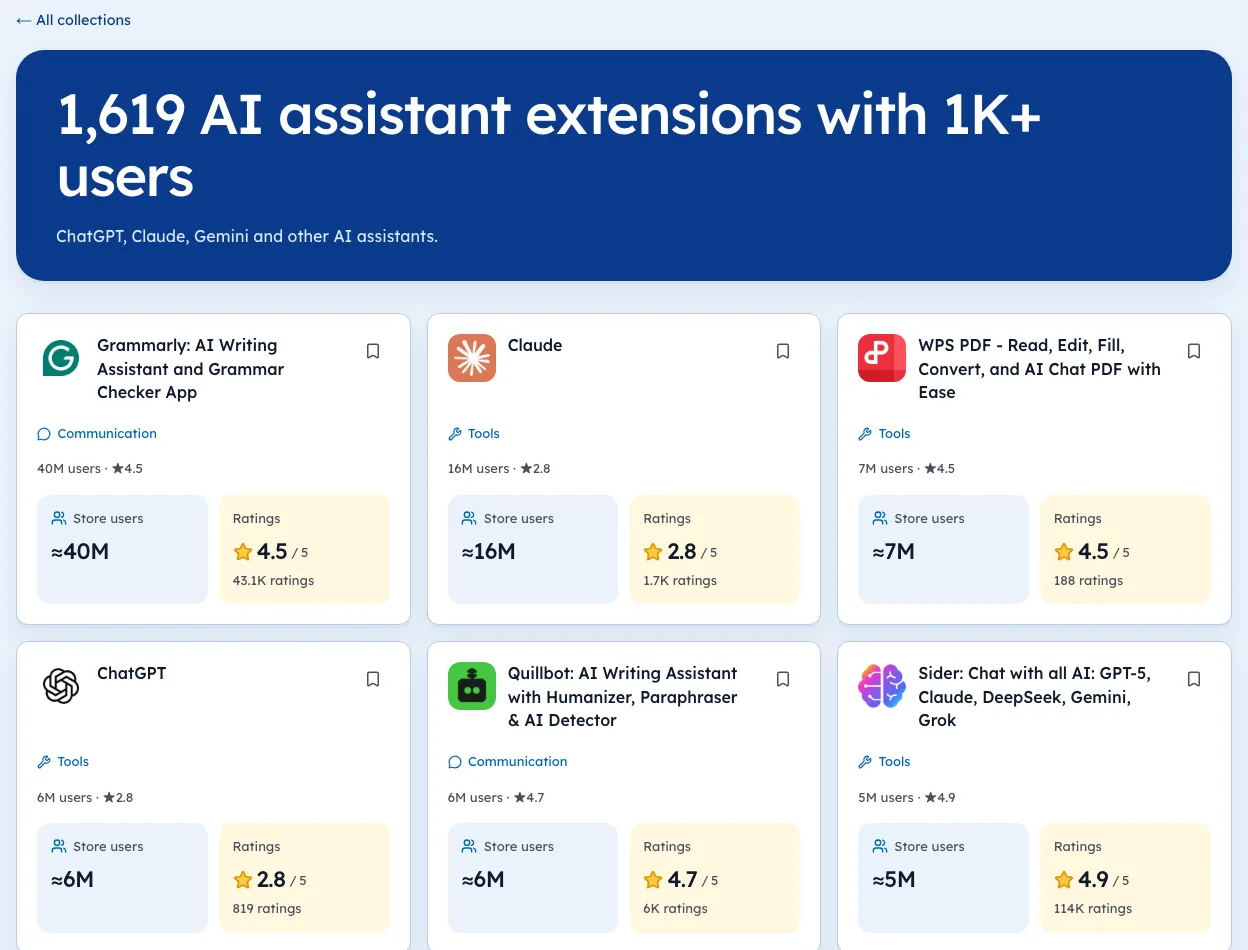
Listings almost never mention money. All ten of these show no payment host in their manifest and no price words in their short summary.
Our own paid detector, which reads exactly those two places, marks every one of them "no paid evidence". The five-step paid-versus-free check shows how to see past that.
That's the trap. If you sort a niche by "paid" using store data alone, the biggest earners vanish.
Paid SEO tools sit close together on our SEO extensions page, which makes the price gaps easy to spot.
Three pricing patterns in the ten
- Free install, paid accountGrammarly, Loom, Streak, Mailtrack. The extension is a doorway.
- Subscription to use at all1Password asks for a plan after the trial. Other shapes are in the business model teardown.
- CreditsKeywords Everywhere sells data by usage, which suits a tool with real lookup costs.
What this means if you're building
- Plan to take payment on your site from day one.
- Don't trust any store-only "paid" filter, including ours, until it reads websites too.
- Ratings tell a story: 1Password sat at 3.06 with 7,000,000 users on 3 Oct 2026. Big and paid doesn't mean loved.
We're biased, but this is the gap Ext Watch is fixing: our paid signal today reads only the listing and manifest, and we're adding dated checks of each publisher's pricing page. Until then, the opportunities list shows which busy niches have tired leaders.
Until that ships, an extension with no signal shows as "unknown", never "free".
Pick one tool in your niche and read its cheapest paid tier today. That's your first price point.
Questions people ask
What is the highest-earning Chrome extension?
No public, verified ranking exists. Revenue is private for nearly all of them.
Are paid Chrome extensions worth it?
That depends on the job. Check the rating and the number of ratings, not just the user count.
How do you find paid extensions in a niche?
Open the publisher website of each top listing and look for a pricing page.
Where these numbers come from
- developer.chrome.comChrome Web Store: Analyze your store listing metricsAccessed 3 Oct 2026
- momentumdash.comMomentum Plus pricingAccessed 3 Oct 2026
Part of our guide: How to Make Money with Chrome Extensions: Proof First. More in Make money with extensions.


745 extensions tracked in SEO extensions. See them all.
Open niches with paying users and weak competition, checked against the store. Updated 3 Oct 2026 from our Chrome Web Store crawl