

★★★★★MUHAMMAD HAMMAADTARIQ
Best web orginizer lets me even keep tags for easyness
The world’s best tab manager
by Workona Inc. · 5 listings
5 images from the publisher · use the arrows or pick one · swipe or pick one

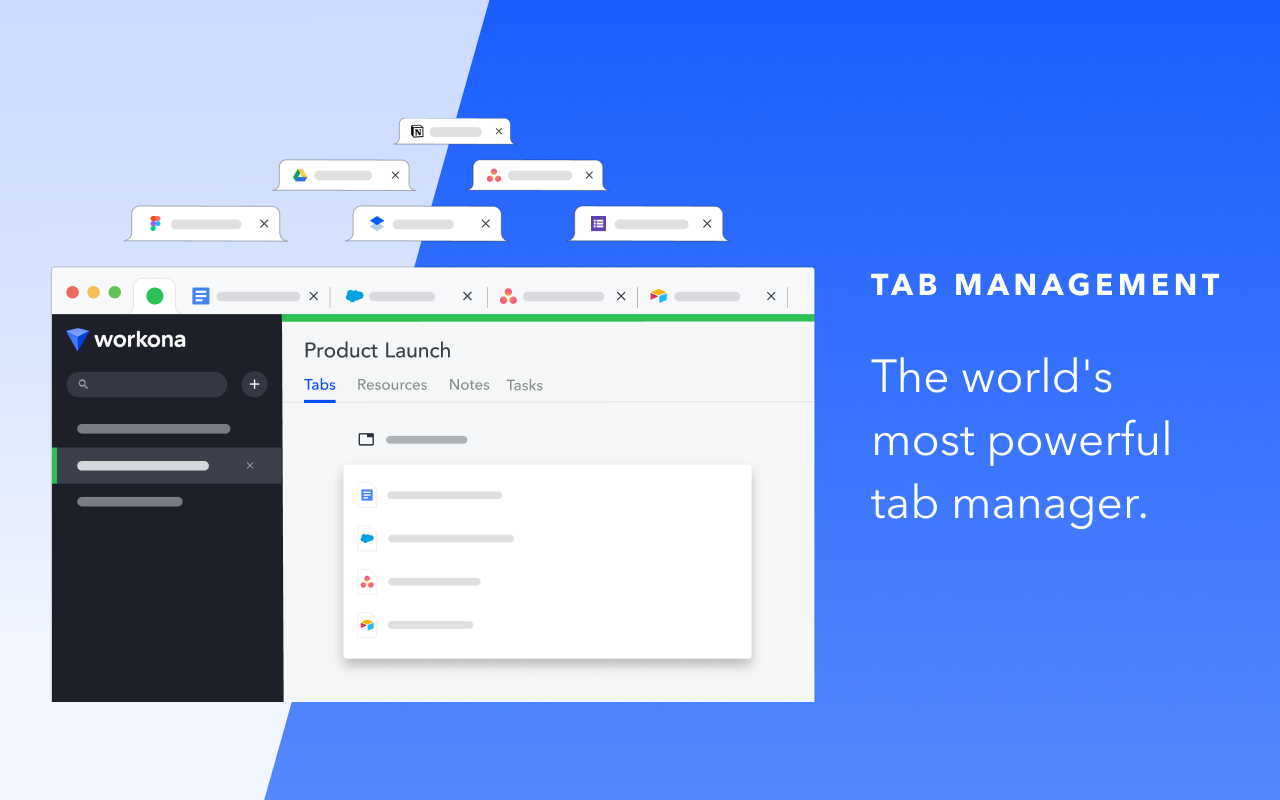


Chrome’s Favorite Tab Manager of 2022! Named one of the best Chrome extensions for productivity by the Google Chrome team & rated 5 stars by 200,000+ users.
The Workona Spaces & Tab Manager helps you get your work under control and finally feel organized. Use it to manage tabs, organize projects, and bring together all of your work in the browser. As the world’s best tab manager, Workona lets you switch context instantly so you can focus on your actual work.
Does your team work in apps like Google Drive, Slack, Asana, & Notion? Tired of your team's work being scattered across apps? Learn why Workona is #1 Market Leader in Unified Workspaces on G2. Schedule a demo today: https://workona.com/contact-sales/
______________________________________________
Workona has become one of my favorite tools. It's changed the way I work.
– Wade Foster, CEO of Zapier
______________________________________________
Spaces:
Spaces organize your work by project, so it’s easy to stay focused. Within a space, you can keep your current work open as tabs, or save everything for a project as resources.
Tab manager:
Keep your tabs under control with a tab manager that’s built for working in the cloud. Suspend tabs, rearrange tabs with drag and drop, and rest easy knowing that every tab is automatically saved.
Secure backups:
You never have to worry about losing work, because Workona auto-saves all of your tabs. In case of a browser crash or other emergency, you can easily restore your tabs to get you back on track.
Suspend tabs:
Dramatically reduce memory usage and keep your computer running faster. Our tab suspension helps you open spaces and switch between them almost instantly.
Bookmark tabs:
Bookmark tabs in spaces by adding them as resources. You can also choose to save an entire window as a space.
Tab groups:
Spaces let you group tabs to make context switching easier. To streamline recurring processes, you can open all tabs or close all tabs in a resource section with just one click.
Search tabs:
Our powerful search helps you find your tabs and docs faster. Search all open tabs—or previously open tabs—at a moment’s notice. Plus, filter your search by cloud app to narrow down the results.
Sync tabs:
Sync your tabs between computers to keep your work organized, no matter how many devices you use or where they are.
We believe that great software shouldn't come at a cost to privacy. We securely store your spaces in the cloud so you can keep your work backed up and accessible from anywhere you need it. Your data belongs to you and we store it for the sole purpose of providing value to you.
Workona is SOC 2 Type II compliant, has annual 3rd-party penetration tests performed, and uses enterprise-grade 256-bit AES encryption and Transport Layer Security (HTTPS) to prevent unauthorized access to your Workona data.
If you ever have questions about Workona’s security practices or your data, or if you're interested in us completing a security questionnaire for internal approval, reach out to us at security@workona.com.
Feel free to contact support at support@workona.com and we'll reply as soon as possible.
By installing the Workona Tab Manager extension, you agree to Workona’s Terms of Service (workona.com/policies/terms) and Privacy Policy (workona.com/policies/privacy).
Best web orginizer lets me even keep tags for easyness
I can use it anywhere, and when my computer decides to have a mind of its own, I can resume where I left off. It has been a lifesaver in my world!
so good bro it saves sm time when i update or honorlock closes all my tabs, and it helps keep me organized
best workspace extention in the world. It deservs more starts. You don't belevie that it reduce my more time, I don't have to remember every day whitch whitch tab I need to open. I have 5 workspace: 1 for frontend, 1 for backend, 1 for personal, 1 for research, 1 for client's conversation and delivary, It depends on your work type and how you use it, it is highly customizable, in the end I wanna say you shou…
El manejo es bastante complicado, para cambiar entre páginas en grupo y páginas fuera. La interfaz en inglés lo complica aún más.
Was great and I've used it for years but the past month or so it's told me I need to install this extension to use it. I already have it installed! I've tried removing and reinstalling, the only thing that got it working for me was uninstalling chrome completely and starting afresh, but I did a fresh mac install the other day and now it's back in this weird state. Great when it works, please fix it!
This page shows the listing as it is today. Add it to Radar and get one email when it changes.

What it is, what to use instead, what it can access and how to fix it.
Tab Manager by Workona is a Functionality & UI extension by Workona Inc. with 200K users. Chrome Web Store users rate it 4.25 out of 5 from 3,843 ratings. By users it sits in the top 1% of Functionality & UI extensions.
Tab Manager by Workona asks for 5 permissions. 2 of them give wide access.
Permissions show what it could do, not what it does. See the full permission list.
historyRead and change your browsing historytabsSee the address and title of every open tabhistorytabscontextMenusstorageunlimitedStorageSensitive marks access that reaches your data or other sites. The access level is a 0 to 100 score of all of it: under 25 is Low, 60 and up is High.
2 starsEl manejo es bastante complicado, para cambiar entre páginas en grupo y páginas fuera. La interfaz en inglés lo complica aún más.
2 starsWas great and I've used it for years but the past month or so it's told me I need to install this extension to use it. I already have it installed! I've tried removing and reinstalling, the only thing…
Still stuck? Contact the maker or try an alternative.
Track any extension on Radar: users, rating, permissions and store text, with one email when something moves.


