
The short answer
Pending review means Google is still checking your submission against its policies. Google says most finish within a few days and some take weeks. If you're past three weeks, contact developer support. Meanwhile, don't resubmit blindly, and use the wait to prepare your listing and launch.
- Pending is normal for a few days.
- Past three weeks, contact developer support.
- Your current live version stays live meanwhile.
- Use the wait to fix your listing and launch plan.
Chrome Web Store pending review is the store's version of a doctor's waiting room. Nothing's wrong yet. You just don't get to go in.
What Chrome Web Store pending review actually means
Your package is in the queue or being checked. Google's review docs say things like broad host permissions, sensitive permissions, large code and new accounts get closer examination, so they sit there longer.
If you already have a live version, it keeps serving users the whole time. While you wait, the listing work in Chrome Web Store SEO is the best use of your time.
Google's stated threshold is three weeks. Before that, a long wait isn't a sign of trouble on its own. How long review takes covers the usual range.
A checklist for the wait
| Day | What to do |
|---|---|
| Day 1 | Confirm the permissions justification names a feature for each permission |
| Days 2 to 5 | Polish screenshots and the first line of your description |
| Week 1 | Write the launch post and line up where you'll share it |
| Week 2 | Re-read the program policies against your listing text |
| After week 3 | Contact developer support with the item ID |
Don't spend the wait refreshing the dashboard. Spend it on the listing people will see once it's approved.
The Tools category page has the dated counts if you want to check this yourself.
What not to do
- Don't pull and resubmit over and over hoping for a faster reviewer. Google doesn't say this helps.
- Don't add new permissions to the pending build. That's one of the named slow-down triggers.
- Don't announce a launch date yet.
What each dashboard status means
The developer dashboard uses a handful of labels. They sound alike, so here's what each one tells you to do.
| Status | What it means | Your move |
|---|---|---|
| Draft | Saved, not submitted | Finish the listing and submit |
| Pending review | In the queue or being checked | Wait, and work on launch prep |
| Rejected | Broke a named policy | Fix that issue, resubmit or appeal |
| Approved, not published | Passed, waiting for you | Publish when you're ready |
| Published | Live in the store | Watch your first reviews |
The approved but not published state only appears if you chose deferred publishing. It's the most useful one for launches, because it splits review from release.
Plan the launch around the wait
The safest launch plan treats review as a gap of unknown length and puts it before anything with a fixed date.
- Submit earlyAim for at least a week before you need to be live.
- Turn on deferred publishing, so approval doesn't push you live by surprise.
- Line up the launchposts, emails and screenshots while the item waits.
- Publish on the day, once approval is in.
- Post your launchonly after you can open the live listing yourself.
This is the same reason big teams ship small updates. In our crawl observed 3 Oct 2026, 19,443 of 65,655 extensions with store data had an update in the previous 30 days. Those teams live with review every month by keeping each change small.
Good uses of the waiting time
A pending item can't be changed much, but almost everything around it can. These jobs pay off on day one.
- Write the first line of your description the way a user would describe the problem. Our guide to keyword research shows how to find that phrase.
- Make your first screenshot show the result, not the settings page.
- Prepare a short welcome page that opens after install and shows one thing to try.
- Set up a way to hear from users, such as a support email or form, so early bugs reach you before they reach a one-star review.
- Read three rival listings in your niche and note their user counts and rating counts with today's date.
That last job gives you a baseline. A month later, you'll know if your launch did better or worse than the tools you're up against.
When the wait is a warning sign
Most long waits are just long waits. A few patterns are worth acting on before the three-week mark.
- You added a broad permission late, like access to all sites. Consider pulling it into a later update.
- Your code is minified or bundled in a way that's hard to read. Google's policies say logic must be clear from the package.
- Your listing describes several unrelated jobs. The single purpose rule may be in play.
If one of these fits, it can be worth fixing and resubmitting rather than waiting. If none fit, wait for the three weeks, then contact support with your item ID.
What to send support after three weeks
If the three weeks pass, a clear message saves a round of back and forth. Keep it short and factual.
- Your item ID, from the dashboard URL or item page.
- The date you submitted, and whether it's a new item or an update.
- What changedsince the last approved version, in one or two lines.
- Any permission changes, with the feature each one supports.
- A polite askfor a status update.
Don't argue the case before there's a verdict. Support can't speed up a reviewer, but a tidy message makes it easy to check where your item stands.
Watching rivals while you wait
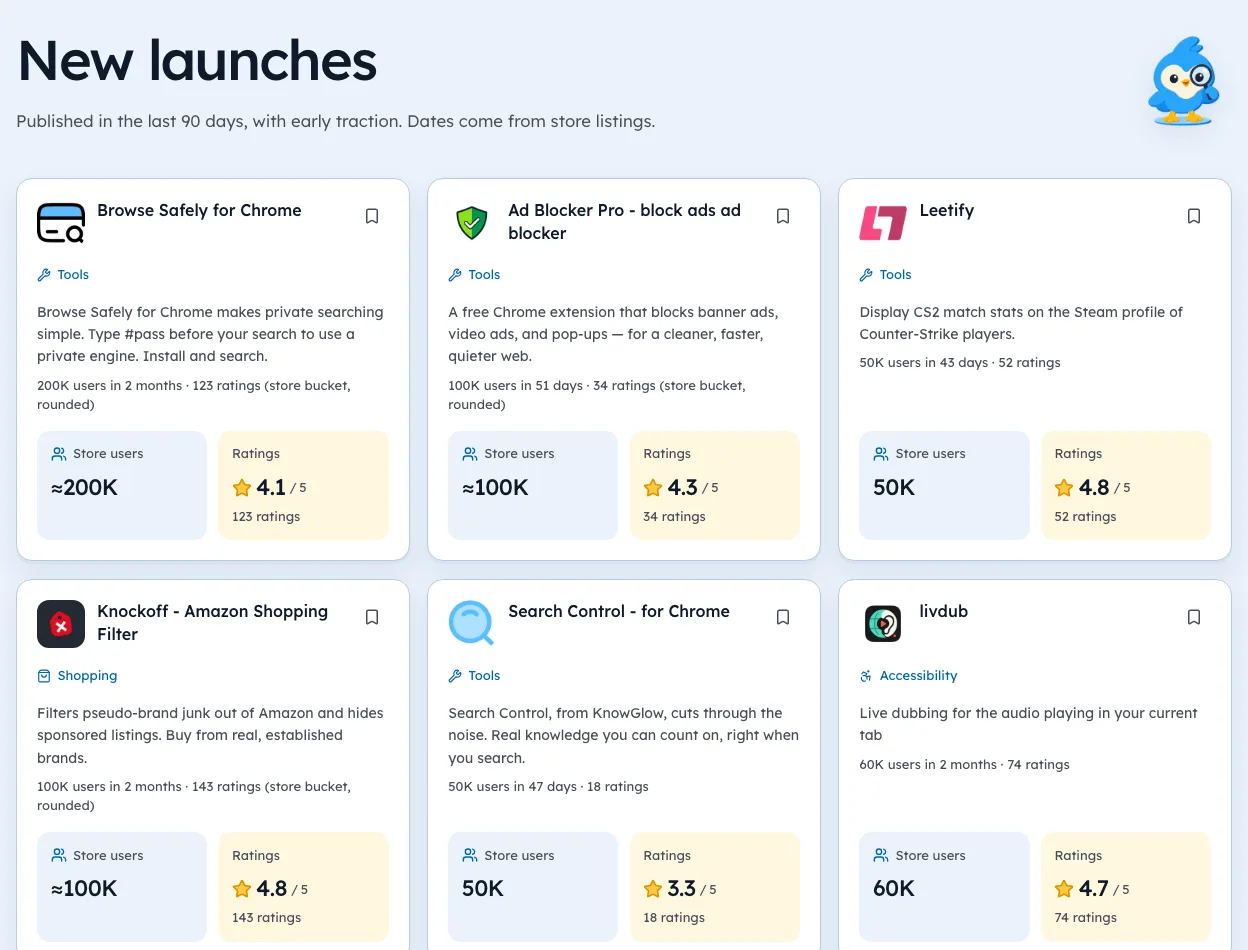
The wait is a good time to study the listings you'll sit next to. We're biased, since we build Ext Watch, but our New launches page shows young listings with their user bucket and age, so you can see what else launched in your space recently.
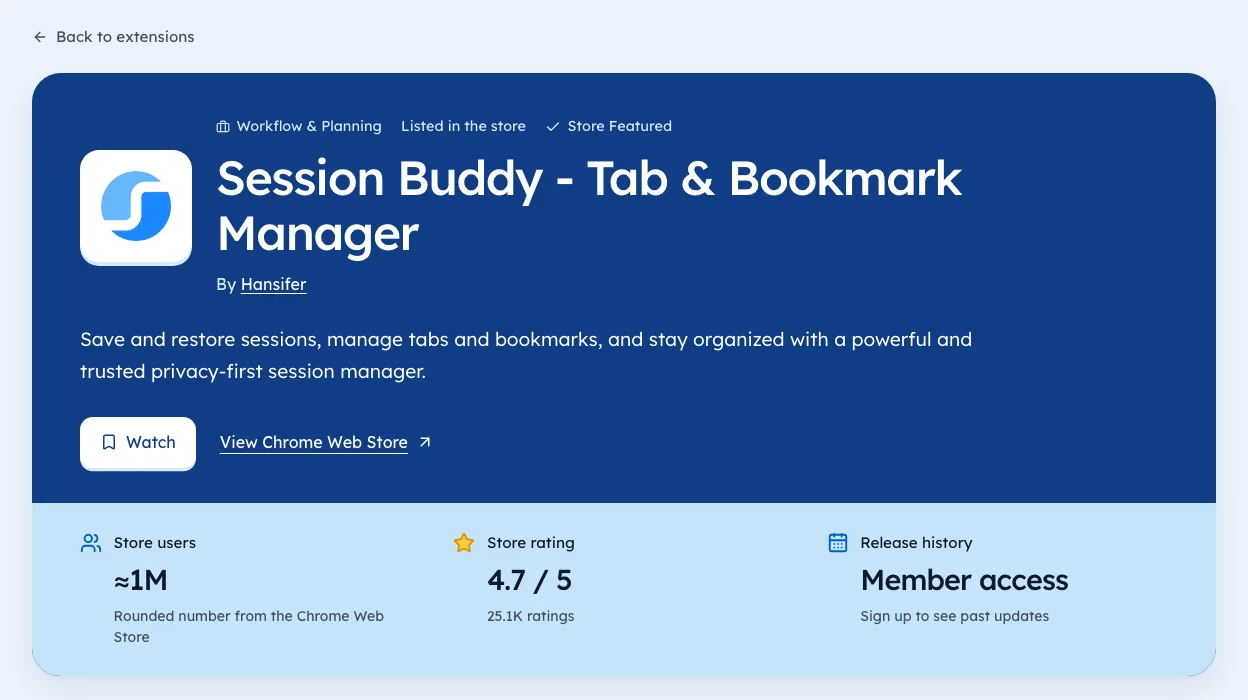
For each close rival, note four things with today's date: users, rating count, last update and the first line of the description. When you're live, you can compare like for like.
| What to note | Why |
|---|---|
| Users bucket | Where they sit today |
| Rating count | Whether the audience is real |
| Last update | Whether they're still shipping |
| First line | The phrase they chose to compete on |
After approval
Approval isn't the finish line. The first week live shapes your first reviews.
- Install it yourself from the live listing in a fresh profile.
- Check the welcome flow opens and makes sense.
- Reply to the first reviews within a day, good or bad.
- Write down your day-one numbers, so you can see the first month clearly.
Our guide to Chrome extension marketing picks up from here, with a plan for the first 10,000 users.
Pending review for updates versus new items
The wait feels different depending on what you submitted.
| Submission | What users see meanwhile | Main risk |
|---|---|---|
| New item | Nothing, it isn't live | Launch date slips |
| Small update | The old version, unchanged | Users wait for a fix |
| Update with new permissions | The old version | Longer review, then a new prompt |
| Urgent bug fix | The broken version | Bad reviews pile up |
For urgent fixes, keep the update as small as possible. A one-line change with no new permissions gives reviewers the least to check. Our extension pages show how often similar tools ship, which helps you set expectations.
If the answer is a rejection
You'll get an email naming the policy. Fix that one thing, resubmit, or use the Appeal button in the dashboard if you disagree. Google says support usually replies within three days. The full review process is mapped step by step.
We're biased, since we build Ext Watch, but competitors' version dates are one useful thing to look at while you wait. Our extension pages record each version we see and the date we saw it, so you can see how often similar tools ship.
The waiting room is dull. It's a good place to rehearse.
Questions people ask
Can users still install my old version while it's pending?
Yes. The live version stays as it is until the new one is approved and published.
Will contacting support speed it up?
Google asks you to contact support after three weeks. It doesn't promise speed.
How long does Chrome Web Store pending review take?
Google says most reviews finish within a few days, though some take weeks. After three weeks, contact developer support with your item ID.
Can I edit my listing while the item is pending review?
You can change some listing fields, but any change to the package or permissions means a new submission. Hold big edits until the verdict.
Should I cancel and resubmit a pending item?
Usually no. Google doesn't say resubmitting helps, and you lose your place for nothing.
What changed
- Added a guide to each dashboard status, a launch plan built around the wait, and real update counts from our 3 Oct 2026 crawl.
Where these numbers come from
- developer.chrome.comChrome Web Store review processAccessed 3 Oct 2026
Part of our guide: Chrome Web Store SEO: titles, descriptions, screenshots. More in Growth and ranking.


4,821 new extensions in the last 30 days in Tools. See them all.
Extensions gaining users fastest, and what they changed. Updated 3 Oct 2026 from our Chrome Web Store crawl