The short answer
Each pick covers a different job: Similarweb for traffic estimates, Wappalyzer for tech stacks, SEOquake and Ahrefs SEO Toolbar for SEO, Keywords Everywhere for keyword data and Hunter for contacts. These are the best Chrome extensions for competitor analysis we found, each with limits. Check pricing on each publisher's own site.
- Six tools, six different jobs.
- Traffic numbers from any tool are estimates.
- Several need an account on the publisher's site for full data.
- We haven't confirmed current pricing for any of them.
The best Chrome extensions for competitor analysis work as a small toolbelt, because no single one does the whole job. It's a bit like keeping a tape measure, a level and a pencil in the same drawer.
The short list below covers listing checks, traffic, reviews and change tracking. The method that ties them together is in our competitor analysis guide.
The best Chrome extensions for competitor analysis, side by side
Users and ratings are from our crawl of each Chrome Web Store listing on 3 Oct 2026. User counts are the store's rounded buckets.
| Extension | Job | Users | Rating (count) |
|---|---|---|---|
| "Wappalyzer" | Which tech a site uses | 3,000,000 | 4.55 (1,973) |
| "Similarweb" | Traffic estimates | 1,000,000 | 4.64 (3,803) |
| "SEOquake" (Semrush) | On-page SEO checks | 1,000,000 | 4.46 (2,641) |
| "Keywords Everywhere" | Keyword volume beside searches | 1,000,000 | 4.51 (5,694) |
| "Hunter" | Finding work emails | 600,000 | 4.72 (12,514) |
| "Ahrefs SEO Toolbar" | SEO metrics on pages | 400,000 | 4.38 (554) |
The limit of each
- Wappalyzer sees what a page exposes. Tools hidden on the server side won't show.
- Similarweb gives estimates. Small sites can have wide error, so compare rivals with the same tool and never mix sources.
- SEOquake belongs to Semrush. Deeper data typically leads you back to the parent product.
- Keywords Everywhere works on credits for its data, which you buy on its own site. Check the current terms there.
- Hunter finds emails tied to domains. Use it within the rules for contacting people where you live.
- Ahrefs SEO Toolbar shows much more with an Ahrefs account. Without one, expect a thinner view.
The ad library tools page has the dated counts if you want to check this yourself.
How to use them together
- Wappalyzer on a rival's site, to see its stack.
- Similarweb for a rough traffic order of size.
- Keywords Everywhere while searching your niche terms.
- SEOquake or Ahrefs on the rival's top pages.
- Hunter last, if you plan to reach out.
A one-hour competitor session
The tools work best in a fixed routine. Here's an hour that gives you a dated snapshot of one rival.
| Minutes | Tool | What to save |
|---|---|---|
| 0 to 10 | Wappalyzer | Their stack: site builder, analytics, payments |
| 10 to 20 | Similarweb | Rough traffic and top sources |
| 20 to 35 | Keywords Everywhere | Volume for your five main phrases |
| 35 to 50 | SEOquake or Ahrefs | Their top pages and how they're built |
| 50 to 60 | Notes | Three things to copy, three to avoid |
Save everything in one doc with today's date at the top. A month later, run the same hour again and compare. That's when the session pays off.
What each tool can't see
Every one of these reads from the outside. That shapes what they can tell you.
- Logged-in pages. A rival's app behind sign-in is invisible to all six.
- Revenue. None of them know what a company earns.
- Server-side tools. Wappalyzer only sees what a page exposes.
- Exact traffic. Similarweb and others estimate, and small sites carry wide error.
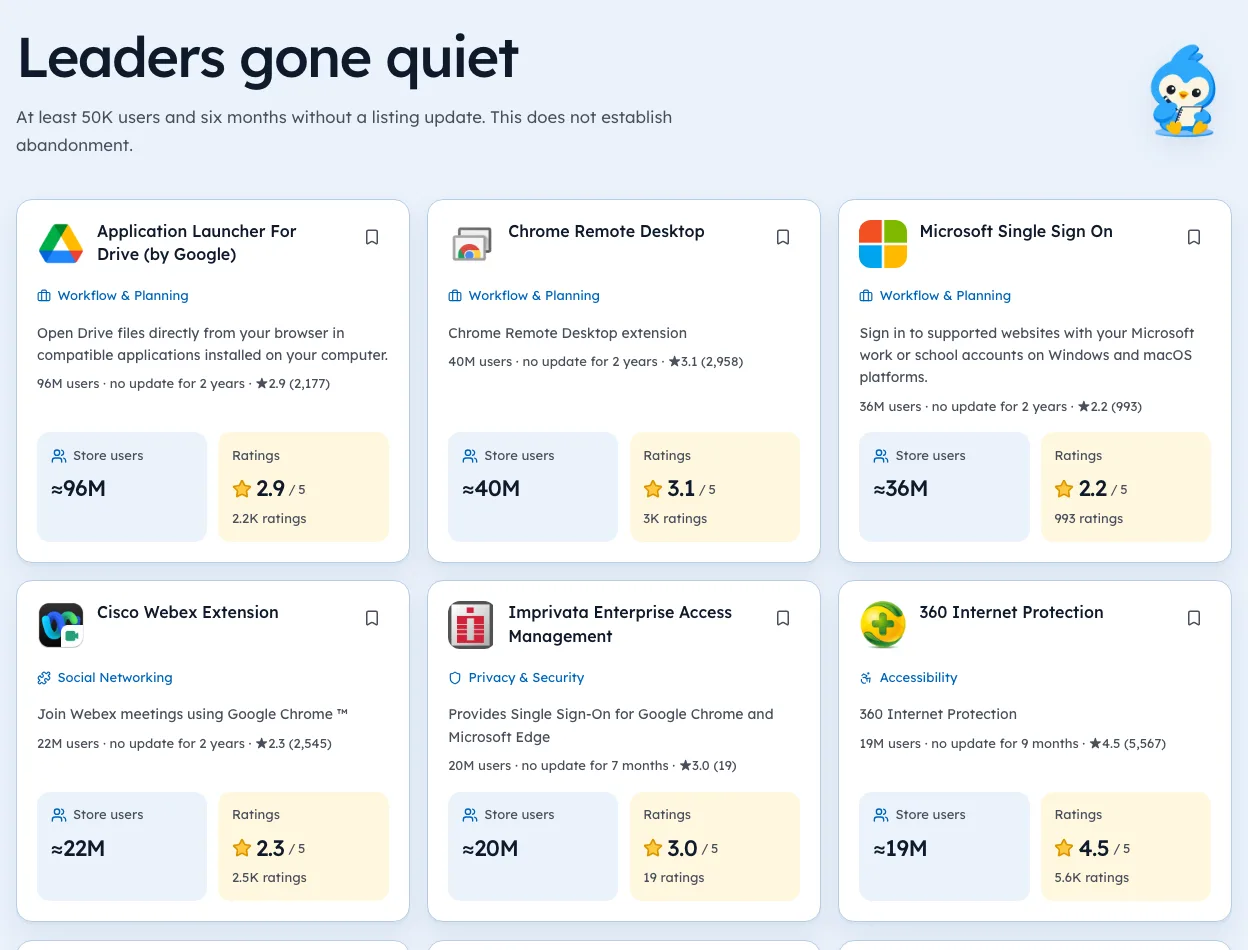
- A rival's Chrome extension. These tools cover websites, not extension listings.
That last gap matters if you build extensions. For listing data like version, permissions and rating count, use the store listing itself or a tracker. Our guide to store data routes compares the options.
A note on privacy
These extensions see the pages you visit while they're on. That's how they work. A few habits keep it tidy.
- Limit site accessin chrome://extensions so each tool runs only when you click it.
- Use a separate Chrome profilefor research, so your personal browsing stays out.
- Check permissionsafter big updates, as our guide to permission changes explains.
Among the six, Hunter had the most ratings in our crawl at 12,514, with a 4.72 average. Popular and well rated isn't the same as private, so the profile habit is worth it for any tool. You can see more research tools on our ad library tools page.
Free and paid, in broad strokes
Most of these tools show some data for free and more with an account or plan. We haven't confirmed current pricing, so treat this as a guide to what to check, not a price list.
| Tool | Typically visible without paying | Typically needs an account or plan |
|---|---|---|
| Wappalyzer | Tech detected on the page you're on | Bulk lookups, exports |
| Similarweb | Rough traffic and sources | Deeper history and comparisons |
| SEOquake | On-page checks | Full data from its parent product |
| Keywords Everywhere | Some features | Volume data, via credits |
| Hunter | A few searches | Larger volumes |
| Ahrefs SEO Toolbar | Basic page info | Full metrics with an Ahrefs account |
Open each publisher's pricing page before committing. Plans change often in this space.
Tracking competitors' Chrome extensions
If your rivals ship extensions, add a second toolbelt for their listings. The facts that matter are different from website facts.
- Version and update date, to see how often they ship.
- Rating count over time, the clearest public sign of new users.
- Permissions, which hint at new features.
- Publisher and website, which can reveal a sale.
You can check these by hand on each listing every month, or use a tracker. Our guide to competitor analysis for extensions has a template sheet. Our extension search shows these fields for listings we've crawled, with dates.
Picking just one tool
If you only install one, pick by your most common question.
- "What are they built with?" Wappalyzer.
- "How much traffic do they get?" Similarweb.
- "What keywords matter here?" Keywords Everywhere.
- "How are their pages set up for search?" SEOquake or Ahrefs.
- "Who should I email?" Hunter.
Then add a second only when you hit a question the first can't answer. That keeps your browser fast and your research focused.
The missing piece
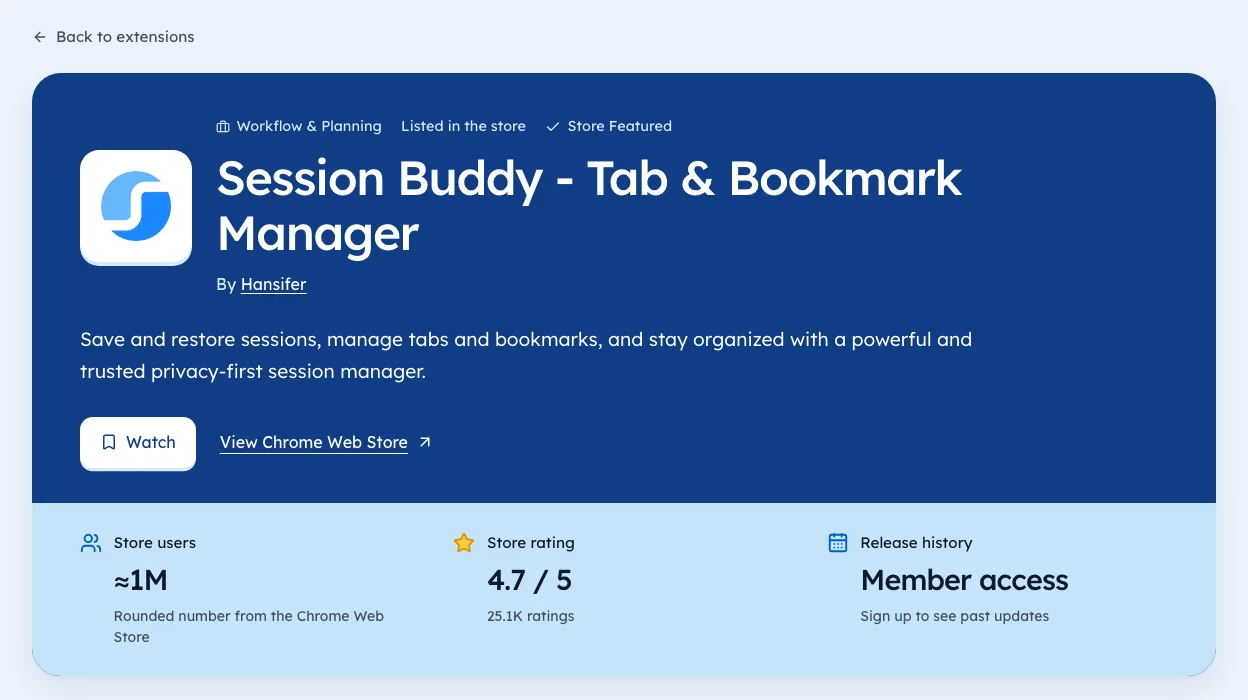
None of these track a rival's own Chrome extension. If your competitors ship extensions, you also need their listing facts over time: version, rating count and permission changes.
We're biased, since that's the gap Ext Watch fills. For a sold extension, see how to catch an ownership change. Use web tools for websites, and listing data for extensions.
Pick one rival and run steps 1 and 2. That's your toolbelt's first job.
Questions people ask
Which extension shows competitor traffic?
Similarweb is the best known. Treat its numbers as estimates.
Are these extensions free?
Some features work without paying. We haven't confirmed each one's pricing, so check the publisher's site.
Can these extensions track a competitor's Chrome extension?
No. They cover websites, so a rival's own extension needs listing data such as version, permissions and rating count over time.
Do I need all six extensions?
No. Pick by job. A good start is one traffic tool and one tech or SEO tool, then add others when a question needs them.
Do these extensions slow down Chrome?
Any extension that runs on every page adds some load. Turn on the ones you need only while researching, using the site access setting in chrome://extensions.
What changed
- Rechecked every listing against our 3 Oct 2026 crawl and added how we chose, a sample one-hour session, what each tool can't see and a note on privacy.
Where these numbers come from
- chromewebstore.google.comChrome Web StoreAccessed 3 Oct 2026
Part of our guide: Competitor analysis Chrome extension method, step by step. More in Tools and comparisons.


144 extensions tracked in Ad library tools. See them all.
Watch any extension for user, rating, version and owner changes. Updated 3 Oct 2026 from our Chrome Web Store crawl