The short answer
A new permission is one of the clearest early signals on a listing. When an update adds permissions with new warnings, Chrome disables the extension until the user accepts. That cost means developers rarely add permissions casually, so a new one usually means a new feature, new data use or a new owner.
- New warning permissions pause the extension until users accept.
- So permission jumps are deliberate.
- As of 3 Oct 2026, 11,272 of 65,655 extensions in our crawl asked for access to all sites.
- Read a change next to the version notes and description.
Chrome extension permission changes are the one part of a listing the developer can't spin. Copy can say anything. The manifest says what the code can touch.
For the bigger picture, see competitor analysis for a Chrome extension.
Why a permission change costs the developer
Chrome's developer docs say that when an update triggers new warnings, the extension stays disabled until the user accepts the new permission. Some users never click accept, so the developer can lose them.
Nobody pays that price by accident. That's what makes the signal useful.
How common each permission is
From our crawl of 65,655 extensions with store data, as of 3 Oct 2026:
| Permission | Extensions asking | Share |
|---|---|---|
| "storage" | 48,219 | 73.4% |
| "scripting" | 20,910 | 31.8% |
| "tabs" | 18,120 | 27.6% |
"All sites" (<all_urls> or similar) | 11,272 | 17.2% |
| "cookies" | 4,776 | 7.3% |
| "history" | 528 | 0.8% |
Storage is close to universal. History is rare, so a tool that adds it stands out.
Our crawl had store data for 80,429 items on 3 Oct 2026, 65,655 of them extensions. Our own history started 2 Oct 2026, so we can't yet show how often permissions change.
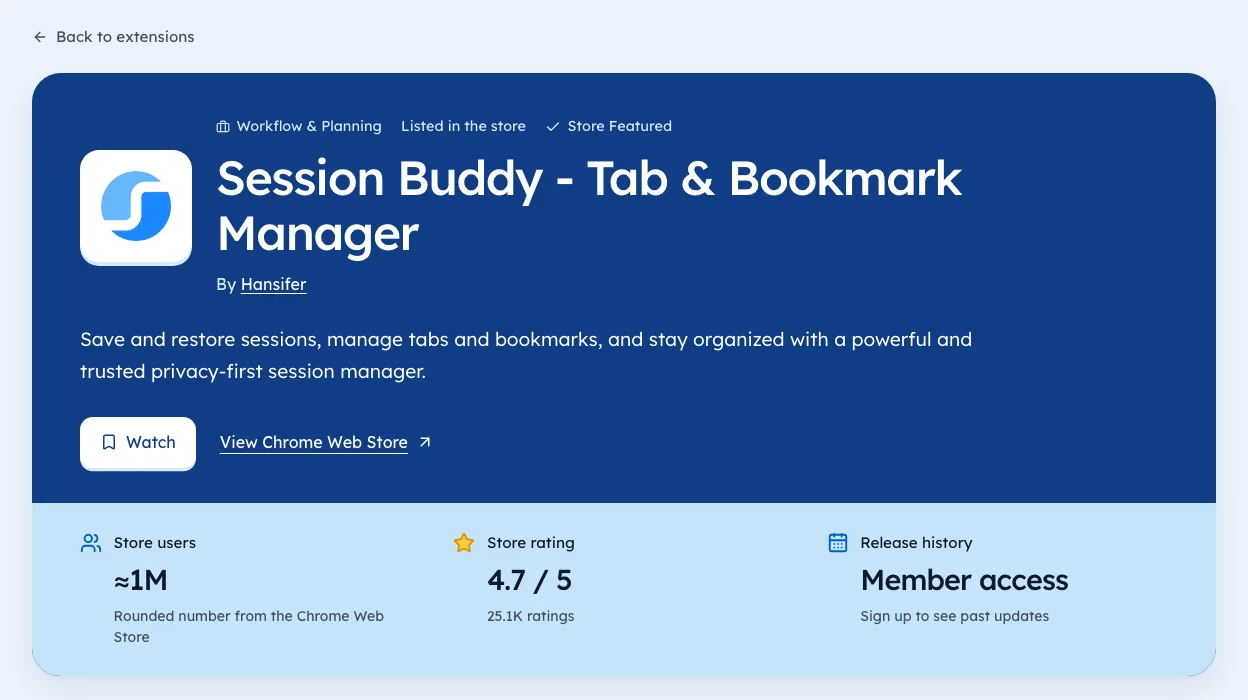
For the current numbers, check the Privacy & Security category page.
What Chrome extension permission changes can mean
- All sites added to a single-site tool: a feature expansion, or broader data collection.
- Cookies or history added: worth a careful read of the privacy policy.
- A payment host added: licence checks, often a new paid tier.
- Permissions removed: a cleanup, sometimes to ease store review.
The less common permissions worth a second look
The big four are everywhere. The rarer ones tell you more, because few tools need them. Here's how often each showed up in our crawl on 3 Oct 2026.
| Permission | Extensions asking | What it lets the code do |
|---|---|---|
| sidePanel | 6,428 | Show a panel beside the page |
| webRequest | 3,634 | See network requests |
| declarativeNetRequest | 3,496 | Block or change requests by rule |
| nativeMessaging | 1,339 | Talk to a program on your computer |
| debugger | 1,035 | Attach Chrome's debugger to tabs |
| clipboardRead | 873 | Read what you copied |
| management | 772 | See and manage other extensions |
| geolocation | 236 | Read your location |
Some of these have clear, harmless uses. An ad blocker needs request rules. A password tool may talk to a desktop app. The question is always the same: does the stated job need this?
A simple change log template
If you watch a few extensions, a plain table does the job. Fill one row each time a version changes.
| Date seen | Extension | Version | Added | Removed | Why (from notes) |
|---|---|---|---|---|---|
Two habits make the log useful. Write the date you saw the change, not the date you got around to it. And copy the reason from the developer's own notes, so you aren't guessing later.
Reading the change in context
A new permission is one signal. Read it with the others on the listing before drawing a conclusion.
- Version notesA clear note like "added PDF export, needs downloads" settles most cases.
- Description changesA new feature should show up in the copy too.
- Publisher and websiteIf these change in the same update, read our guide to ownership changes.
- Reviews after the updateUsers often spot odd behaviour first.
If the notes say nothing and the permission is broad, that silence is the signal. Good developers explain big asks, because they know some users will refuse the prompt.
For builders: adding permissions without losing users
Everything above cuts the other way when it's your extension. Each new warning risks users who never click accept.
- Use optional permissions for features only some users want. Chrome's permissions docs cover requesting them at the moment they're needed.
- Prefer activeTab over all-sites access when the tool only acts after a click.
- Explain the change in your update notes and on your website before it ships.
- Bundle permission changes into fewer updates, so users see one prompt, not three.
These also tend to make review smoother, which our guide on review timing covers.
Permission changes by type of tool
What counts as a normal permission depends on the job. Here's a quick guide to what fits and what deserves a closer look.
| Type of tool | Expected | Worth asking about |
|---|---|---|
| Tab manager | tabs, storage | cookies, history |
| Ad blocker | declarativeNetRequest, all sites | management, debugger |
| Screenshot tool | activeTab, downloads | clipboardRead, history |
| Writing helper | activeTab or all sites, storage | cookies, nativeMessaging |
| Price tracker | storage, specific shop sites | all sites, history |
A tool asking for the first column is doing its job. A tool adding something from the second column should say why in its notes.
Watching many extensions at once
Checking by hand works for a handful of tools. Past ten or so, it gets easy to miss a change. We're biased, since we build Ext Watch, but our extension pages keep each version's permissions with the date we saw it. Our Privacy & Security category page lists the extensions in that group with users and ratings.
For security teams
If you manage browsers for a company, permission changes are where policy meets reality. A few practical steps help.
- Keep a list of approved extensionswith the permissions they had when approved.
- Re-review on any warning-level change, not on every version.
- Block high-risk permissions by defaultin your browser policy, then allow exceptions.
- Watch for ownership changesalongside permission changes.
Chrome's enterprise policies let admins block extensions by permission. That keeps a quiet update from widening access across your fleet.
Permission changes users notice
Not every change produces a prompt. Some do, and users see them right away.
| Change | Does Chrome prompt the user? |
|---|---|
| Adding access to all sites | Yes, a new warning |
| Adding history or tabs with a warning | Yes |
| Adding storage or alarms | No, these carry no warning |
| Moving a permission to optional | No, until the feature asks |
| Removing a permission | No |
The prompts are where you lose users. That's why optional permissions, requested at the moment a feature needs them, are so useful for builders.
A quick risk score for one change
When a tool you use adds a permission, a short score helps you decide what to do.
- Is it broad?All sites, cookies, history or debugger score high.
- Did the notes explain it?No explanation adds risk.
- Did the publisher change too?That adds a lot of risk.
- Do recent reviews mention odd behaviour?
Two or more "yes" answers on risk means disable it and wait for clarity. You can see each extension's permissions by version on our extension pages.
How to watch it
- Note the permissions of each extension you care about.
- Recheck after every version change.
- Read the description and privacy policy when a warning-level permission appears. Competitor tracking can automate the recheck.
- Log the date, version and permission.
We're biased: Ext Watch stores permissions per version with dates. For a handful of tools, the details page and a note work fine.
A new permission is the code telling you what changed.
Note that one extension's site access now. Next update, you'll see the difference.
Questions people ask
What happens when an extension asks for new permissions?
Chrome disables it until you accept the new warning.
Which permissions are risky?
Access to all sites, cookies and history give the widest reach. Check why a tool needs them.
How do you check an extension's permissions?
Open chrome://extensions, click Details on the extension and read its site access. The manifest lists every permission the code requests.
Do permission changes always mean something bad?
No. Most are new features. They're worth a read because they're deliberate, not because they're alarming.
Can an extension change permissions without asking me?
Not for permissions that carry a warning. Chrome pauses the extension until you accept. Some low-risk permissions carry no warning and can be added quietly.
What changed
- Refreshed permission counts to our 3 Oct 2026 crawl of 65,655 extensions and added a risk guide for less common permissions, a change log template and real examples.
Where these numbers come from
- developer.chrome.comChrome for Developers: Declare permissions and warn usersAccessed 3 Oct 2026
Part of our guide: Competitor analysis Chrome extension method, step by step. More in Tools and comparisons.


286 new extensions in the last 30 days in Privacy & Security. See them all.
Watch any extension for user, rating, version and owner changes. Updated 3 Oct 2026 from our Chrome Web Store crawl