
The short answer
This works as a strategy when each tool is built to be sold: a niche where people already pay, revenue through a provider buyers can check, narrow permissions, regular updates and handover docs from day one. Most extensions stay small, so to build and sell Chrome extensions well, pick niches before writing code.
- Choose niches where rivals visibly charge on their websites.
- Build for handover: your own account, clean repo, written docs.
- Keep updating. Stale listings are common and buyers notice.
- Use a provider like Stripe so revenue is verifiable.
Building one extension is a project. To build and sell Chrome extensions as a strategy, each one has to be ready to hand to a buyer. That habit is what makes it a strategy.
Build and sell Chrome extensions: the loop
| Stage | What you do | What it gives a buyer later |
|---|---|---|
| Pick | Niche with visible paid rivals | Proof people pay here |
| Build | Narrow job, few permissions | Easy review, low risk |
| Charge | Stripe or ExtensionPay | Revenue they can verify |
| Maintain | Regular small updates | A listing that looks alive |
| Document | Build steps, services, costs | A clean handover |
Build every tool as if it's for sale. Even if you keep it, the discipline makes it easier to run. The wider picture sits in our pillar guide on earning from extensions.
Picking niches with odds on your side
Most of the store is small. In our crawl of 65,655 extensions (observed 3 Oct 2026), 31,324 showed under 1,000 users. Only 7,967 showed 10,000 or more.
One gap shows up in our data.
In our 3 Oct 2026 crawl, 489 extensions had 1,000 to 9,999 users, a rating under 3.8 on at least 20 ratings, and no update in over a year by the version date we read.
That isn't a list of sure bets. It's a list of places where users stuck around despite an unhappy tool.
Charging in a way buyers trust
Use a provider whose dashboard a buyer can open. ExtensionPay states a 5% fee per charge and pays into your Stripe account. Direct Stripe costs less at scale but takes more build time.
Verifiable revenue is the asset. Installs are the packaging.
Keep it fresh
As of 3 Oct 2026, 21,431 extensions in our crawl had no update in over a year. Buyers read that as risk. A small update every few months keeps your tools out of that group.
A shared template saves months
The second tool should take half the time of the first. That only happens if you reuse the boring parts.
| Part | Build once, reuse |
|---|---|
| Sign-in | One auth setup for every tool |
| Billing | One provider, one checkout pattern |
| Settings page | A standard options layout |
| Welcome page | A template with one action to try |
| Docs | A handover doc with the same headings |
| Analytics | The same few events in every tool |
Keep each tool's code separate so it can be sold alone. Share patterns, not a tangled codebase.
A niche scorecard
Score each niche idea before you build. It keeps excitement from making the choice.
| Question | Score 0 to 2 |
|---|---|
| Do rivals charge on their sites? | |
| Is the job tied to someone's income? | |
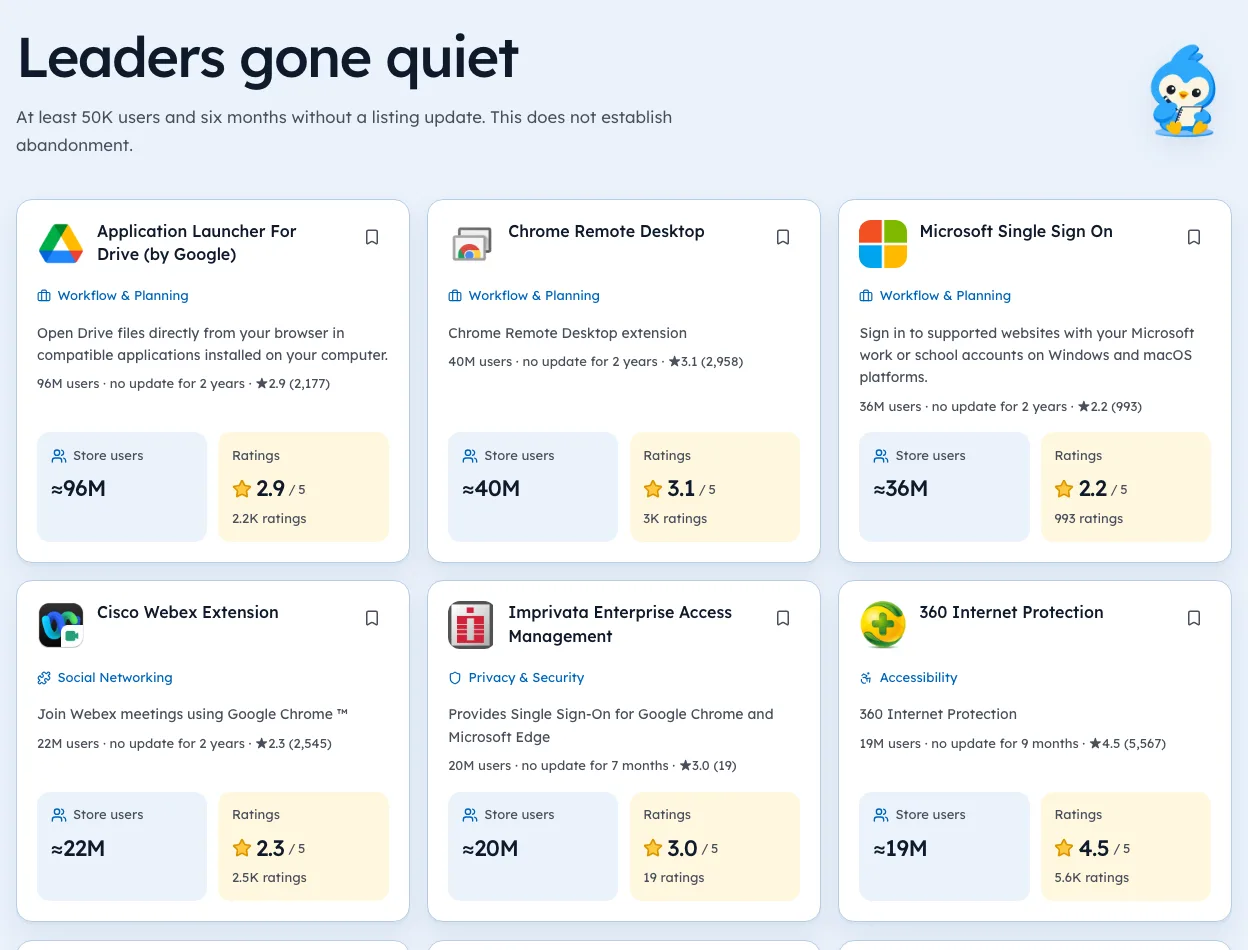
| Are leaders weak or gone quiet? | |
| Does it work without broad permissions? | |
| Can you reach these users directly? |
Build only on 7 or more out of 10. Our Openings list helps with the third row, showing leaders with no update in a long time and the date we checked.
A sample handover doc
Write this on day one and update it with each release. Buyers ask for exactly these headings.
- What it does, in one sentence.
- How to build it, step by step.
- How to publish, including the store account owner.
- Services it needs, with who owns each account.
- Costs per month, item by item.
- Known issuesand what might break.
- Revenue, with where the reports live.
If you can hand this doc to a stranger and they can ship an update in an afternoon, the tool is ready to sell.
When to retire a tool
Not every tool deserves to live. Retiring one cleanly is part of the strategy.
- No paid demand after three months of real effort.
- Upkeep costs more than it brings in, in time or money.
- The site it depends on keeps breaking it.
Tell users before you stop, point them to an alternative if there is one, and leave the last version working if you can. A quiet, honest exit protects your name for the next tool.
Numbers to track for every tool
A portfolio needs the same few numbers for each tool, so you can compare them and decide what to keep.
| Number | Why it matters |
|---|---|
| Weekly active users | Real use, not just installs |
| Paying users | The base of any sale |
| Monthly revenue | What a buyer prices |
| Monthly costs | What comes off the top |
| Hours per week | Your hidden cost |
| Rating and count | The listing's health |
Review them monthly in one sheet. The tool with the best revenue per hour usually deserves more attention, even if it isn't the biggest.
Pricing with a sale in mind
Buyers like revenue that's steady and easy to verify. Some pricing choices help with that.
- Subscriptions show recurring revenue clearly.
- Annual plans smooth out monthly swings.
- One payment provider per tool keeps records clean.
- No lifetime deals in large numbers, since they leave support costs with no income.
You don't have to price only for a buyer. But these choices make a tool easier to run too. Our guide to monetization models compares them in detail.
Where to find niches for the next tool
Each new tool starts with a niche choice. A short routine helps you build a list to pick from.
- Browse niches where users already pay, using our niche pages.
- Look for leaders with long gaps since their last update.
- Read their low-star reviews for repeated complaints.
- Check that the job ties to someone's income.
Keep a running list. When the current tool is steady, the next one is already waiting.
Running it as a portfolio
- Ship one small tool at a time.
- Give each three months to show paid demand.
- Keep the ones that earn, sell or retire the rest.
- Reuse your auth, billing and docs template every time.
- When one is ready to go, follow our selling guide for the handover order.
We're biased toward data, since that's our product. Still, a portfolio lives or dies on picking niches well, and picking is where Ext Watch's opportunities list helps most.
Momentum shows what a long-lived paid tool looks like in its revenue story.
That page is the habit. Do it for every tool and the strategy builds itself.
Questions people ask
Can you make a living building and selling Chrome extensions?
Some people do, but there's no reliable public data on how many. Treat it as a portfolio bet with mostly small outcomes.
What kind of extension is easiest to sell?
One with verifiable recurring revenue, a narrow job, recent updates and few dependencies on a single website.
Should you build free extensions to sell later?
Free tools with users can sell, but buyers price revenue first. Never plan a sale around monetising users' data.
How many extensions should be in a portfolio?
Start with one. Add a second only once the first runs with little weekly effort. Upkeep grows with every tool.
How long should I give a new extension before deciding?
Three months is a fair test for paid demand. Give it a real launch and a few updates before judging.
What changed
- Refreshed store figures to our 3 Oct 2026 crawl and added a shared code template, a niche scorecard, a sample handover doc and when to retire a tool.
Where these numbers come from
- developer.chrome.comChrome Web Store program policiesAccessed 3 Oct 2026
- extensionpay.comExtensionPayAccessed 3 Oct 2026
Part of our guide: How to Make Money with Chrome Extensions: Proof First. More in Make money with extensions.


1,297 extensions tracked in PDF tools. See them all.
Open niches with paying users and weak competition, checked against the store. Updated 3 Oct 2026 from our Chrome Web Store crawl