The short answer
Buyers pay for proof they can check: steady revenue from a payment provider, active users rather than installs, a healthy rating, recent updates and simple permissions. Installs alone rarely sell. Gather that evidence, write a one-page summary, then choose a marketplace, broker or direct buyer and hand over in a planned order.
- Verified revenue is the main thing buyers price.
- Installed users aren't active users. Bring both.
- Recent updates and clean permissions reduce buyer risk.
- User data can only move with explicit user consent.
If you want to sell Chrome extension projects, know that a buyer is asking one question in many forms: will this keep earning after you leave? Everything you prepare should answer that.
What drives value when you sell Chrome extension projects
| Factor | Raises value | Lowers value |
|---|---|---|
| Revenue | Stripe or Paddle exports, 12+ months | Screenshots of a dashboard |
| Users | Weekly active from your own events | Store "Users" figure only |
| Rating | Steady, many ratings | Few ratings, or a recent drop |
| Updates | Shipped this year | No update in years |
| Permissions | Narrow, explained | Broad access to every site |
| Dependence | Works on its own | Tied to one site's markup |
Verified revenue does the heavy lifting. A payment provider export is the document buyers trust most. For the revenue side, see our guide to how extensions earn.
How listings look from the outside
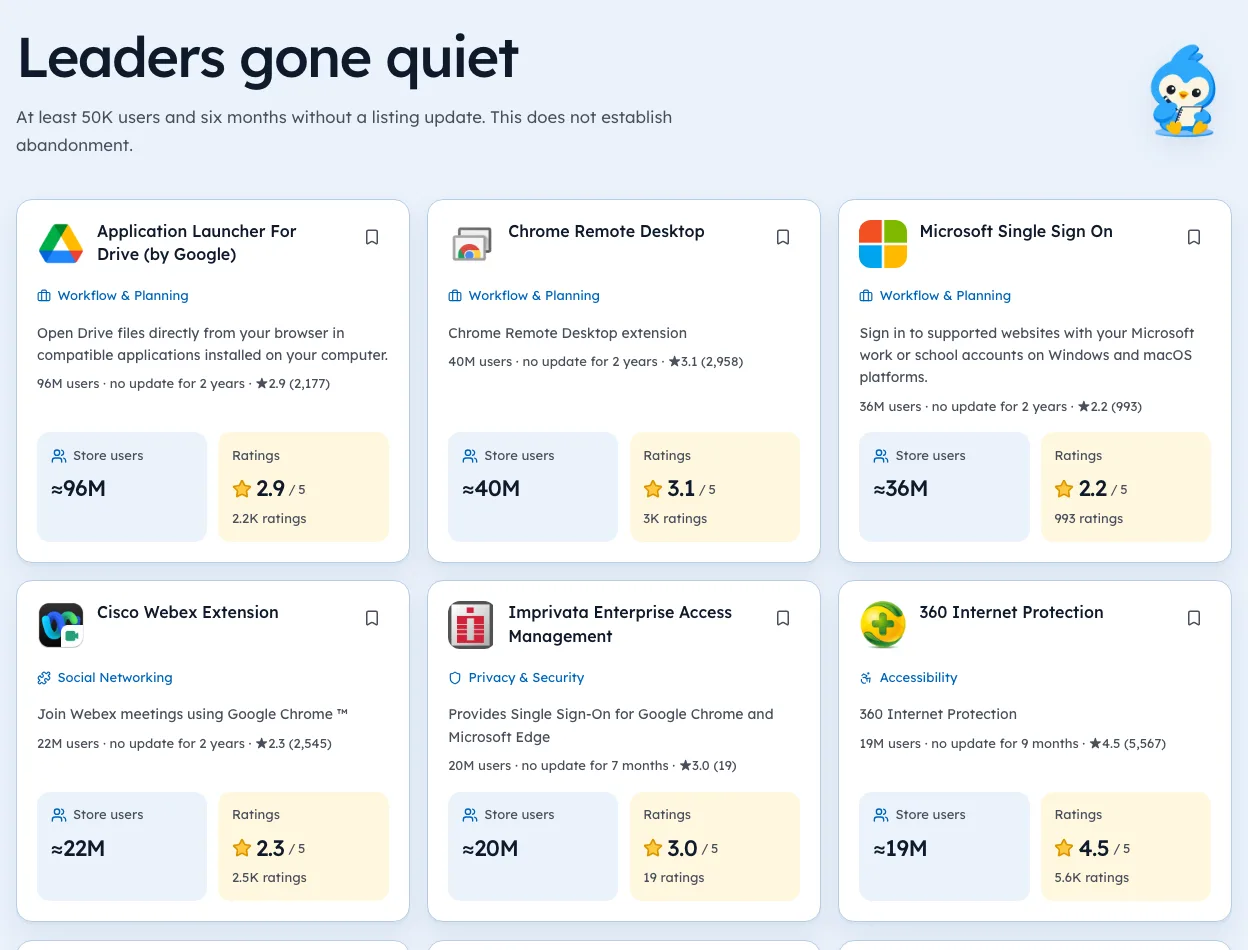
Buyers often scan the public store first. Here's what that view showed across our crawl of 65,655 extensions (observed 3 Oct 2026):
- 7,967 showed 10,000 or more users.
- Of those, 2,859 had no update in over a year by the version date we read.
- And 3,332 had fewer than 50 ratings.
An old update date is the first thing a buyer will ask about. Ship a small, real update before you list.
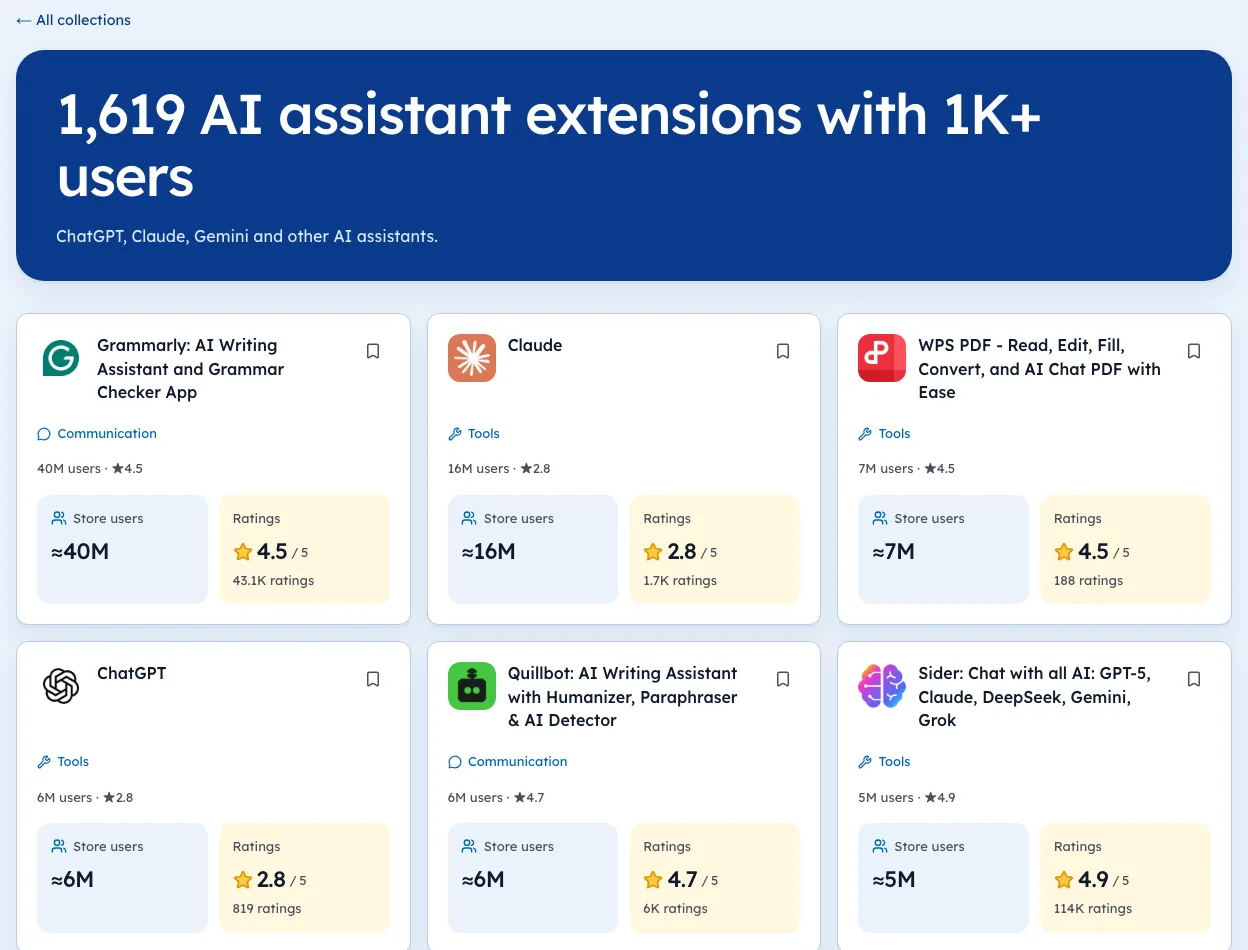
The Tools category page lists the same extensions with users and ratings.
The process, step by step
- Gather proofRevenue exports, active users, uninstall trend, costs.
- Clean the houseRemove unused permissions, document the build, list every service and its owner.
- Pick a routeA marketplace, a broker, or a direct approach to a company in your niche.
- Share under NDACode and finances only after interest is real.
- Transfer carefullyDeveloper account, domain, payment provider, repo, support inbox. The full order is in the handover section below.
Write a one-page summary
Buyers read dozens of listings. A page they can scan in two minutes gets a reply. A long deck often doesn't.
| Section | What goes in it |
|---|---|
| What it does | One sentence, plus the listing link |
| Users | Store figure and your weekly active count |
| Revenue | Monthly totals for 12 months, provider name |
| Costs | Servers, tools, your hours per week |
| Risks | Dependence on one site, pending policy issues |
| Why selling | The honest reason, briefly |
Use only numbers you can export. If you can't back a figure with a file, leave it out. Buyers will ask for the file anyway.
Fix what a buyer will notice first
Before listing, spend a week on the things that show up in the first five minutes of a buyer's look.
- Ship a small, real update. A recent date says the thing still runs.
- Trim permissions the code doesn't use.
- Write build and publish notes a stranger could follow.
- List every service the product needs, and who owns each account.
- Answer recent reviews, especially the bad ones.
These cost little and remove the easy reasons to walk away or push the price down.
Pick a route to buyers
There are three common routes, and many sellers try more than one.
| Route | Good for | Watch out for |
|---|---|---|
| Marketplace | Reach, many buyers seeing it | Fees, lots of low offers |
| Broker | Larger deals, paperwork help | Fees, minimum deal sizes |
| Direct outreach | Best fit, sometimes best price | Takes your time, needs a list |
Direct outreach works best when your users are someone else's customers. A CRM add-on is worth more to a CRM company than to a stranger. Make a list of ten companies that serve the same people, and write to each with your one-pager.
Hand over in order
A clean handover protects both sides. Do it in this order, with escrow holding the money until each step is done.
- Sign termsin writing, including a support period after the sale.
- Move the code repoand build docs.
- Move the domainand website.
- Move the payment provider, or set up the buyer's and switch the checkout.
- Move the developer account or listing, following Google's current process.
- Hand over the support inbox, then stay on for the agreed period.
Keep a shared checklist and tick each step with a date. If anything goes wrong later, the list shows who held what, and when.
Mistakes that kill deals
- Sharing code before a signed NDA.
- Quoting store installs as active users.
- Hiding a drop in rating. Buyers check the listing.
- Forgetting a service in your name that the product needs to run.
- Selling to a buyer who won't say what they'll change.
That last one matters for users too. Some offers for small free extensions come from people who want the install base for ads or tracking. Our guide to ownership changes shows how sold listings look from outside, and why users notice.
How long a sale takes
Every deal is different, and there's no public dataset on timing. What sellers commonly report is that preparation takes longer than the sale itself.
| Stage | What takes the time |
|---|---|
| Preparation | Gathering exports, cleaning code, writing docs |
| Finding a buyer | Outreach, marketplace listing, first calls |
| Diligence | Buyer checks revenue, code and accounts |
| Handover | Moving accounts in order, with escrow |
| Support period | Answering the buyer's questions after close |
The stage you control is preparation. Do it before you need to sell, and the rest goes faster.
What to keep after the sale
Selling doesn't end your obligations. Plan for these.
- The agreed support period, often a few weeks or months.
- Records of the salefor tax purposes.
- A clear line on users' data, which can only move with explicit consent.
- Any non-compete termsin the agreement.
Read the agreement for each before signing, and ask a lawyer about anything you don't understand.
Checking your listing like a buyer would
Before you list, look at your extension the way a buyer will. Open your store listing and note users, rating, rating count, last update and permissions with today's date. Then compare against tools in the same group on our niche pages. If anything looks weak next to rivals, fix it before buyers see it.
About valuation multiples
You'll see confident multiples quoted online. We haven't seen a public dataset of extension sales good enough to back one, so we won't print a number. Your best guide is comparable deals a broker can show you with real documents.
Buyers use the checklist to buy a Chrome extension to test them.
We're biased toward data, and our extension pages show public data only. They can show a buyer what the store shows. They can't see your revenue.
Will it keep earning after you leave? The folder should answer before the buyer asks.
Questions people ask
How much is my Chrome extension worth?
It depends mostly on verified profit and how steady it is. An extension with users but no revenue is valued as a traffic asset, usually far lower.
Can you sell a free Chrome extension?
Yes, but buyers will ask how they'll make money from it. Be honest about the user base and never sell user data.
Do Chrome Web Store policies cover selling?
The user data policy says data can transfer in a sale of assets only after explicit prior consent from users.
Where can you sell a Chrome extension?
General online-business marketplaces, brokers who handle software, or direct to companies that serve the same users.
How do you transfer a Chrome extension to a buyer?
Agree the move of the developer account or listing in writing, then transfer the domain, payment provider, code repo and support inbox in a planned order, using escrow.
What changed
- Merged our separate how-to-sell guide into this page, adding the one-pager, buyer routes, the handover order and deal-killing mistakes. Store figures refreshed to our 3 Oct 2026 crawl.
Where these numbers come from
- developer.chrome.comChrome Web Store: Analyze your store listing metricsAccessed 3 Oct 2026
- developer.chrome.comChrome Web Store program policiesAccessed 3 Oct 2026
Part of our guide: How to Make Money with Chrome Extensions: Proof First. More in Make money with extensions.


4,821 new extensions in the last 30 days in Tools. See them all.
Open niches with paying users and weak competition, checked against the store. Updated 3 Oct 2026 from our Chrome Web Store crawl