
The short answer
Count how many listings target the job, how many have 10,000+ users, how well those big ones are rated, and how many haven't updated in a year. That's how to size Chrome extension competition. A crowded niche with stale, middling leaders can be easier than an empty one.
- Count total rivals, then count the big ones.
- Average rating of big rivals tells you how happy users are.
- Stale leaders soften a crowded niche.
- Our counts below match names only, so treat them as rough.
Chrome extension competition is sized in four counts: how many listings target the job, how many of them have 10,000+ users, how well those big ones are rated, and how many haven't shipped an update in a year. The raw rival count alone rarely tells you if a niche is too crowded. Who those rivals are does. You can run all four counts for your own idea in Ext Watch research, then log each rival using our rival sheet method.
Chrome extension competition in five niches
We matched extension names containing a phrase, in our crawl as of 3 Oct 2026. Name matching is blunt, so these are rough sizes. Our crawl held store data for 65,655 extensions.
| Phrase in name | Listings | 10K+ users | 100K+ users | Avg rating, 10K+ with 50+ ratings | 10K+ with no update in a year |
|---|---|---|---|---|---|
| "screenshot" | 420 | 64 | 18 | 4.42 | 23 |
| "seo" | 450 | 51 | 14 | 4.52 | 20 |
| "pdf" | 784 | 136 | 36 | 4.04 | 51 |
| "dark mode" | 212 | 42 | 7 | 4.26 | 23 |
| "price tracker" | 82 | 13 | 2 | 4.46 | 2 |
User counts are the store's rounded buckets. Update age uses the date we hold, which can understate how old a version is.
How to read the table
PDF looks crowded and soft. It has the most listings, but its big tools average 4.04, the lowest here, and 51 of 136 haven't updated in a year.
SEO looks crowded and happy. Big tools average 4.52 and few are stale. A newcomer there needs a sharp angle.
Dark mode sits between: 23 of its 42 bigger tools hadn't updated in a year by our date.
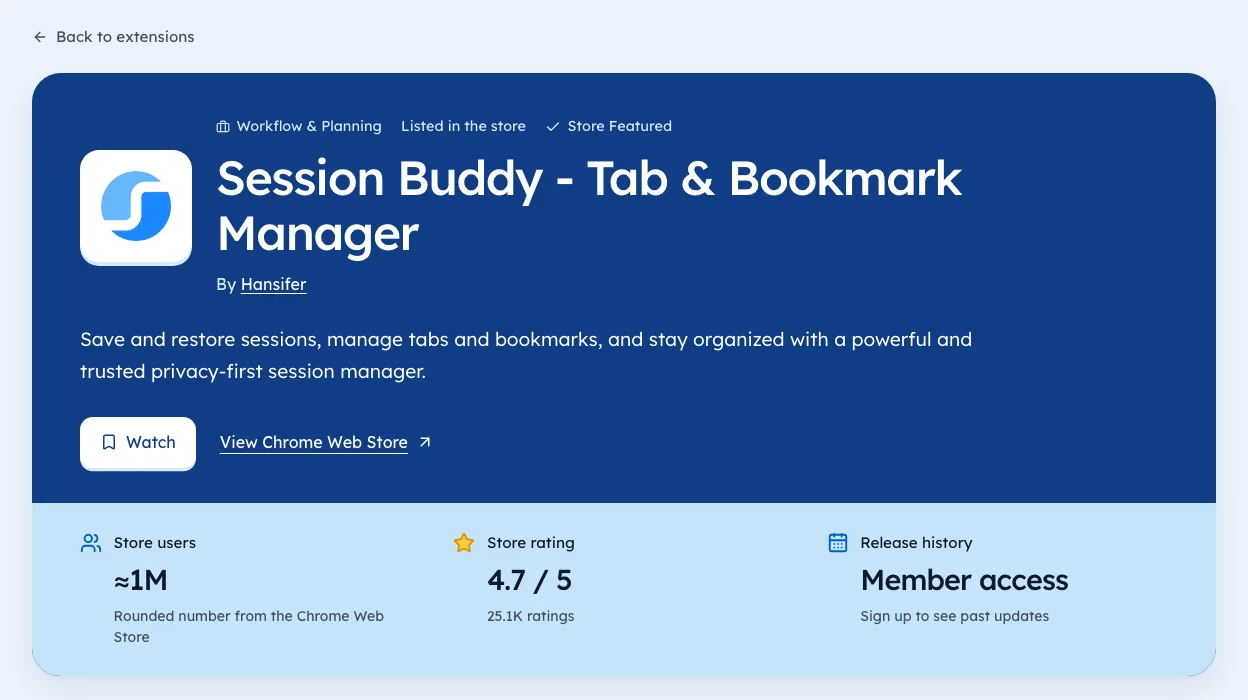
For current numbers, open the tab managers page.
Read the reviews of the leaders
Counts tell you how crowded a niche is. Reviews tell you where the leaders are weak. Spend five of your ten minutes here.
- Open the top three listings by users.
- Sort reviews by most recent.
- Read the two- and three-star ones.
- Write down any complaint that shows up more than twice.
Repeated complaints are your angle. "Too many ads", "stopped working after the update", "needs an account to do anything" are all openings a smaller tool can fix.
Picking an angle
Once you know where the leaders fall short, choose how you'll be different. Most good angles fit one of these.
| Angle | Example |
|---|---|
| Narrower job | A PDF tool only for merging, done perfectly |
| Specific audience | A screenshot tool for support teams |
| Fewer permissions | Works without access to every site |
| No account needed | Core feature works right after install |
| Better upkeep | Ships fixes the week Chrome changes |
Write your angle as one sentence before you build. If you can't, the niche may be too crowded for the idea as it stands.
Signs a niche is too hard
Some niches look open but aren't. Watch for these before committing.
- A free tool from a giant that's well rated and updated often.
- Leaders with tens of thousands of ratings and scores above 4.5.
- Every big tool shipped this month, so no one has gone quiet.
- The job lives inside one website that could change and break every tool overnight.
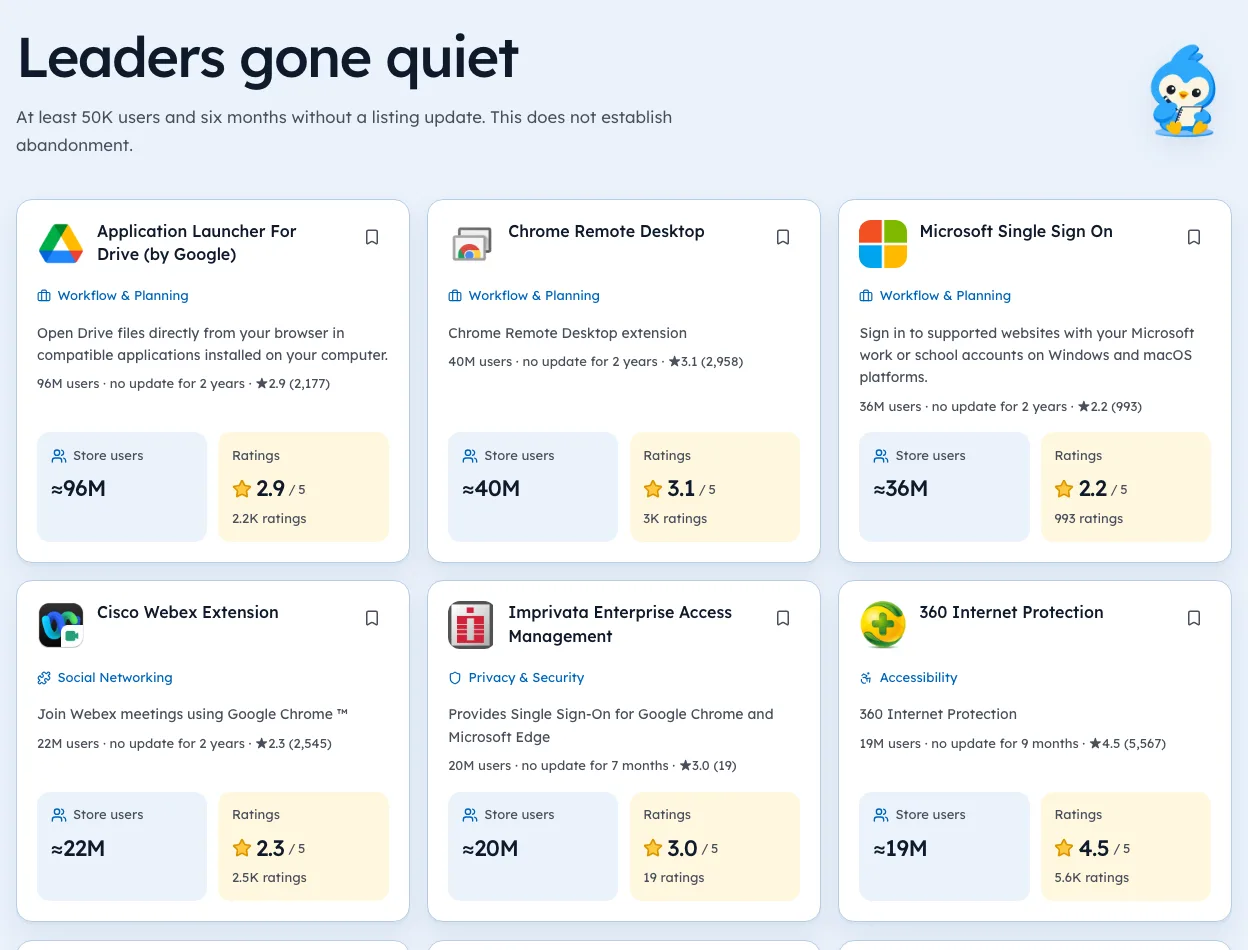
One of these is a caution. Three or more usually means look elsewhere, or go much narrower. Our Openings list shows niches where big leaders have gone quiet, each with the date we checked.
A worked example: PDF tools
The PDF row above stands out. It had 784 listings with "pdf" in the name, 136 of them above 10,000 users, and their average rating was the lowest of the five at 4.04. Of those 136, 51 hadn't shipped in a year.
That's a crowded niche with tired leaders. On our list of openings on 3 Oct 2026, a PDF viewer with 1,000,000 users and a 3.32 rating hadn't updated in 705 days. A newcomer won't beat a tool that size on name alone, but a sharper, well-kept tool for one PDF job has room. Our guide to competitor analysis shows how to log each rival.
Turning counts into a go or no-go
After ten minutes, you'll have four counts. Here's a rough way to read them together.
| What you found | Read it as | Next step |
|---|---|---|
| Few listings, few with 10k+ users | Maybe little demand | Check Google autocomplete for the phrase |
| Many listings, leaders well rated and active | Hard niche | Go narrower or pick another |
| Many listings, leaders weak or quiet | Opening | Read leaders' reviews for the angle |
| Few listings, leaders big and quiet | Strong opening | Check why users haven't moved |
The last row deserves care. Sometimes a quiet leader keeps users because the tool simply works and nobody needs more. Recent reviews tell you if that's the case.
Competition from the platform itself
Some of the hardest rivals aren't other indie tools. They're features built into the site your extension works on, or tools made by that site's owner.
- Platform-made companions, like a marketplace's own seller tool.
- Features added to the site, which can make your extension unnecessary overnight.
- Free tools from giants, bundled with products people already pay for.
When a niche depends on one site, check its recent product updates as part of your ten minutes. A feature announcement can matter more than any rival's rating.
Re-running the check over time
Competition changes. A niche that was open six months ago may be full now, and the reverse.
- Save your four counts with the date.
- Rerun them every quarter, or before any big build.
- Note new entrants and which leaders shipped updates.
- Watch the share of big tools with no update in a year.
In our 3 Oct 2026 crawl, 21,431 extensions hadn't shipped in over a year. Leaders slipping into that group are the clearest sign a niche is opening up. You can browse niches with that pattern on our niche pages.
The ten-minute method
- Search your phrase on the Chrome Web Store and count the first page.
- Note how many show 10,000+ users.
- Write down rating and rating count for those.
- Check each one's "Updated" date.
- Ask: are the leaders well loved, or just big?
We're biased, but Ext Watch does these counts across a whole niche at once, with dates. A browser tab does the job for one niche.
To keep watching rivals after you size them, see tracking competitors automatically, or check how big the market is.
Crowded with tired leaders beats empty with no demand.
Add your sixth row. Ten minutes is enough.
Questions people ask
Is the Chrome extension market saturated?
Some niches are, some aren't. The table shows how differently five of them look.
How many competitors is too many?
Count the well-rated, recently updated big ones. If that's above ten, find a narrower angle.
How do you check competition for a Chrome extension idea?
Count rivals for your phrase, count those with 10,000+ users, then check their ratings and update dates. The ten-minute method below walks through it.
What makes a niche too hard to enter?
Many well-rated leaders that ship often, plus big companies giving their tool away free. If both are true, pick a narrower job inside the niche.
Can a small extension beat a big one?
In a narrow job, often yes. Big tools try to serve everyone. A small tool that does one job better can win the users who care about that job.
What changed
- Refreshed the five-niche table to our 3 Oct 2026 crawl and added reading the reviews, picking an angle, and signs a niche is too hard.
Where these numbers come from
- chromewebstore.google.comChrome Web StoreAccessed 3 Oct 2026
Part of our guide: Competitor analysis Chrome extension method, step by step. More in Tools and comparisons.


352 extensions tracked in Tab managers. See them all.
Watch any extension for user, rating, version and owner changes. Updated 3 Oct 2026 from our Chrome Web Store crawl