The short answer
Chrome extension profit is what's left after seven costs that revenue screenshots skip: payment fees, server bills, AI or data costs per use, support time, refunds and chargebacks, store review delays, and the risk of a policy takedown. Building is the cheap part. Running a paid extension is where the money goes.
- Revenue isn't profit. Seven costs sit between them.
- Payment services take a cut: ExtensionPay lists 5% per charge.
- AI features cost money every time someone clicks.
- Support time is a cost, even when it's your evenings.
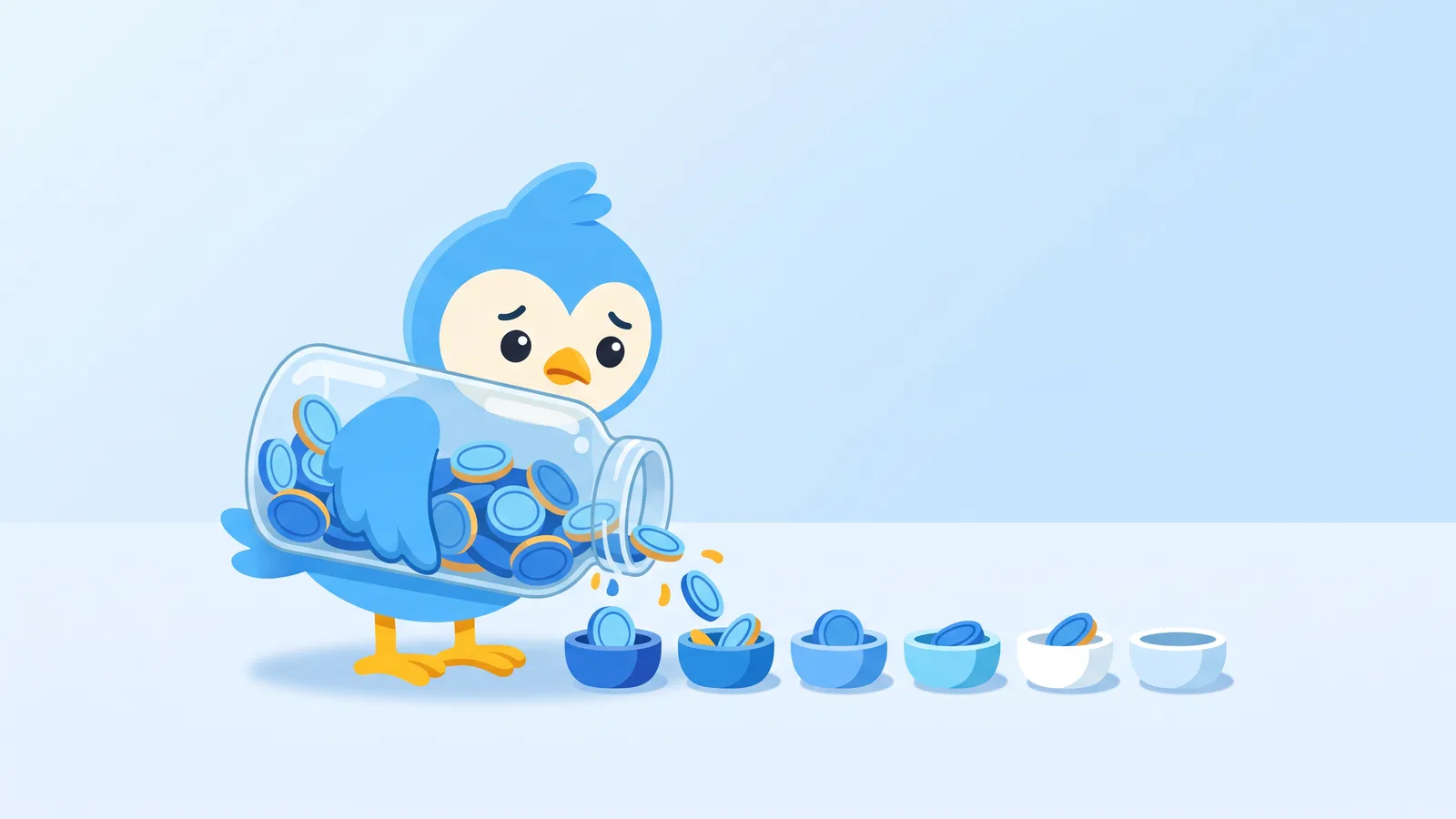
A lemonade stand with $100 in the jar looks great. Then you remember the lemons, the sugar, the cups, and the afternoon you spent standing there.
Posts about Chrome extension profit usually show the jar. Here are the lemons.
The seven costs that decide Chrome extension profit
| Cost | When it bites | Rough shape |
|---|---|---|
| Payment fees | Every sale | A percentage per charge, plus the card processor's rate |
| Servers | From the first paid user | Monthly, grows with users |
| AI or data per use | Every click on the paid feature | Per call, can spike |
| Support | Every confused user | Your hours |
| Refunds and chargebacks | After unhappy sales | Lost sale plus dispute fees |
| Store review delays | Every update | Days of waiting while bugs stay live |
| Policy risk | Any time | Income can stop entirely |
Revenue is only the start. Our guide to making money with Chrome extensions covers how to check who pays before you build.
1. Payment fees
Every provider takes something. Which fee you meet depends on the model: see the five business model shapes. ExtensionPay's homepage lists a 5% transaction fee and no monthly fee, and it runs on Stripe (extensionpay.com, checked 3 Oct 2026).
Card processing fees depend on your country, so check Stripe's pricing page for yours.
Add tax handling if you sell to many countries. Some resellers handle that for a higher cut. Others leave it to you.
2. Servers
A proper paywall checks licences on a server. Sync and history need storage. Free users cost money too, because they hit the same servers.
3. AI and data per use
This is the newest trap. An AI button that costs a fraction of a cent per click is fine at 100 users and painful at 50,000 free ones.
4. Support
Every "it stopped working" email takes time. Extensions break when the sites they sit on change, so support grows with the number of sites you touch.
5. Refunds and chargebacks
A refund costs you the sale. A chargeback costs you the sale and usually a dispute fee from your processor. Clear pricing on the listing prevents most of both.
6. Store review delays
Updates go through review. While you wait, a bug stays live for every user. Plan releases so a fix isn't the first thing you ship on a Friday.
7. Policy risk
Google can pull a listing that breaks a policy. When that happens, installs stop and existing users may lose the tool. Keep an email list and a website so your customers can still reach you.
Don't forget the fixed bits
There's a one-time developer registration fee to publish on the store (Chrome developer docs). Then a domain, an email service, and probably a privacy policy page. Small, but they add up.
A quick sense check
In our crawl of 61,820 live extensions (about 21% of store IDs, as of 3 October 2026), the median extension has 857 users. At that size, fees and a small server bill can eat most of a modest income.
Profit tends to arrive with reach and with features that need your server anyway. Pair this with the income sum to see a range.
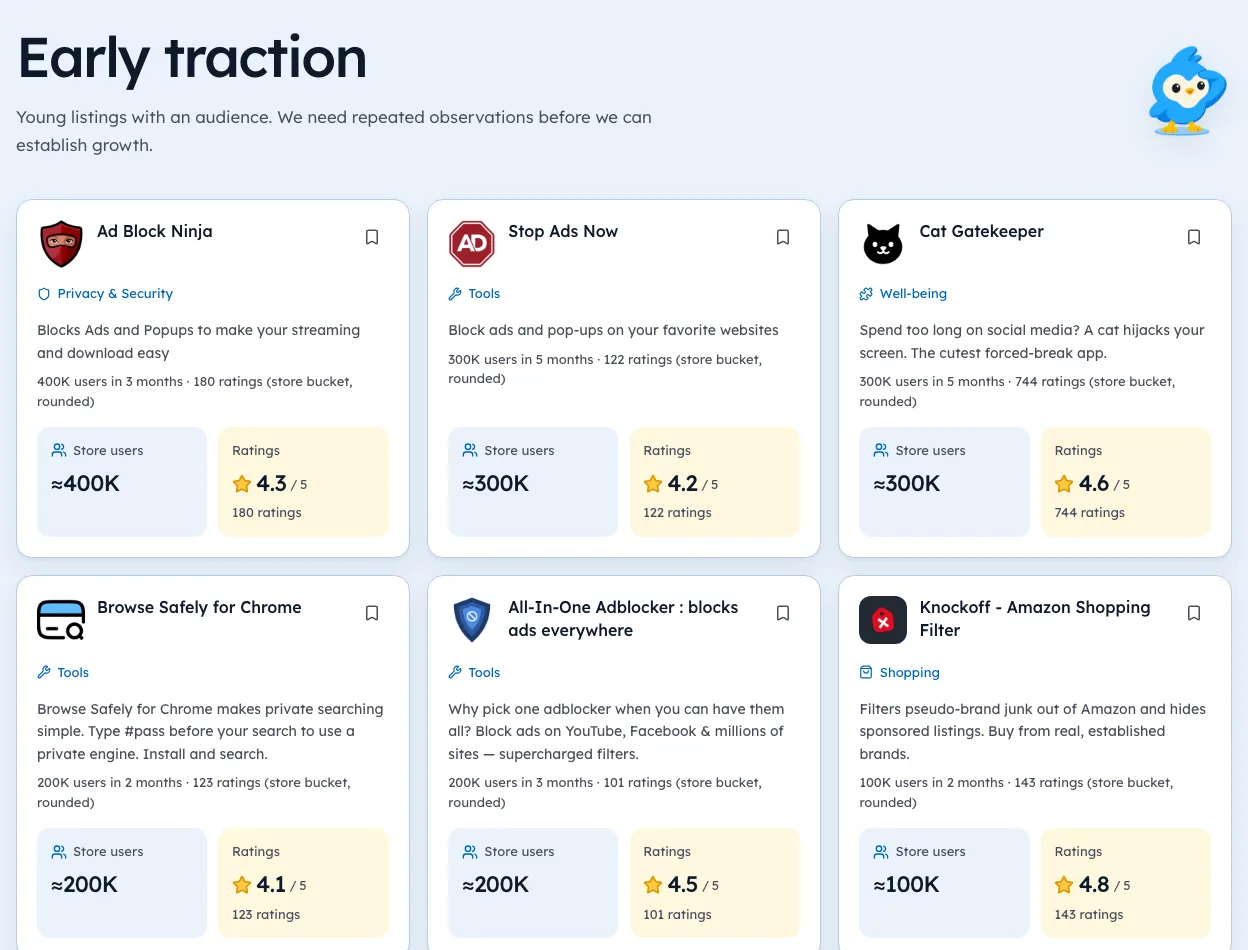
We're biased, but Ext Watch's Openings page helps you size a niche before you pay any of these costs: how many users the incumbents have and how they rate.
Write your seven costs on one page before you write your pricing page. Then count the lemons.
Questions people ask
Are Chrome extensions profitable?
Some are. Profit depends on reach and on keeping per-use costs below what users pay.
What does it cost to publish a Chrome extension?
A one-time developer registration fee, plus whatever your servers and payment provider charge once you sell.
What's the biggest hidden cost?
For AI tools, per-use model costs. For everyone else, support time.
Where these numbers come from
- stripe.comStripe pricingAccessed 3 Oct 2026
- extensionpay.comExtensionPay homepageAccessed 3 Oct 2026
- developer.chrome.comChrome Web Store registration docsAccessed 3 Oct 2026
Part of our guide: How to Make Money with Chrome Extensions: Proof First. More in Make money with extensions.


138 extensions tracked in Email finders. See them all.
Open niches with paying users and weak competition, checked against the store. Updated 3 Oct 2026 from our Chrome Web Store crawl