The short answer
Check revenue inside the seller's payment provider, compare store installs with real weekly users, read every permission and why it's needed, look at update and rating history, and agree in writing how the developer account, domain and user data will move. That's the core of how to buy Chrome extension listings safely.
- See revenue live in the payment provider, not in screenshots.
- Store Users counts installs. Ask for active users.
- Broad permissions are a review and trust risk you inherit.
- High users with very few ratings deserve a closer look.
The listing says 200,000 users. The seller says it's a goldmine.
If you want to buy Chrome extension listings, your job is to find out how much of that is installs, how much is people, and how much is wishful thinking.
The checklist to buy Chrome extension listings safely
| Area | What to ask for | What to look for |
|---|---|---|
| Revenue | Screen-share inside Stripe or Paddle | Refunds, churn, one big customer |
| Users | Weekly active from their events | Gap between installs and active |
| Permissions | The manifest, line by line | Access to every site without a clear need |
| Ratings | Store rating and recent reviews | A drop after the last update |
| Updates | Version history | Long silences, rushed fixes |
| Dependencies | Every API and site it relies on | One site's markup holding it up |
Verify revenue at the source. Exports can be edited. A live view of the payment account is harder to fake. Our notes on which niches pay shows what a paying niche looks like before you pay for one.
Installs aren't people
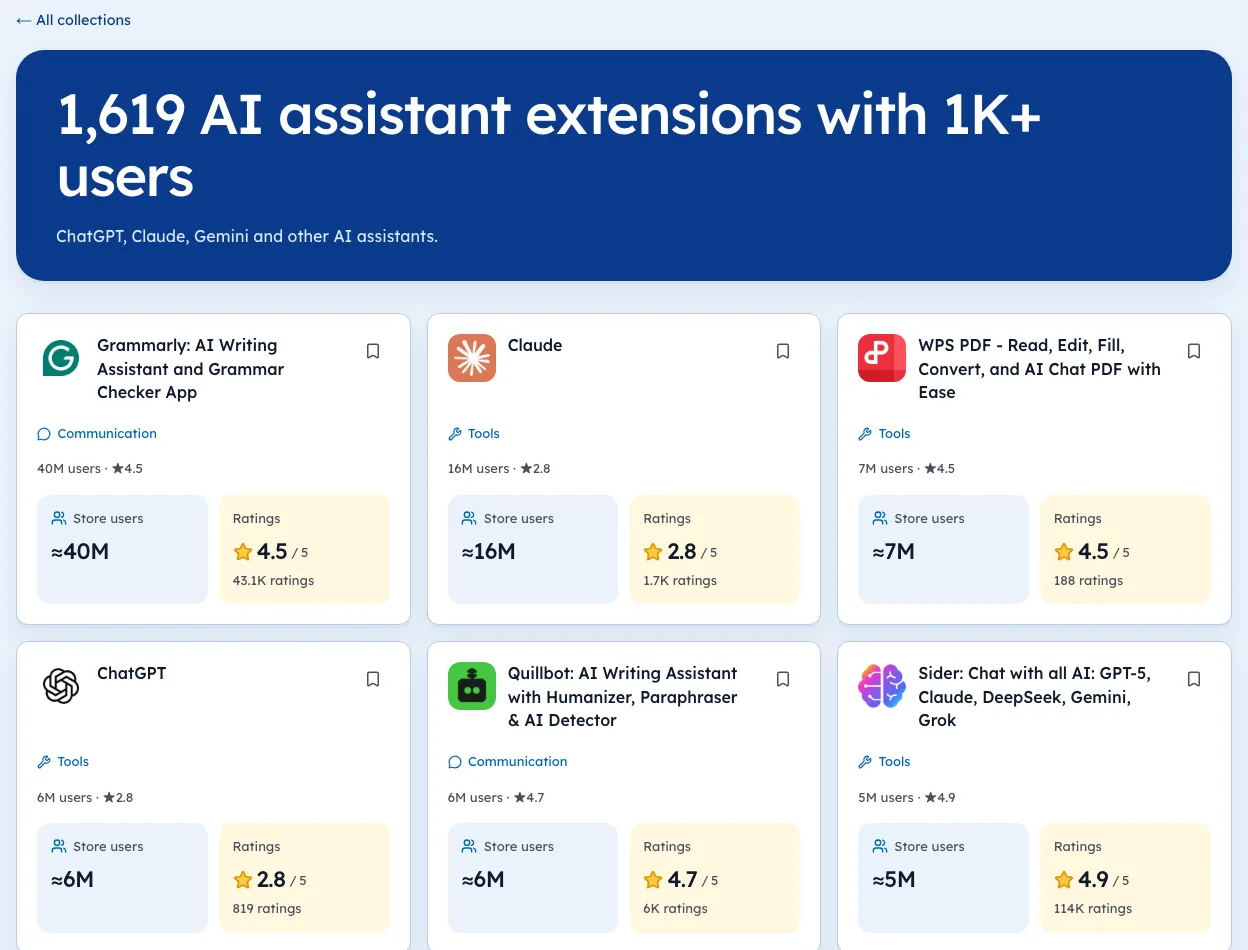
Google's metrics page says the dashboard Users stat counts installations and doesn't track activity. Ask for the seller's own active-user data and how it's measured.
The Tools category page has the dated counts if you want to check this yourself.
Permissions you'll inherit
Every permission is a promise you'll have to keep under Chrome's policies. Our guide to a sold listing shows what to watch for after a change of owner. If the seller can't explain a permission, assume a reviewer can't either.
The handover
- Escrow, with release tied to transfer milestones.
- Code repo and build steps, tested by you.
- Domain, website and email.
- Payment provider, or migration of subscriptions.
- Developer account or listing transfer, following Google's current process.
- User data, only with explicit prior user consent per Chrome's policy.
Where listings for sale come from
Most deals start in one of three places. Each brings a different kind of seller.
| Source | Typical seller | What to expect |
|---|---|---|
| Marketplaces | Founders moving on | Many listings, mixed quality |
| Brokers | Larger tools with revenue | More paperwork, higher prices |
| Direct outreach | Developers who stopped shipping | Often no listing at all, just a conversation |
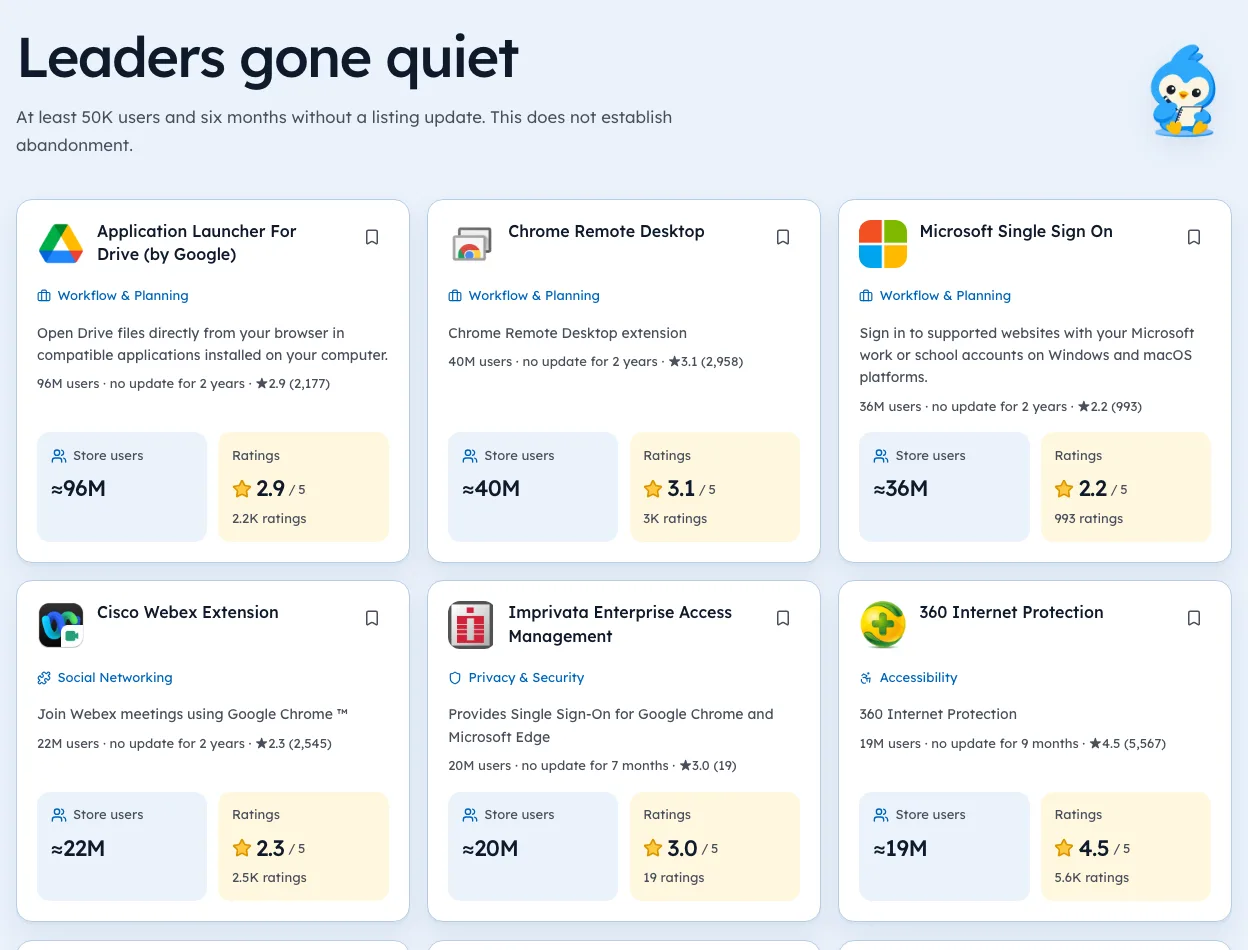
Direct outreach is underrated. A tool with a loyal base whose developer stopped updating can be a good buy, and the developer may welcome the offer. On 3 Oct 2026, our list of leaders gone quiet included tools like Save as PDF, with 300,000 users and no update in 477 days. Our Openings list shows more, each with the date we checked.
Red flags in diligence
Some findings should slow a deal or stop it. Keep this list open on every call.
- Revenue you can only see in screenshots. Ask for a live view.
- A sudden user jump with no matching rise in ratings.
- Permissions the seller can't explain.
- One customer making up most of the revenue.
- A dependency on one site that could change its layout tomorrow.
- Pressure to close fast.
One flag isn't fatal. Two or three together mean either a lower price or a walk away.
Your first 90 days after buying
The weeks after a purchase decide whether users stay. Plan them before you sign.
- Week 1confirm you can build and publish from the handed-over code.
- Weeks 2 to 4ship a small fix, so the listing shows a fresh update.
- Month 2reply to recent reviews and fix the top complaint.
- Month 3only then, change pricing or add features.
Change little at first. Users notice a new owner through sudden changes, and a burst of one-star reviews can wipe out the value you paid for. Our guide to ownership changes shows what users look for.
What public data can and can't tell you
Public listing data helps you pick which tools to look at and which questions to ask. It shows the user bucket, rating, rating count, last update and permissions. It can't show revenue, churn or how many users are active.
So use it in the first hour, not the last. Shortlist with public data, then let the seller's accounts answer the questions it raised. Our niche pages are a quick way to see every tool in a group side by side.
Questions to ask a seller
A standard list keeps calls focused and makes sellers easy to compare.
| Topic | Question |
|---|---|
| Revenue | Can you share a live view of the payment account? |
| Users | How do you measure weekly active users? |
| Costs | What does it cost to run each month, line by line? |
| Time | How many hours a week do you spend on it? |
| Risks | What has broken in the past year, and why? |
| Reason | Why are you selling now? |
Write the answers down in the same format for each deal. Patterns jump out quickly when you compare three sellers side by side.
Pricing an offer
There's no public dataset good enough to give a reliable multiple for extension sales. A sensible approach is to price from what you can verify.
- Start from verified profit, after all costs including your time.
- Adjust for steadinessmonths of flat or improving revenue are worth more than one peak.
- Adjust for riskdependence on one site, broad permissions, a single big customer.
- Compare with deals a broker can document
If the seller's numbers only exist as screenshots, your offer should reflect that uncertainty, or you should walk away.
Before you sign
A last check before money moves.
- You can build and publish from the code you received.
- Every account the product needs is listed and ready to transfer.
- The privacy policy matches what the code does.
- Escrow terms tie payment to each transfer step.
Our guide to selling a Chrome extension shows the same deal from the seller's side, which helps you spot what they might leave out.
Reading the public signals
We're biased toward public data because it's what we sell. A public listing, like the pages on Ext Watch, can show you the user bucket, rating, rating count, last version date and permissions over time. It can't confirm revenue.
Use public data to pick questions, and the seller's accounts to answer them. The seller's side of the same deal is in what drives value when you sell a Chrome extension.
Installs, people and wishful thinking. By the end of diligence, you should know the split.
Questions people ask
Is it safe to buy a Chrome extension?
It can be, with checks. The main risks are inflated users, revenue you can't verify, risky permissions and a messy account transfer.
Why do people buy Chrome extensions?
To get users and distribution faster than building, or to add a feature to an existing product.
What should you avoid when buying an extension?
Any plan to monetise by injecting ads or affiliate links without clear user benefit and disclosure. Chrome policy bans that.
Where can you find Chrome extensions for sale?
Online-business marketplaces, brokers who handle software, and direct outreach to developers of tools that have gone quiet.
How do I value an extension I want to buy?
Start from verified profit and how steady it is. Users without revenue are worth far less, and no public dataset gives a reliable multiple.
What changed
- Refreshed store figures to our 3 Oct 2026 crawl and added where to find listings for sale, a red-flag table, first-90-days plan and how to value what you're buying.
Where these numbers come from
- developer.chrome.comChrome Web Store program policiesAccessed 3 Oct 2026
- developer.chrome.comChrome Web Store: Analyze your store listing metricsAccessed 3 Oct 2026
Part of our guide: How to Make Money with Chrome Extensions: Proof First. More in Make money with extensions.


4,821 new extensions in the last 30 days in Tools. See them all.
Open niches with paying users and weak competition, checked against the store. Updated 3 Oct 2026 from our Chrome Web Store crawl