
The short answer
Good Chrome extension market research takes about two hours and six steps. List every close competitor, record users and ratings with the date you checked, read their one-star complaints on the store, check their websites for pricing, look at update gaps, then write down the one problem none of them solves well. Do it before you build anything.
- Competitor list first, idea second.
- Record every number with its date.
- Pricing lives on websites, not listings.
- The gap is usually in the complaints.
Most failed extensions weren't badly built. They were built into a market nobody checked, by someone who spent three weekends on code and never spent one evening reading what the existing tools' users were already complaining about. Ouch.
Two hours of Chrome extension market research now saves two months later.
Chrome extension market research, in six steps
Steps 1 and 2 build the picture. Steps 3 to 5 test it. Step 6 states the gap in a sentence you can check.
Step 1: list every competitor
Search the Chrome Web Store for the problem, not your product name. Try three or four phrasings. Say you want to build a tab manager: search "tab manager", "save tabs", "tab groups" and "too many tabs".
Aim for 10 to 20 listings. Fewer and you missed some. More and you've drifted into a neighbouring niche. Our competitor analysis guide covers the tooling.
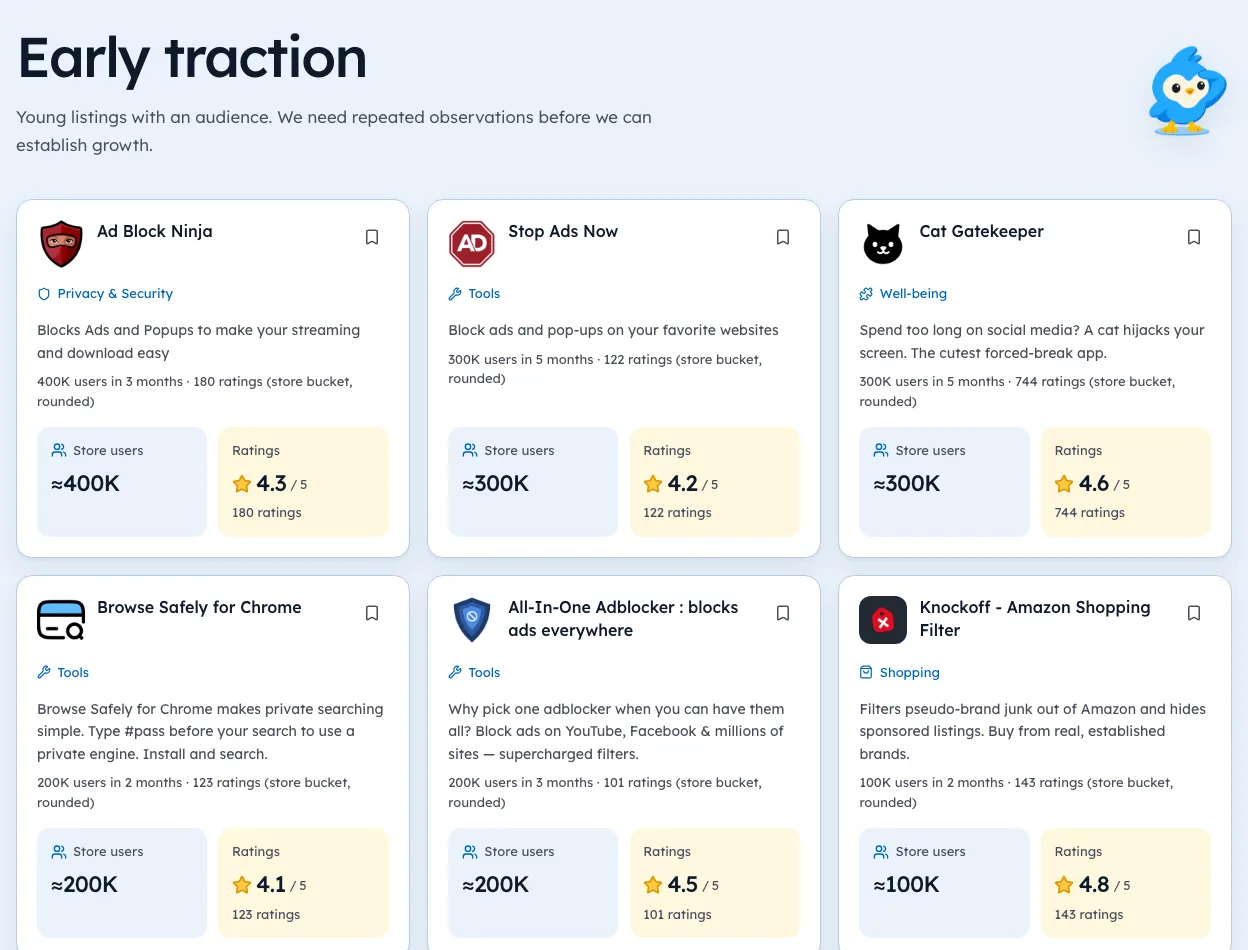
Step 2: record the numbers, with dates
Each field is explained in Chrome Web Store stats.
| Field | Why it matters |
|---|---|
| Users | Size of demand |
| Rating count | Real engagement |
| Rating | Satisfaction, lifetime |
| Last updated | Is anyone maintaining it |
| Publisher | Indie dev or big company |
| Date you checked | So you can compare later |
Step 3: read what people complain about
Open each competitor's listing and read the low-star reviews in your browser. Look for the same complaint three times. That's a free spec.
Repeat complaints are your feature list.
Step 4: check who charges
This is where most research goes wrong. The store listing rarely shows prices. Developers usually take payment on their own site through a payment provider such as Stripe.
- Click the competitor's website link from the listing.
- Look for Pricing, Plans, Upgrade or Pro in the menu.
- Note the price, the billing period and whether there's a free tier.
- Check for a refund policy and terms. A real business has both.
If you can't find pricing, write "unknown". Don't write "free". Plenty of paid tools hide prices behind a sign-up.
Step 5: look at update gaps
A competitor with lots of users and no update in a year is interesting. In our crawl, 2,859 of 7,967 extensions with 10,000+ users hadn't updated in over a year as of 3 Oct 2026.
That doesn't mean they're broken. Read recent ratings before deciding.
Every guide in this series
This page is the hub for our guides on market research. Each one goes deeper on a single step:
Step 6: write the gap in one sentence
"Tab managers with 100K+ users all lose tabs on crash, and users keep complaining." Keep it specific enough that a test could prove it wrong. If you can't write it, keep researching.
Ext Watch's category pages and extension lookup cover steps two and five for crawled listings. Steps three and four are still manual, and we'd rather say that than pretend.
Do the two hours. Then build.
Questions people ask
How do you research a Chrome extension idea?
List competitors, record their numbers with dates, read complaints, check pricing on their sites, and write the gap in one sentence.
How do you know if a Chrome extension makes money?
Check its website for a pricing page or checkout. The store listing rarely shows it.
How long should market research take?
About two hours for a first pass on one niche.
Where these numbers come from
- chromewebstore.google.comChrome Web StoreAccessed 3 Oct 2026


352 extensions tracked in Tab managers. See them all.
Users, ratings and new launches per niche, from our own crawl. Updated 3 Oct 2026 from our Chrome Web Store crawl