
The short answer
A good Chrome Stats alternative should beat it on something you can check: where the data comes from, how far back history goes, how pricing is verified and how much of the store is covered. Ask every tool those four questions, ours included, before paying anyone.
- Compare tools on four checkable things, never on homepage claims.
- History depth decides whether a trend claim means anything.
- Paid detection from the listing alone misses most paying extensions.
- Ext Watch started its own history on 2 Oct 2026, so it's young.
People usually go hunting for a Chrome Stats alternative after one bad moment. A number looked wrong, a plan felt pricey, or an export hit a wall. That moment is a good test case, so keep it handy.
The wider research method is in competitor analysis for a Chrome extension.
Four questions for any Chrome Stats alternative
| Question | Why it matters | What a good answer looks like |
|---|---|---|
| "Where does each number come from?" | Mixed sources hide errors | One named source per field, with a date |
| "How many days of history?" | Trends need time | A start date you can see |
| "How do you know it charges?" | Listings rarely show prices | A pricing page URL and a fetch date |
| "How much of the store do you cover?" | Ranks mean less on a sample | A stated share of store IDs |
| "What does unknown look like?" | Gaps get dressed up as zeros | A visible "unknown" label |
If a tool can't answer the second one, any claim about direction on its pages is a guess.
Where Ext Watch stands today
We're biased, so here are our own weak spots first. As of 3 Oct 2026 we had crawled 61,820 extensions, about 21% of the IDs in the store's sitemap. Our own history began on 2 Oct 2026.
That means we can't yet show you change over time for any listing.
Our paid detection was also too thin. A listing-only check flagged 572 of those 61,820 extensions as showing paid evidence. Well-known paid tools came back blank because they take payment on their own sites.
We now label that case "unknown" and are adding a polite website check.
| Question | Ext Watch today |
|---|---|
| Where does each number come from? | Our own crawl of public store listings, each value with the day we saw it |
| How many days of history? | Our own history began on 2 Oct 2026, so no long trends yet |
| How do you know it charges? | Listing evidence only for now; a website pricing check is being added |
| How much of the store do you cover? | 61,820 extensions crawled, about 21% of sitemap IDs |
| What does unknown look like? | Labelled "unknown", never shown as zero or free |
{.compare}
Want to check it yourself? Put two extensions side by side on Ext Watch compare.
A ten-minute test you can run on any tool
- Pick three extensions you know well, one of them paid.
- Look each one up in the tool.
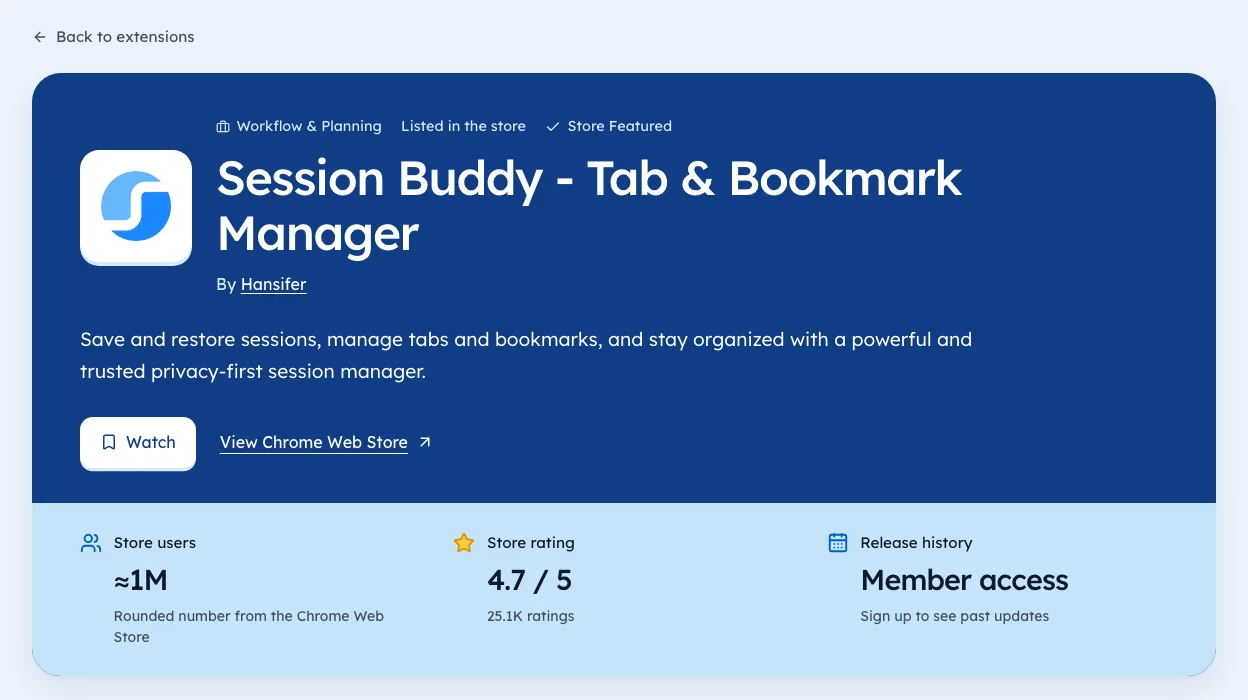
- Check the user count against the store listing, which shows these official fields, the same day.
- See whether the paid one is marked paid, with a source.
- Look for the date beside every number.
When to stay put
If you need years of history today, a tool that's been crawling for years has a real edge. To size a niche in the meantime, see chrome extension competition, or read our Chrome Stats review checklist.
History can't be backfilled honestly from someone else's data.
Switch when the new tool answers your question better, not when it's cheaper. A cheaper wrong number costs more than a pricey right one.
Take the three extensions you picked and run the test tonight. The wrong number will show itself quickly.
Questions people ask
Is there a free Chrome-Stats alternative?
The Chrome Web Store itself is free and shows users, rating and last update for any listing. It just doesn't keep history for you.
What's the best Chrome-Stats alternative?
The one that passes the ten-minute test on extensions you know.
How do you compare Chrome extension analytics tools?
Pick three extensions you know, check each tool's numbers against the live listing the same day, and look for a date beside every figure.
Where these numbers come from
- developer.chrome.comChrome Web Store: Listing information fieldsAccessed 3 Oct 2026
Part of our guide: Competitor analysis Chrome extension method, step by step. More in Tools and comparisons.


4,821 new extensions in the last 30 days in Tools. See them all.
Watch any extension for user, rating, version and owner changes. Updated 3 Oct 2026 from our Chrome Web Store crawl