A Chrome Stats review usually starts with one question: is the paid plan worth it, or is the free view enough? Search "chrome stats reddit" and you'll find people asking it in different words.
The answer depends on one thing: do you need history? If you only need today's users, rating and update date, the free view is enough. If you need trends over months, you need a paid tool. The rest of this review shows where each line falls, and our rival research method shows how to use either.
What the store already gives you free
Every listing page shows a user count, an average rating, a rating count, a version and an "Updated" date. The developer can also add an official URL, homepage and support link, per Google's listing guide.
That's a decent snapshot. The catch is that it's only today. Yesterday's number is gone.
What paid should add
| Feature | Worth paying for when | Red flag |
|---|---|---|
| "Daily history" | You track rivals over months | No visible start date |
| "Change alerts" | You can't check listings by hand | Alerts on day one of tracking |
| "Exports / API" | You build your own sheets | Limits not stated up front |
| "Pricing data" | You judge niches by money | No source URL for prices |
| "Search across listings" | You hunt niches | Counts with no coverage note |
Alerts on day one are a warning sign. A change needs two observations. Our own first crawl, on 2 Oct 2026, produced 33 "owner change" events that turned out to be a mix-up between two ID formats.
We caught it, but it shows how easy that mistake is.
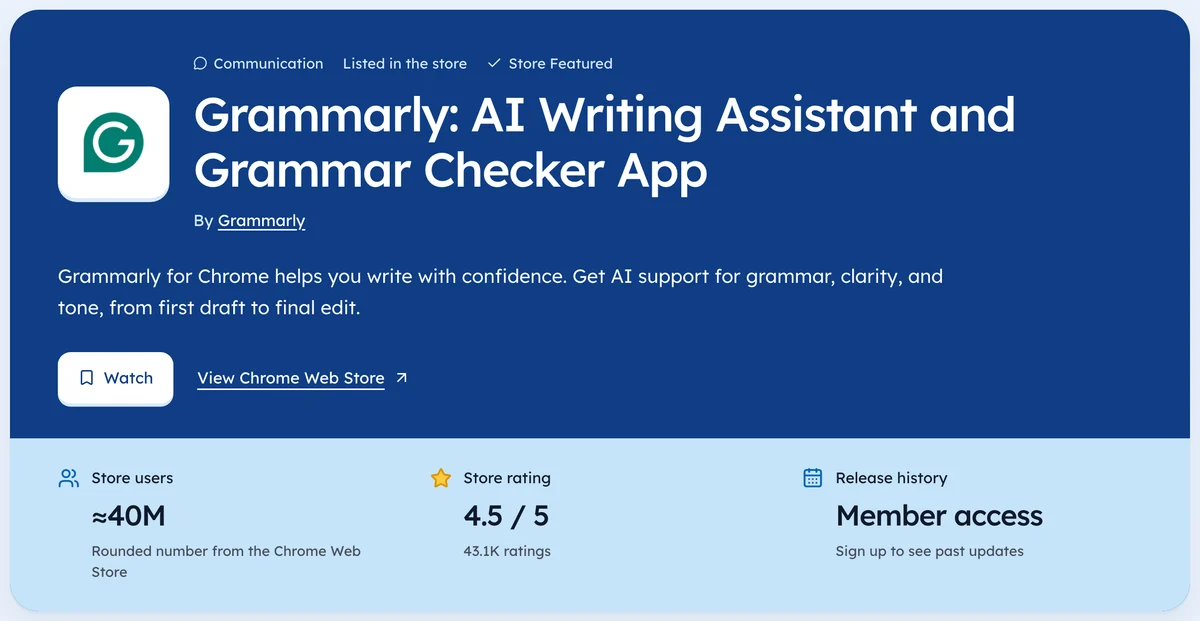
For the current numbers, check the Tools category page.
How to run a Chrome Stats review fairly
- Write down five extensions you know, two of them paid.
- Check each tool's numbers against the store on the same day.
- Ask how each paid one was marked paid.
- Count how often you see a date beside a number.
If you're comparing options, a Chrome Stats alternative guide covers four checkable questions.
Our own scorecard, honestly
We're biased because we make Ext Watch. On 3 Oct 2026 we covered 61,820 extensions, about 21% of the store's sitemap IDs, with history from 2 Oct 2026. That's thin history.
What we do promise is a date on every figure and "unknown" where we don't know.
| Feature | Ext Watch today |
|---|---|
| Daily history | Yes, with a visible start date: 2 Oct 2026 |
| Change alerts | Yes, on every plan (one alert rule on Free) |
| Exports / API | Exports on Pro, an API on Max, limits listed on pricing |
| Pricing data | Listing evidence only for now; a dated website check is being added |
| Search across listings | Yes, with coverage stated: 61,820 extensions, about 21% of the store |
{.compare}
Want to score it yourself? Put two extensions side by side on Ext Watch compare.
If a tool never says "unknown", it's guessing somewhere.
Run your five-extension list through one tool this week. You'll know more than any review can tell you.
Questions people ask
Is Chrome Stats legit?
Judge it the same way: check its numbers against live listings for extensions you know.
Do you need a paid plan?
Only if you need history, alerts or exports. The snapshot is free on the store.
Is Chrome Stats free?
We couldn't load its pricing page on 3 Oct 2026, so we can't say what each plan includes. Check the current page before you decide.
Where these numbers come from
- developer.chrome.comChrome Web Store: Listing information fieldsAccessed 3 Oct 2026
Part of our guide: Competitor Analysis Chrome Extension: A Step-by-Step Method. More in Tools and comparisons.


4,821 new extensions in the last 30 days in Tools. See them all.
Watch any extension for user, rating, version and owner changes. Updated 3 Oct 2026 from our Chrome Web Store crawl