
Chrome extension stats are easy to misread. Each number on a listing answers one narrow question, and none of them shows growth on its own. Our Chrome Web Store stats guide covers every field.
Users: useful, blurry
The Chrome Web Store shows a user count on every listing. It reflects active installs, not lifetime downloads, so an extension people uninstall loses users.
Big counts are buckets. In our 3 Oct 2026 crawl, 1,818 extensions showed a rounded count such as "300,000+". Two listings at "300,000+" could be 300,100 and 399,000 apart.
| You see | What it means |
|---|---|
| 857 users | Close to exact |
| 10,000 users | Probably exact, maybe a round number |
| 300,000+ users | Somewhere at or above 300,000 |
| No count | Very new, or under the display floor |
Ratings: slow, but steady
Rating count only moves when a real person signs in, picks a number of stars and submits it, so it climbs slowly, one rating at a time, and it's hard to inflate at scale.
That makes it the best public proxy for movement. If an extension went from 2,000 to 2,400 ratings in a month, something real happened. Our Chrome extension statistics 2026 page has the dated counts.
Your own numbers live in the dashboard: see Chrome Web Store analytics.
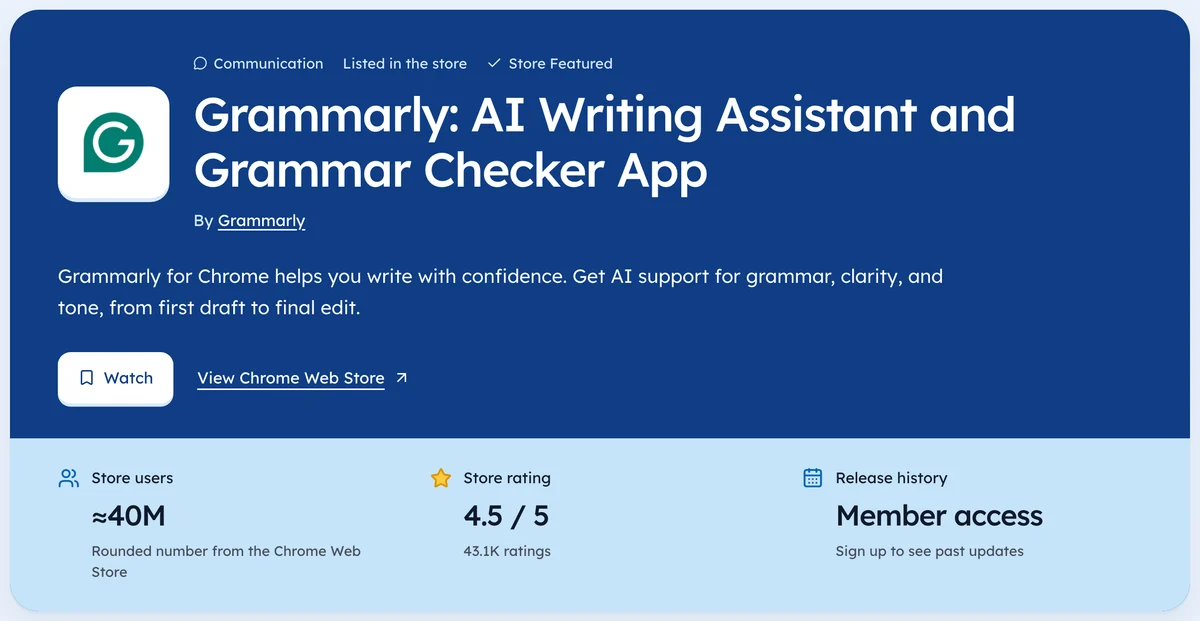
Our Workflow & Planning category page keeps the same counts, each with the day we saw it.
Growth: needs two readings
Here's the trap. Say a listing shows 50,000 users and was published 12 days ago. It looks like a rocket. But that's one reading, and the 50,000 could come from a promo, a bundle, or bought installs.
No second reading, no growth claim. You need the same number taken twice, ideally 30 days apart, before you call it growth.
We hold ourselves to that. Our own history started 2 Oct 2026, so Ext Watch (how we measure) labels early lists as "young listings with high users per day" rather than climbers until enough days pass.
A checklist for reading Chrome extension stats
- Users rounded? Treat as a floor.
- Fewer than 5 ratings on a big count? Be suspicious.
- Rating count higher across two dates? That's movement.
- Last update over a year ago? Check the changelog before calling it dead.
- Publisher a big company? Its numbers come from distribution, not product.
The second point matters most. As of 3 Oct 2026, a few young listings in our crawl show tens of thousands of users with one or two ratings. Real users leave some trace.
Very few ratings on a big count is a reason to look harder.
Two readings beat one guess, every time.
Questions people ask
What does 'users' mean on the Chrome Web Store?
It's an approximate count of active installs, not total downloads. Big counts are rounded.
Can you see a Chrome extension's install history?
Not on the store. You need someone who recorded the number on earlier dates.
Which stat best shows an extension is gaining users?
Rating count going up across two readings weeks apart. It's exact and hard to fake at scale.
Where these numbers come from
- developer.chrome.comChrome Web Store developer docsAccessed 3 Oct 2026
Part of our guide: Chrome Web Store Stats Explained, One Field at a Time. More in Chrome Web Store data.


1,954 new extensions in the last 30 days in Workflow & Planning. See them all.
Users, ratings and changes over time for every listing we track. Updated 3 Oct 2026 from our Chrome Web Store crawl