The short answer
The Featured badge may lift installs: Google says badge holders may get higher search rankings and promotions. As of 3 Oct 2026, Featured extensions in our crawl had a median of 3,000 users against 554 without it. That gap is correlation, though. Good tools earn both the badge and the users.
- 10,732 of 65,655 crawled extensions showed Featured (3 Oct 2026).
- Median users on 3 Oct 2026: 3,000 Featured, 554 not.
- 31% of Featured tools had 10K+ users, versus 8% of the rest.
- Google says you can't pay for the badge.
The Chrome Web Store Featured badge works a bit like a "staff pick" card in a bookshop. It helps. But the staff mostly pick books that were already good.
What Google says the Chrome Web Store Featured badge does
From Google's discovery docs: badge holders "may receive higher rankings in search and filtering", and might appear in promotions on and off the store. The badge is one lever in Chrome Web Store SEO. Developers can't pay for it. You can ask to be considered through One Stop Support if you meet criteria like English support and no active policy violations.
"May" is Google's word. It doesn't publish how much the badge moves rankings.
Featured versus not, in our crawl
| Measure | Featured | Not Featured |
|---|---|---|
| Extensions | 10,732 | 54,923 |
| Median users | 3,000 | 554 |
| Share with 10K+ users | 31.4% | 8.4% |
| Median rating (10+ ratings) | 4.41 | 4.43 |
| Median days since update | 435 | 117 |
Observed 3 Oct 2026, 65,655 extensions with store data. Users are rounded store buckets.
Ratings are almost identical. Our ratings guide shows why that's no surprise. The users gap is big. The update gap is odd: Featured tools had gone longer since their last update.
The Tools category page lists the same extensions with users and ratings.
Why this doesn't prove the badge works
Three things could explain the users gap, and our data can't separate them.
- The badge lifts installs. Google's docs suggest some of this.
- Popular tools get picked. Reviewers notice tools people already use.
- Older tools had time. Featured tools in our crawl had been around longer, which fits the longer update gap.
To measure lift, you need users before and after a tool gets the badge. Our history started 2 Oct 2026, so we'll be able to check badge changes going forward. Rank effects are covered in how store ranking works.
At the very top of the store
The badge is common among the biggest extensions, but it isn't a requirement. Of the 346 extensions in our crawl with 1 million or more users on 3 Oct 2026, 168 showed Featured and 178 didn't.
That near even split is useful. It says the very largest tools got there with or without the badge. Among smaller tools, the gap is wider, which fits the idea that the badge helps most when a listing is still finding its audience.
The criteria, as a checklist
Google lists what it looks for in its discovery docs. Here's the list turned into checks you can run on your own listing.
| Criterion | How to check it |
|---|---|
| Follows the program policies | No warnings or open issues in your dashboard |
| Clear, accurate listing | A stranger can say what it does from the first line |
| Good user experience | Core features work right after install |
| No extra sign-in for core features | The main job works without creating an account |
| Up-to-date platform use | Built on Manifest V3, current APIs |
| Privacy is clear | Privacy fields filled in and match what the code does |
The sign-in row trips up more tools than any other. If your main feature needs an account, consider a small free version that works without one.
What the update gap might mean
The oddest number in our table is the update gap. Featured tools had a median of 435 days since their last update, against 117 for the rest.
Two readings fit. Featured tools skew older and more settled, so they need fewer updates. Or the badge, once given, tends to stay even when a tool slows down. We can't tell which yet. Watch for this when you compare yourself to a Featured rival. A badge on a tool that hasn't shipped in over a year may be an opening, which our guide to reading competition covers.
If you lose the badge
Losing it isn't the end of a listing. Most extensions in the store have never had it.
- Check your dashboard for any policy notice. Fix that first.
- Re-read the criteria table above and find what changed.
- Note your users and rating count on the day you noticed, so you can see if anything moved.
- Request consideration again once the issue is fixed.
Keep the dated notes either way. They're the only way to see whether the badge was doing much for you.
Does the badge show up in search?
Google's wording is that badge holders "may" rank higher. From outside, there's no way to measure that exactly. What you can do is check your own niche.
- Search the store for the main phrase in your niche.
- Note the top ten results and which ones show Featured.
- Note each one's users and rating count.
- Repeat on the same weekday for a month.
If Featured listings sit high even with fewer users, the badge is probably helping in that niche. If the order follows users and ratings, the badge matters less there. Our guide to store ranking covers the other signals.
The badge by category
Some groups of tools carry the badge far more often than others. You can see this on our categories pages, which list every extension in a group with its Featured flag, users and rating. If almost every big listing in your category has the badge, it's close to table stakes there. If few do, your time is better spent on the listing itself.
What the badge won't fix
A badge doesn't fix an unclear listing, weak screenshots or a tool that breaks after install. It may bring more people to the page. The page still has to convince them. Treat the badge as a bonus on top of the basics, which our guide to Chrome extension marketing lays out stage by stage.
Featured tools with the best ratings at scale
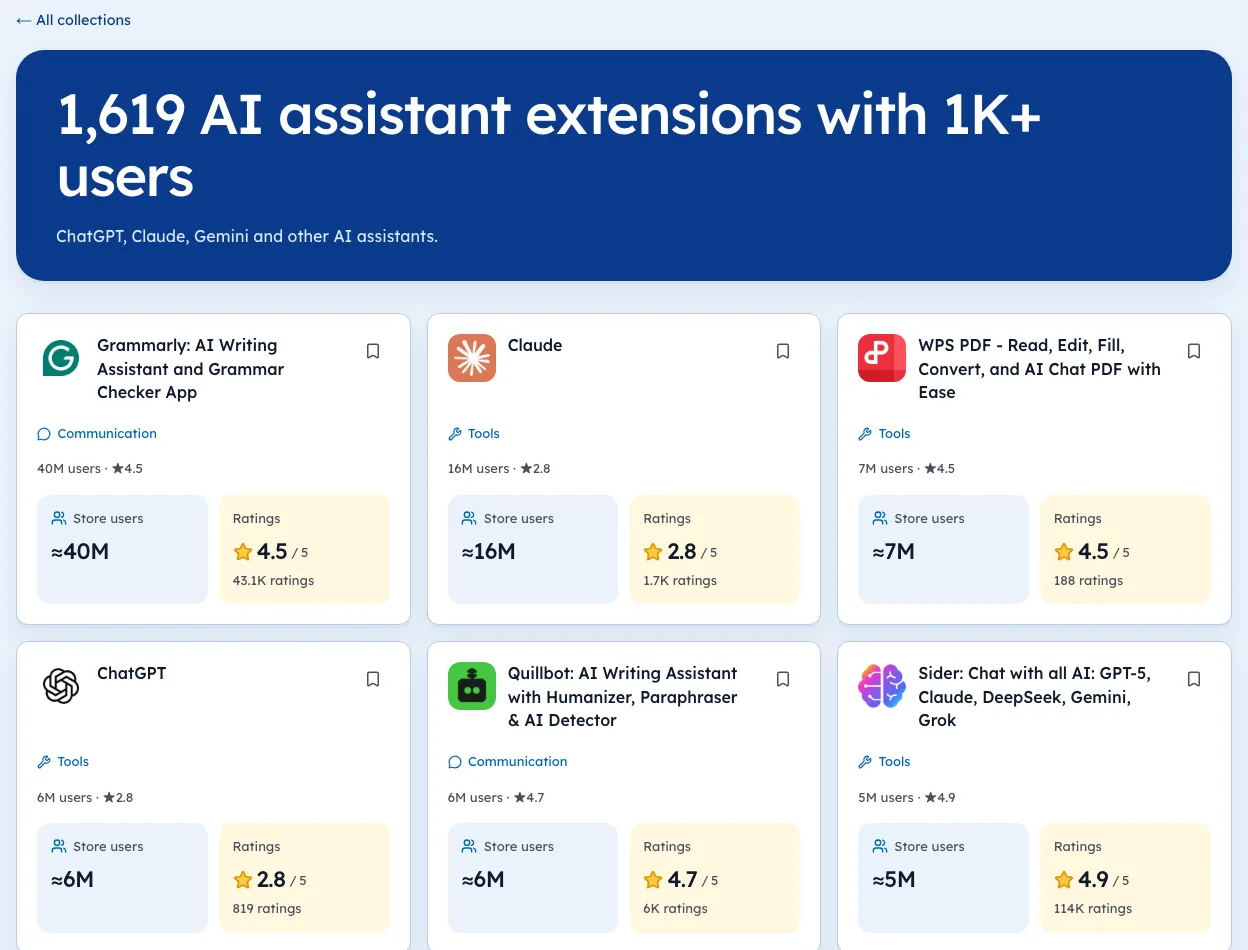
Some Featured tools combine huge audiences with very high ratings. On 3 Oct 2026, these stood out among Featured listings with 1,000,000+ users.
| Extension | Users | Rating (count) |
|---|---|---|
| Sider | 5,000,000 | 4.92 (114,491) |
| Pie Adblock | 2,000,000 | 4.90 (30,819) |
| Mobile simulator | 1,000,000 | 4.90 (5,195) |
| GoFullPage | 11,000,000 | 4.89 (84,154) |
| Monica | 3,000,000 | 4.89 (32,302) |
These are what the badge looks like at its best: a clear job, a loved tool and a big, active base. They'd likely be large with or without the badge, which is exactly why the badge's own effect is hard to measure.
Questions to ask before requesting the badge
A quick self-review before you ask Google to consider you.
- Does the core feature work without an account?
- Do screenshots show the real tool, at the right size?
- Is every permission tied to a visible feature?
- Have you replied to recent reviews?
- Is there any open policy notice in the dashboard?
If any answer is no, fix it first. You can compare your listing against Featured tools in your category on our categories pages.
What to do about it
- Read Google's badge criteria and check your tool against each one.
- Fix any gaps, especially features hidden behind sign-in.
- Request consideration through One Stop Support.
- Note your users and rating count on the day, so you can compare later.
We're biased, since we build Ext Watch, but tracking the before and after is the part we can help with. Our snapshots record the Featured flag with the date we saw it.
Staff picks help. A good book helps more.
Questions people ask
How do you get the Featured badge on Chrome Web Store?
Meet Google's criteria and request consideration through One Stop Support. You can't pay for it.
Does Featured affect search?
Google says badge holders may rank higher in search and filtering.
Can you pay for the Chrome Web Store Featured badge?
No. Google says developers can't pay for it. You can ask to be considered through One Stop Support if you meet the criteria.
How long does it take to get the Featured badge?
Google doesn't publish a timeline. Request consideration once you meet the criteria, then keep shipping as normal.
Can you lose the Featured badge?
Yes. Google can remove it if a listing stops meeting the criteria, for example after a policy violation.
What changed
- Refreshed the comparison to our 3 Oct 2026 crawl of 65,655 extensions and added the criteria checklist, the top-of-store split and what to do if you lose the badge.
Where these numbers come from
- developer.chrome.comChrome Web Store discovery docsAccessed 3 Oct 2026
Part of our guide: Chrome Web Store SEO: titles, descriptions, screenshots. More in Growth and ranking.


4,821 new extensions in the last 30 days in Tools. See them all.
Extensions gaining users fastest, and what they changed. Updated 3 Oct 2026 from our Chrome Web Store crawl