The short answer
The best Chrome extension ideas come from jobs people already do with an extension that serves them badly. Look for listings with real users, a low rating from many ratings or no recent update, and proof that the niche pays. A brand-new category with no users is usually a guess.
- Start from existing demand, not a blank page.
- A low rating only counts when many ratings sit behind it.
- A long gap between updates is a question to check, not proof of abandonment.
- Skip companion tools tied to someone else's service.
Picture a notes app full of chrome extension ideas. Most of them came from a shower, and none of them came with a buyer.
There's a calmer way to find ideas. Start where people already are.
Start from demand that already exists
An extension with a big audience proves a job exists. Your idea is a better way to do that job, not a new job nobody asked for.
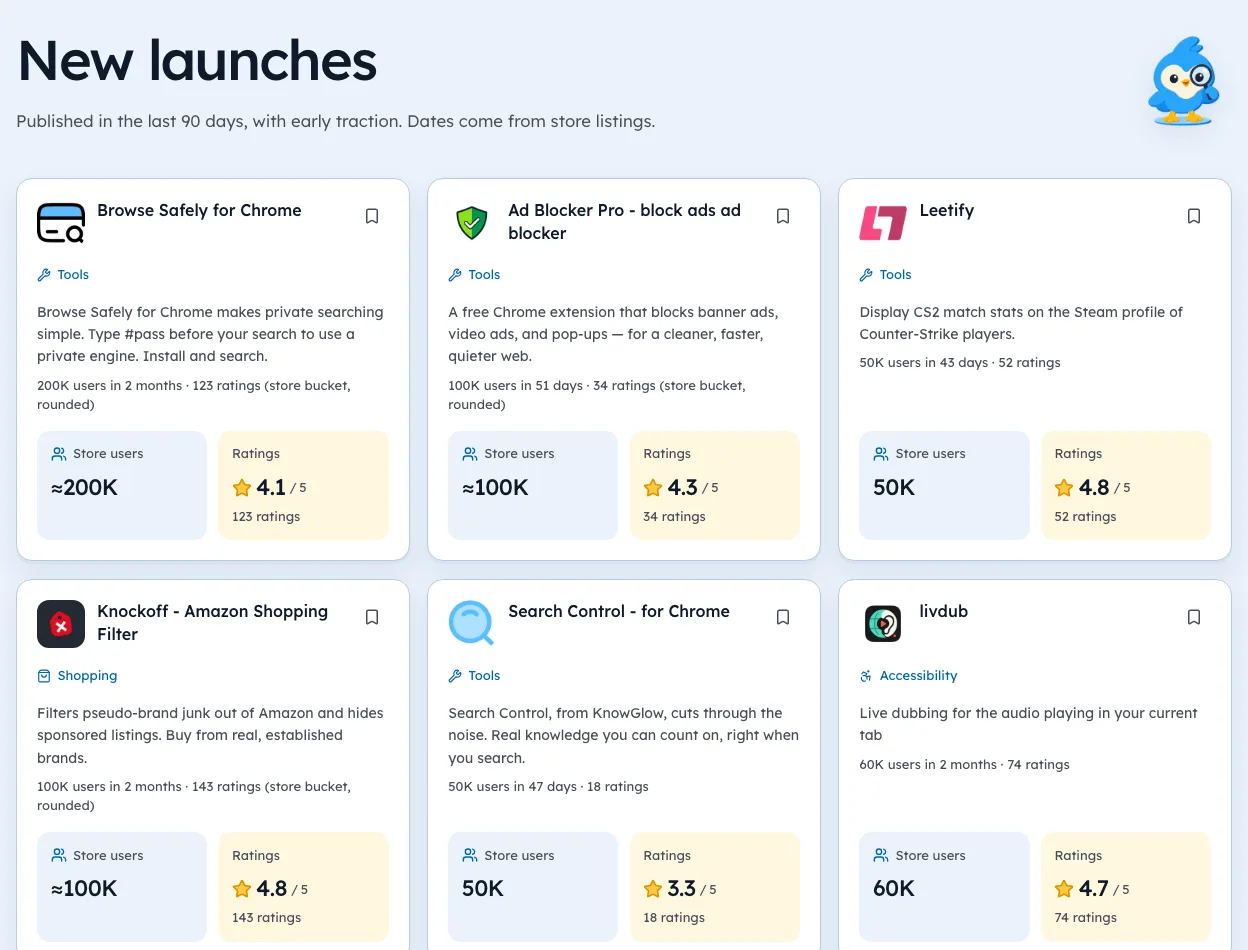
Browse one store category at a time. Note each listing that has a large user bucket, and write the date next to every figure you record.
How to find chrome extension ideas: the four gap signals
| Signal | What counts | What doesn't |
|---|---|---|
| Weak rating | Under 3.8 from hundreds of ratings | A 2.5 from six ratings |
| Long quiet | No update for many months on a big listing | A small, stable utility |
| Paying niche | Competitors with pricing pages | A "Pro" word in a name |
| Platform change | A new browser API or policy shift | A spike in one day of data |
Read each row as a question. A stale listing might be finished software. A low rating might be about a bug fixed last month.
For current numbers, open the writing assistants page.
Read the complaints yourself
Ratings tell you that people are unhappy. Reviews tell you why.
Open the listing in your browser and read the newest low-star reviews. Group them into three or four themes, like "breaks on login pages" or "too many permissions".
If two themes repeat across the top three tools, you've found a real gap.
Cross off the traps
Some promising-looking ideas aren't buildable as a business. Read the Chrome Web Store program policies before you build near any of these:
- Companions. Free add-ons that only work with one company's paid app.
- Mandated installs. Tools employers or schools push to staff, with few ratings for their size.
- Brand lookalikes. Listings borrowing a famous name, where the audience may not be real.
- Single-day spikes. Anything called a breakout from one snapshot.
Every guide in this series
This page is the hub for our guides on extension ideas. Each one goes deeper on a single step:
- 10 Chrome Extension Ideas to Make Money, Ranked by Gap
- Chrome Extension Business Ideas With Real Paying Users
- Profitable Chrome Extension Ideas for Solo Developers
- How to Validate a Chrome Extension Idea Before Writing Code
- Chrome Extension Ideas to Build This Weekend, With Proof
- 12 Browser Extension Examples That Reached 100K Users
- 50 Chrome Extension Ideas Backed by Real Store Gaps
- Chrome Extension Ideas From Reddit, Checked in the Store
- Chrome Extension Idea Generator vs Real Store Market Data
- Extension Ideas for Chrome
- Chrome Extension Project Ideas to Build for Your Portfolio
- Browser Extension Ideas That Are Still Uncrowded in 2026
Turn a gap into a test
Write one sentence: "People who use X for Y are frustrated by Z." Then check the money with our routine for confirming who pays, and size the niche with our market research guide.
We're biased here, since we make Ext Watch. Its radar lists candidates with the date on every number, which makes the circling faster.
Ideas from a shower are fine. Ideas from evidence pay the rent.
Questions people ask
What Chrome extensions are in demand?
Demand shows up as users on existing listings. Look at categories where several tools each have large audiences, then read their ratings and update dates for gaps.
Is it too late to build a Chrome extension?
Not if you pick a job people already pay to solve and do it better. Crowded categories are fine when the leaders are poorly rated or rarely updated.
Where can you find Chrome extension ideas?
Read store categories, competitor reviews on the store itself, forums where users complain about a tool, and the pricing pages of extensions in the niche.
Where these numbers come from
- developer.chrome.comChrome Web Store program policies

297 extensions tracked in Writing assistants. See them all.
Real demand, weak competition, with the numbers behind each one. Updated 3 Oct 2026 from our Chrome Web Store crawl